Step 1
Search by sound need
Look for a category, mood, action, or object that matches the scene you are editing.
Searchable SFX library
Search, preview, and download ready-to-use sound effects for edits, games, podcasts, memes, ambience, UI feedback, and cinematic moments.


How it works
Search the library, preview audio quickly, and use AI generation when your project needs a more specific sound cue.
Step 1
Look for a category, mood, action, or object that matches the scene you are editing.
Step 2
Listen to candidate effects and choose the one that fits the timing and texture of your project.
Step 3
Export the effect and drop it into your video, game, podcast, or soundboard workflow.
Use cases
Use the library for fast edits, game feedback, podcast scenes, social videos, horror moments, applause, UI sounds, and polished production cues.
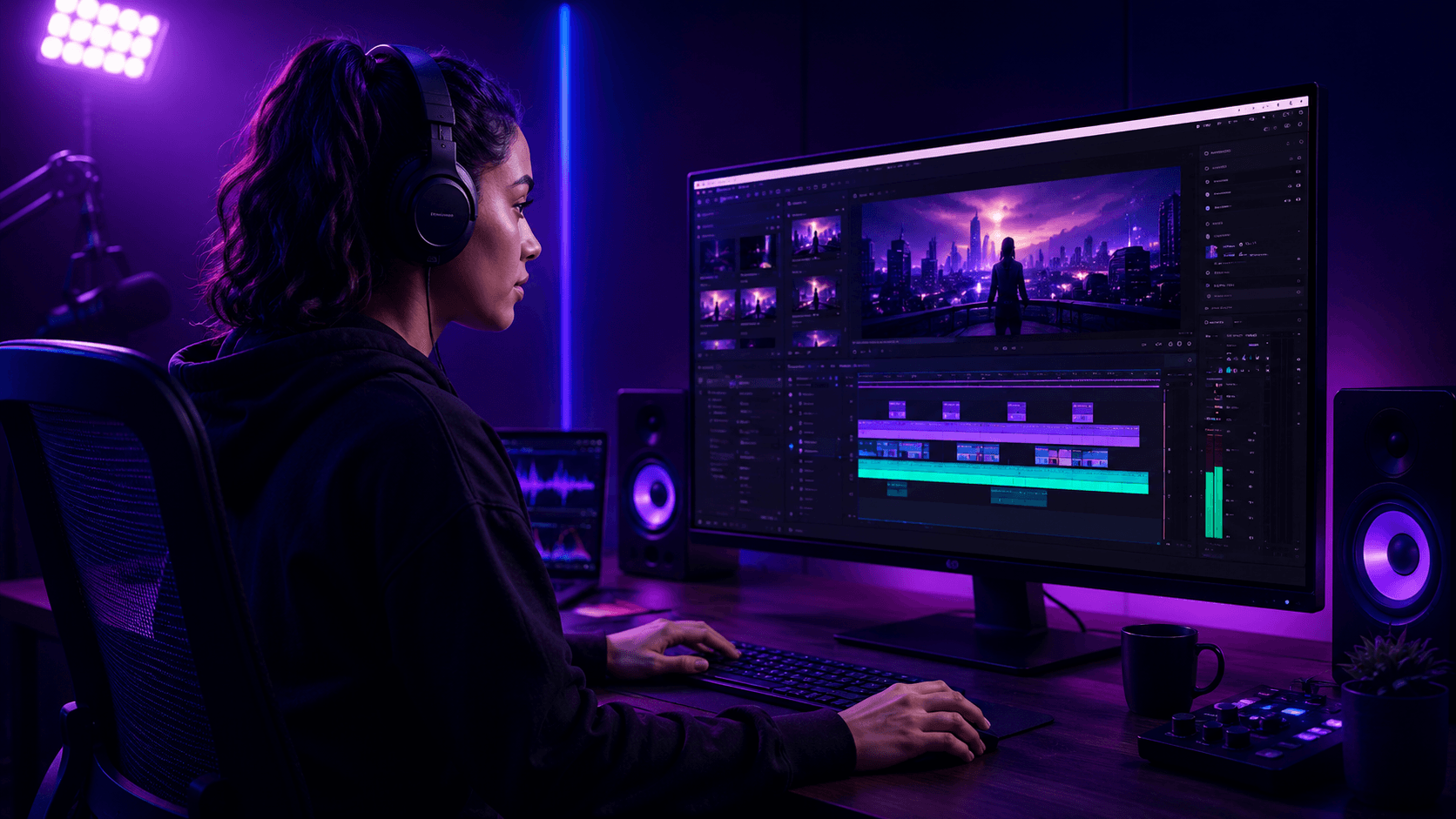
Find hits, risers, record scratches, buzzers, whooshes, and timing cues for fast-paced edits.
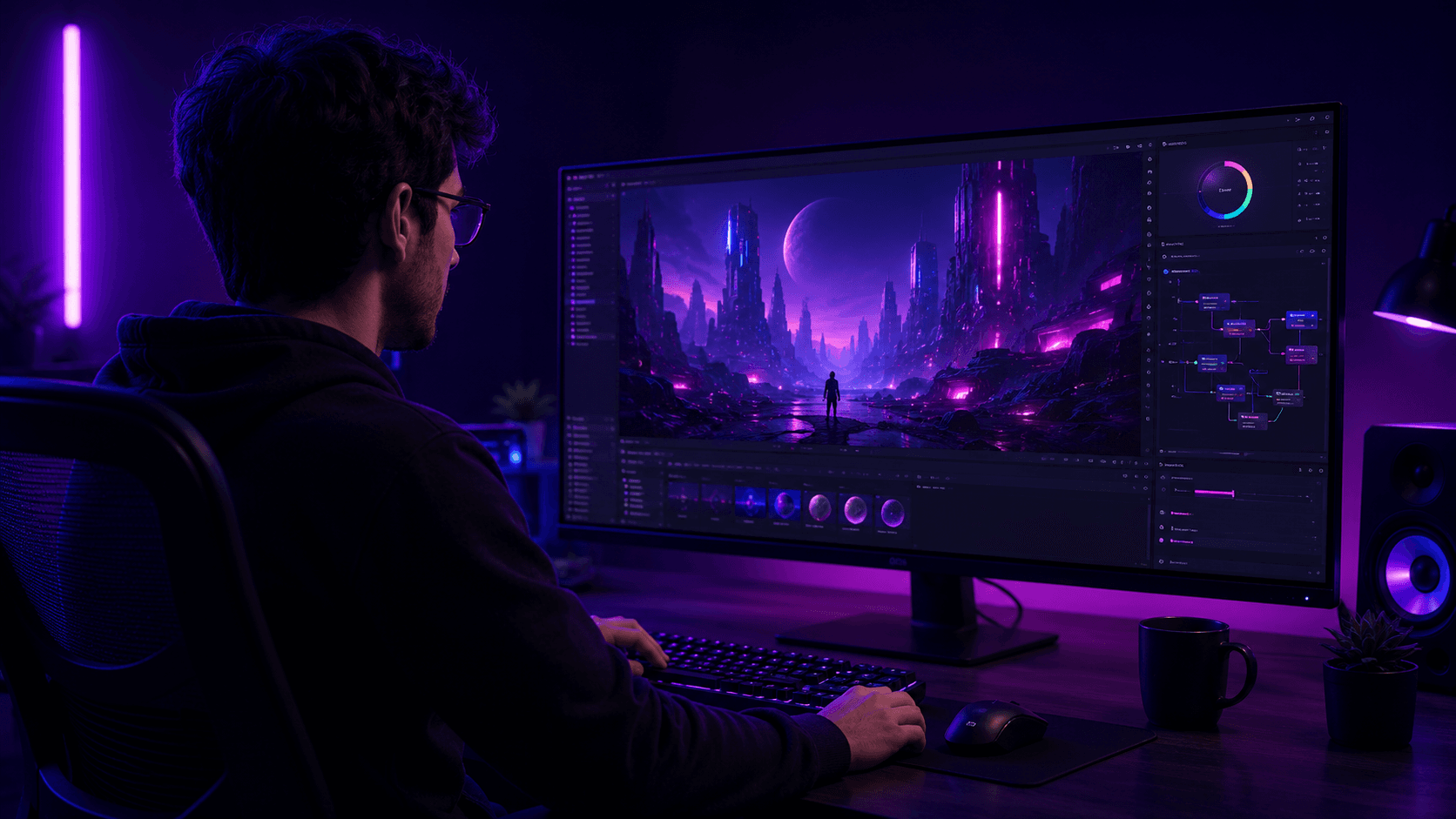
Collect impacts, interface clicks, menu feedback, creature cues, and world-building ambience.
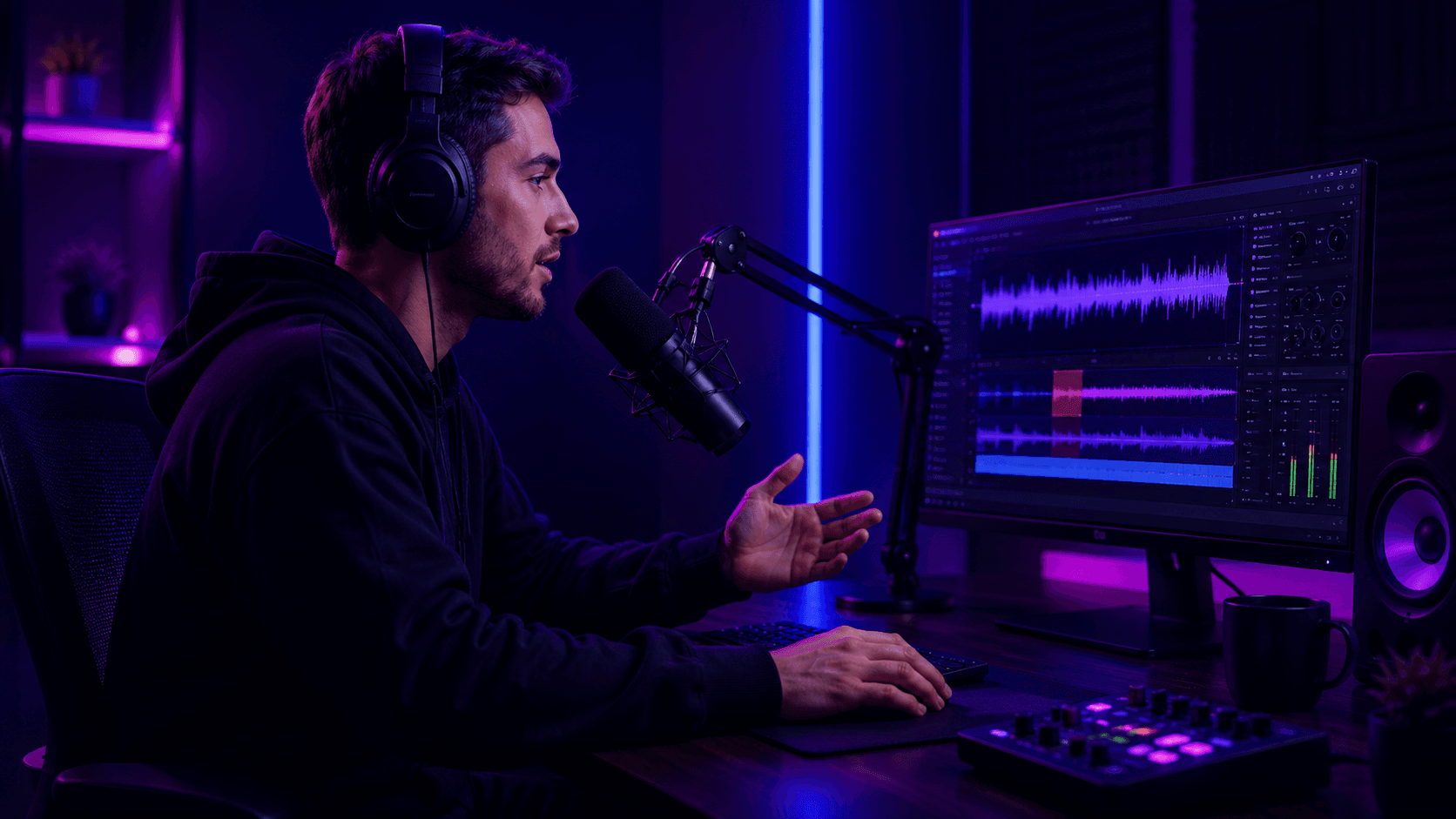
Add scene beds, transitions, tension cues, environmental sound, and short narrative moments.
Library features
The library helps creators move faster with searchable, royalty-free effects and a generator for the cues that need to be custom.
Use downloadable effects for videos, games, podcasts, ambience, transitions, and background audio.
Find comic hits, stings, reactions, and short effects for social clips and stream moments.
Browse realistic environmental sounds for scenes that need atmosphere, movement, and detail.
Testimonials
Creators use the library to move faster, stay organized, and find sounds that fit the edit without losing production time.
Search and preview SFX quickly.
Clean cues for real timelines.
Sounds built for publishing workflows.
I can find the right cue without digging through folders for an hour. The library keeps my edit moving.

Senior Video Editor
For streams and short clips, the effects are fast to preview and easy to reuse across projects.

Twitch Partner
The mix of library sounds and AI generation gives me quick options when a game scene needs something specific.

Indie Game Developer
I can build transitions and audio stings without leaving my editing flow. The results fit my episodes right away.

Podcast Producer
Impact hits, UI clicks, creature sounds — I can prototype all of them fast and keep the project moving.

Game Audio Designer
Our team uses it for social videos, ads, and short-form edits when we need practical audio options quickly.

Content Producer
FAQ
Common answers about previewing, downloading, using, generating, and troubleshooting sound effects.
Yes. Use the play controls in the library list to preview sound effects before choosing what to download or reuse.
Yes. Use the download action when the sound is available and your account flow allows it.
The library is built for creator workflows. Your final usage depends on the sound source, account plan, and the rules of the platform where you publish.
You can browse cinematic hits, whooshes, impacts, UI sounds, nature, horror, objects, fantasy, vehicles, animals, and more.
Yes. Use the sound effects creator to describe the exact action, texture, timing, and atmosphere you need.
Some remote audio files can fail if the source blocks requests or becomes unavailable. Try another sound or generate a custom effect when you need a reliable match.
Related guides
Use these focused guides to prepare inputs, avoid common mistakes, and move into the tool with a clearer brief.