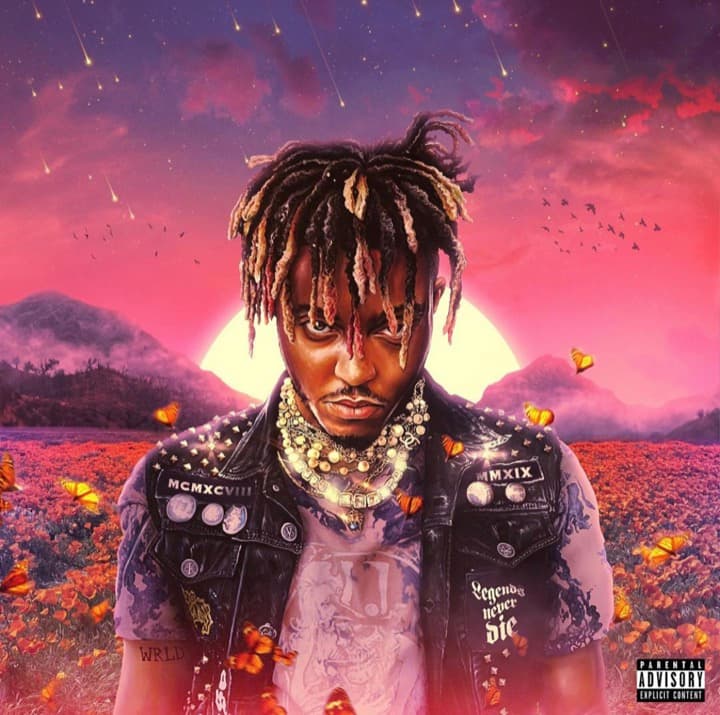
Juice WRLD
328.3khello66
Upload a track or paste a music link, choose a voice style, and create a fresh AI cover song draft that fits your arrangement.
Pick a voice direction and add the source song you want to rework.
Loading AI voices...
Recently used
Recommended
Only transform music you own or have clear permission to use.
This tool supports -12 to +12 semitones.

Your generated cover versions will appear here.
hello66
catchrywe

worldweb512

VoiceMaster

KingOfPop91

VocaloidFan
KpopStudio

MusicCreator
Browse a wide range of AI voice styles and vocal directions, then pick the option that best matches your source track.
Start with an uploaded song or paste a source link while the system prepares a new cover draft around your selected voice.
Adjust the vocal direction, pitch feel, and cover character so the generated version better fits the arrangement you want.
Preview the finished cover, keep the versions you like, and share or download the result when the task is ready.
Turn a source track into a new cover version with a simple upload, voice selection, generation, and review workflow.
Rework source songs with voice direction, pitch control, fast processing, and downloadable cover drafts.
Create a new performance feel without rebuilding the whole track from scratch
Try different voice styles, pitch shifts, and cover tones for each song
Generate usable audio previews for content, demos, and creative testing
Submit a cover task and review the result from the same workspace
Feedback from creators who use AI cover drafts to test voices, make content, and explore new song directions.
Music Enthusiast
The voice choices help me test cover ideas before I spend time on a full production. It is fast enough for real creative drafts.

Content Creator
I uploaded a track, picked a voice style, and had a usable cover preview quickly. The flow is simple without feeling limiting.
Aspiring Singer
Pitch and voice direction make it easier to explore different versions. I can hear which idea is worth developing further.

Social Media Influencer
For social clips, the cover drafts are easy to preview and reuse. It saves time when I need several quick variations.

Music Producer
I use it as a sketching tool for vocal ideas. Trying different voices in one place makes the workflow much lighter.
Common answers about source songs, voice styles, upload formats, downloads, and responsible cover creation.
Yes. Upload a supported audio file or paste a music link, choose an available voice style, and create an AI song cover draft from that source.
Yes. You can guide the cover with voice selection, pitch adjustment, and source quality so the draft better fits the song arrangement.
Do not use celebrity names, official artist voices, or unauthorized voice clones. Use available voice styles only when you have the right to create and publish the cover.
The uploader accepts common audio formats such as MP3, WAV, AAC, FLAC, and OGG, with a maximum file size of 100MB.
You can download the generated result when your plan allows it. Only publish or monetize covers when you have permission for the source song, vocal style, and final use.
AI Song Cover is available on paid plans. Each cover uses 10 credits, and the cost is shown next to the create button before you start. Free daily credits can still be used for lyrics, text to song, and other creation tools.
Related guides
Use these focused guides to prepare inputs, avoid common mistakes, and move into the tool with a clearer brief.