01
Write the song idea
Describe the topic, story, emotion, audience, and any phrases you want the song to include.
- Use a natural sentence instead of keyword stuffing.
- Mention the scene, character, or purpose of the song.
Text to song generator
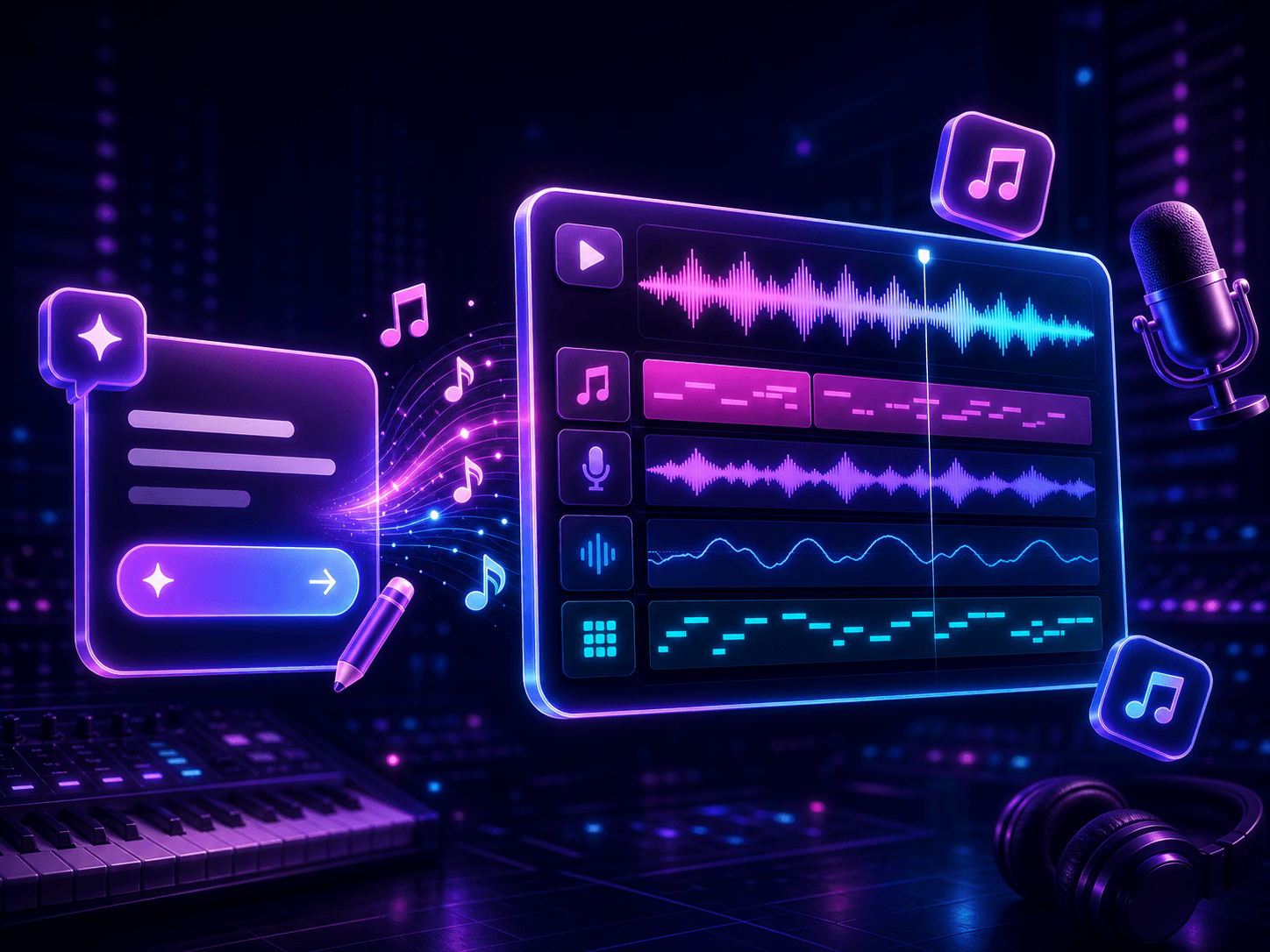
Start with a message, scene, story, or short prompt. The text to song generator turns plain language into lyrics, melody, vocals, and a complete AI song draft.
How it works
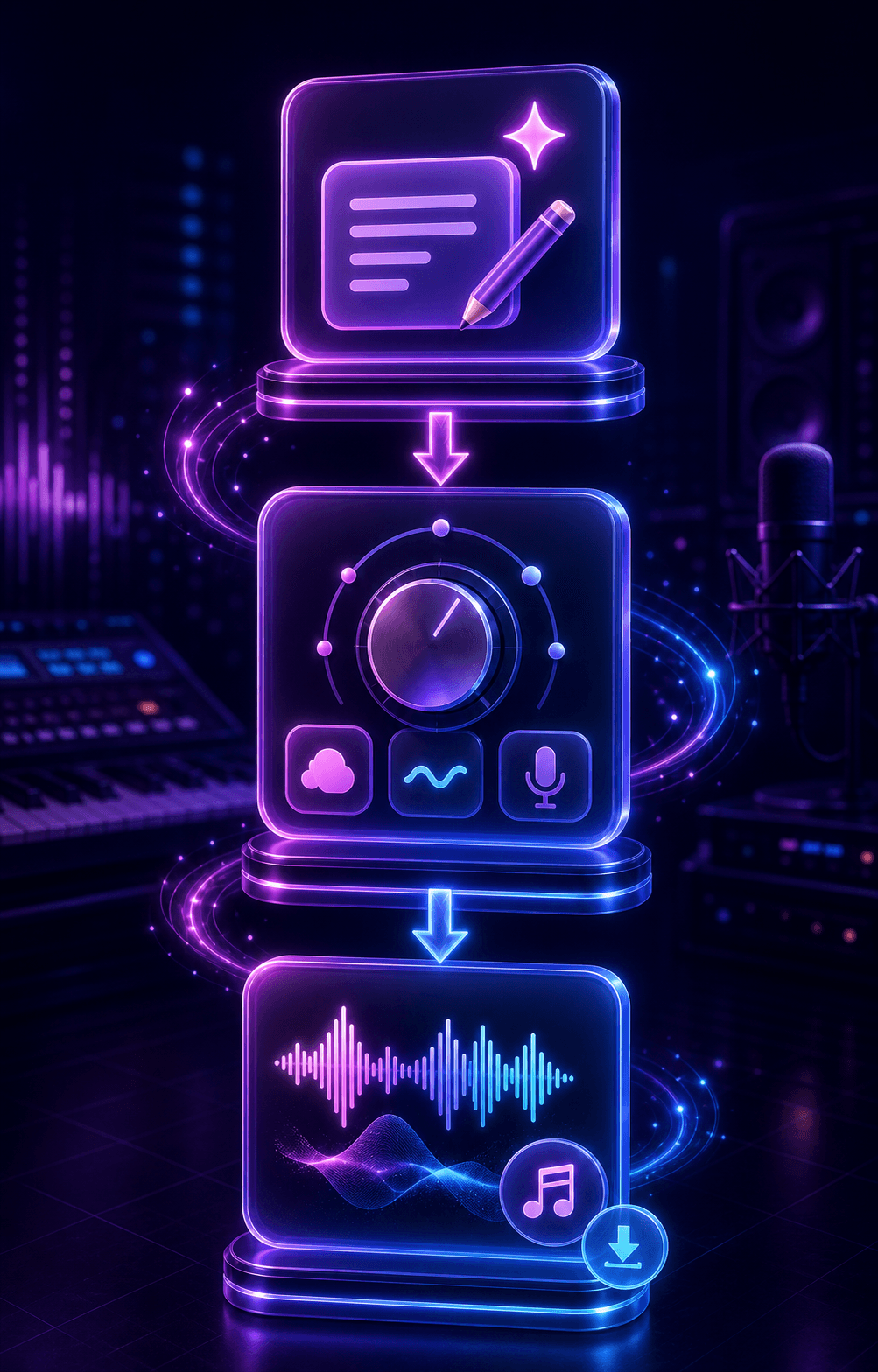
Write the idea first, then guide the AI with mood, genre, audience, voice, and use case so the first draft has a clear direction.
Describe the topic, story, emotion, audience, and any phrases you want the song to include.
Add genre, mood, tempo, vocal direction, and language so the AI understands the musical target.
Listen to the draft, keep the strongest hook, then regenerate or adjust the prompt for a cleaner result.
Use cases
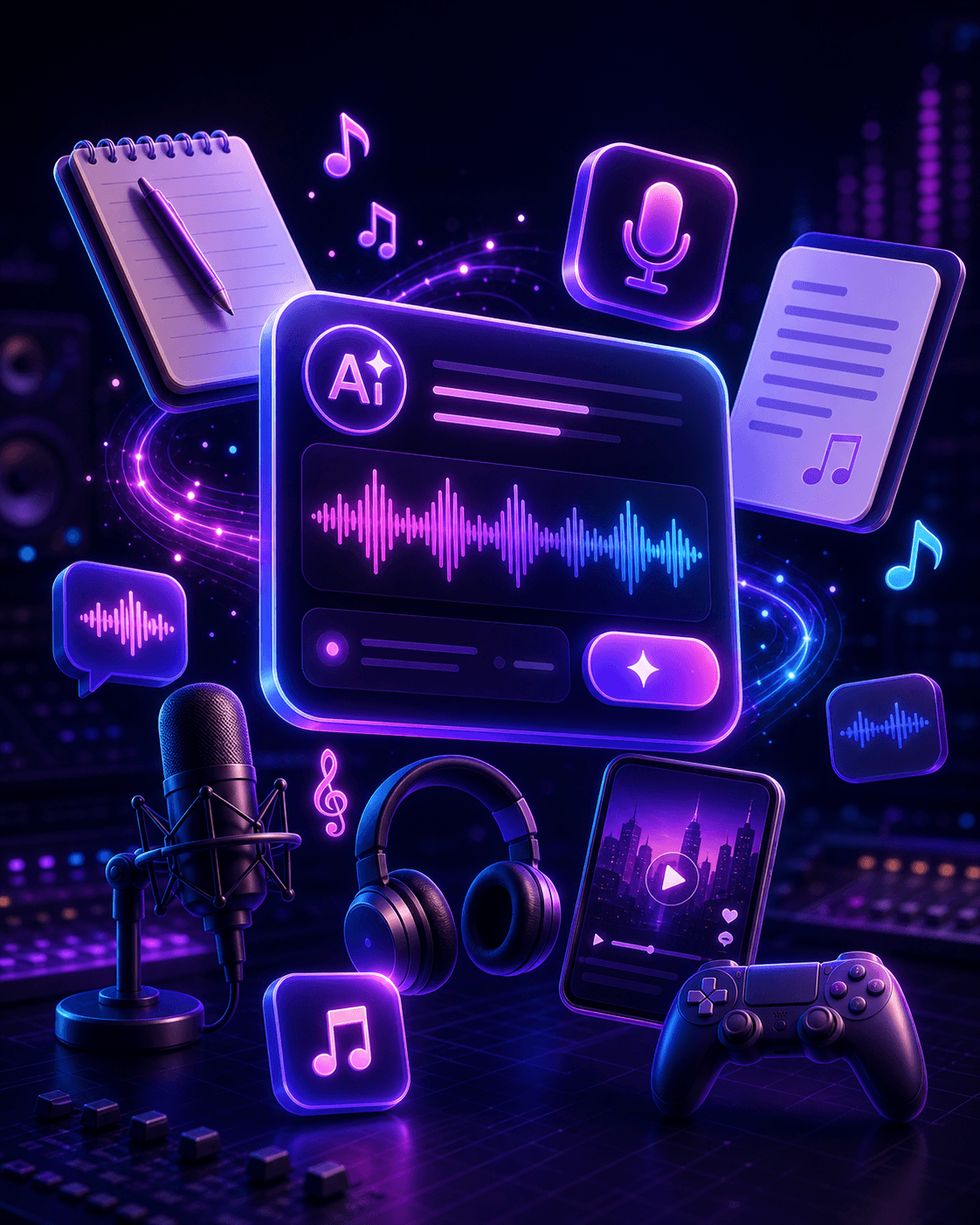
Text to song works best when you have an idea, brief, or emotional direction but have not written full lyrics yet.
Turn captions, video concepts, product stories, or campaign ideas into catchy music drafts for TikTok, Reels, Shorts, and ads.
Use one sentence, a theme, or a rough hook to explore melody, structure, and lyric directions before polishing the song.
Generate theme songs, character songs, classroom music, game loops, or narrative audio from a simple creative brief.
Choose the right workflow
Choose text to song when you have an idea but no finished lyrics. Choose lyrics to song when your words are already written.
Best when you have an idea but no finished lyrics. Start here to turn a prompt into a song draft.
Current workflowBest when you already wrote lyrics and want vocals, melody, and arrangement around them.
Use finished lyricsBest for broad music creation from prompts, lyrics, styles, moods, and voices.
Create AI musicBest when you need help writing hooks, verses, rhymes, or song structure before generating music.
Write lyrics firstCreate football anthems, fan chants, stadium intros, and sports video music for global tournament moments.
Create anthemWriting guides
Review these guides before you generate so prompts, lyrics, arrangements, and final checks start from a clearer plan.
FAQ
Answers about turning ideas, stories, messages, and prompts into AI-generated songs.
A text to song generator turns plain-language input into a song draft. You can start with an idea, story, message, scene, or prompt, then the AI creates lyrics, melody, vocals, and arrangement direction.
Use text to song when you do not have finished lyrics yet. If you already wrote verses, chorus, or a full lyric draft, use lyrics to song so the music can follow your exact words.
Write the topic, listener, emotion, genre, mood, tempo, vocal style, and intended use. Add phrases you want in the hook if the song needs a specific message.
Yes. The workflow can turn a prompt into lyrics and guide the AI song with vocals, melody, style, and arrangement direction.
Use original prompts and avoid protected lyrics, famous artist names, or copyrighted material. Commercial use depends on your plan rights and the originality of your input.