Prompt to song
Describe the story, audience, mood, and genre when you only have a concept or brief.
AI music generator
Describe a song idea, add lyrics or style tags, and generate AI music with vocals, melody, structure, and arrangement in one workspace.
Creation modes
Start from a prompt, finished lyrics, vocal direction, or style idea without forcing every song into one rigid workflow.
Describe the story, audience, mood, and genre when you only have a concept or brief.
Paste finished lyrics and guide the AI with vocal tone, tempo, language, and arrangement.
Shape the performance with vocal energy, instrumental palette, era, and production feel.
Generate a structured song draft with intro, verse, chorus, bridge, outro, and mix direction.
How it works
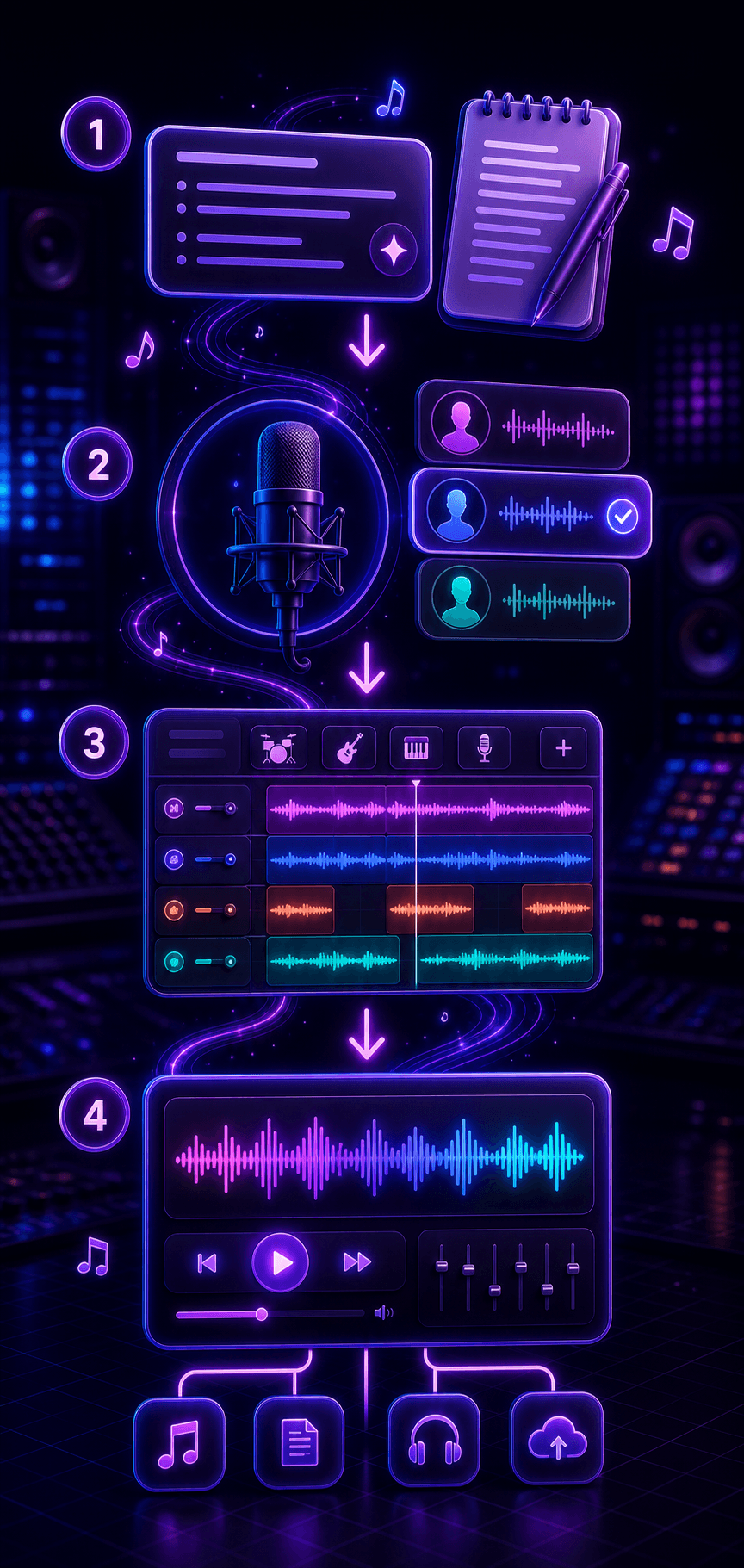
Give the generator a clear brief, guide the sound with style and vocal details, then refine the strongest version.
Write the idea, theme, scene, listener, language, and emotional target in natural words.
Add genre, mood, tempo, vocal character, instruments, and song sections so the model has a clear target.
Listen for the strongest hook, melody, and vocal phrasing, then adjust the prompt for cleaner results.
Keep promising drafts in your history and continue polishing lyrics, arrangement, or production direction.
Use cases
Use AI music generation when you need original song ideas quickly, while still controlling lyrics, mood, vocals, and production direction.
Turn captions, product ideas, story beats, and campaign concepts into catchy music drafts for videos and ads.
Explore melodies, vocal directions, hooks, and arrangements before committing studio time to a final version.
Generate jingles, launch songs, seasonal campaigns, and branded music directions from a clear creative brief.
Create theme songs, character music, learning songs, narrative audio, and background music for interactive projects.
Choose the right workflow
Use the broad AI music generator for complete songs, or switch to a focused tool when your starting point is more specific.
Best for broad song creation from prompts, lyrics, styles, moods, voices, and arrangements.
Current workflowBest when you have an idea or brief but no finished lyrics yet.
Start from textBest when you already wrote lyrics and want vocals, melody, and arrangement around them.
Use finished lyricsBest when you need help writing hooks, verses, rhymes, or song structure before generating music.
Write lyrics firstCreate football anthems, fan chants, stadium intros, and sports video music for global tournament moments.
Create anthemWriting guides
Review these guides before you generate so prompts, lyrics, arrangements, and final checks start from a clearer plan.
Q&A
Answers about prompts, vocals, credits, commercial use, and choosing the right song workflow.
An AI music generator turns prompts, lyrics, genres, moods, vocal direction, and arrangement notes into listenable song drafts. It helps you move from an idea to a complete track faster.
Yes. You can guide vocal tone, language, energy, genre, tempo, and instruments so the generated song includes a clearer performance direction.
Include the topic, listener, emotion, genre, mood, tempo, vocal style, instruments, and any lyric phrases or section notes. Natural briefs work better than keyword lists.
Lyrics cost 1 credit. V2.0 costs 3 credits, V2.5 Pro costs 6 credits, and V3 costs 12 credits per generation. The page shows the current model cost before you create.
Use original prompts and lyrics, avoid protected lyrics or famous artist names, and follow the rights included in your plan. Original inputs keep projects safer for creator and commercial use.
Use Text to Song when you only have an idea, story, or message. Use Lyrics to Song when your lyrics are already written and you want vocals, melody, and arrangement around them.