Clean vocal extraction
Separate the vocal layer from the instrumental bed with AI stem processing.
AI vocal remover
Remove vocals and create instrumental tracks
Upload a song and let AI isolate vocals from the backing track for karaoke, covers, remixes, practice, translation, and production workflows.
Separate the vocal layer from the instrumental bed with AI stem processing.
Upload audio, start processing, and review downloadable stems after the task completes.
Use daily credits to test vocal separation before upgrading for more volume.
Uploaded files are tied to your task and processed through the account workflow.
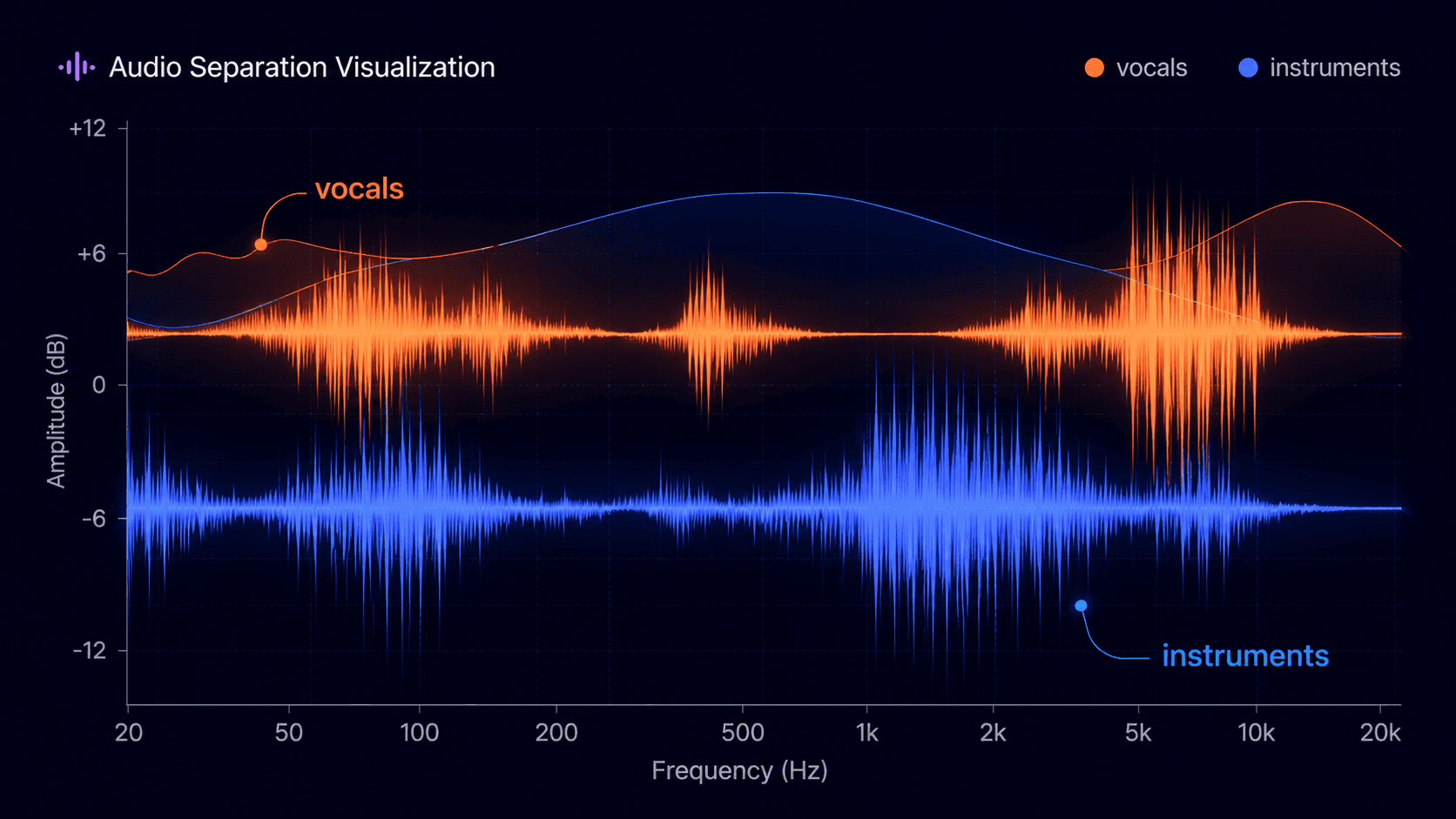
Outputs: vocal stem and instrumental stem. Preprocessing: denoise.
Your uploaded audio is processed securely inside your account task.
How separation works
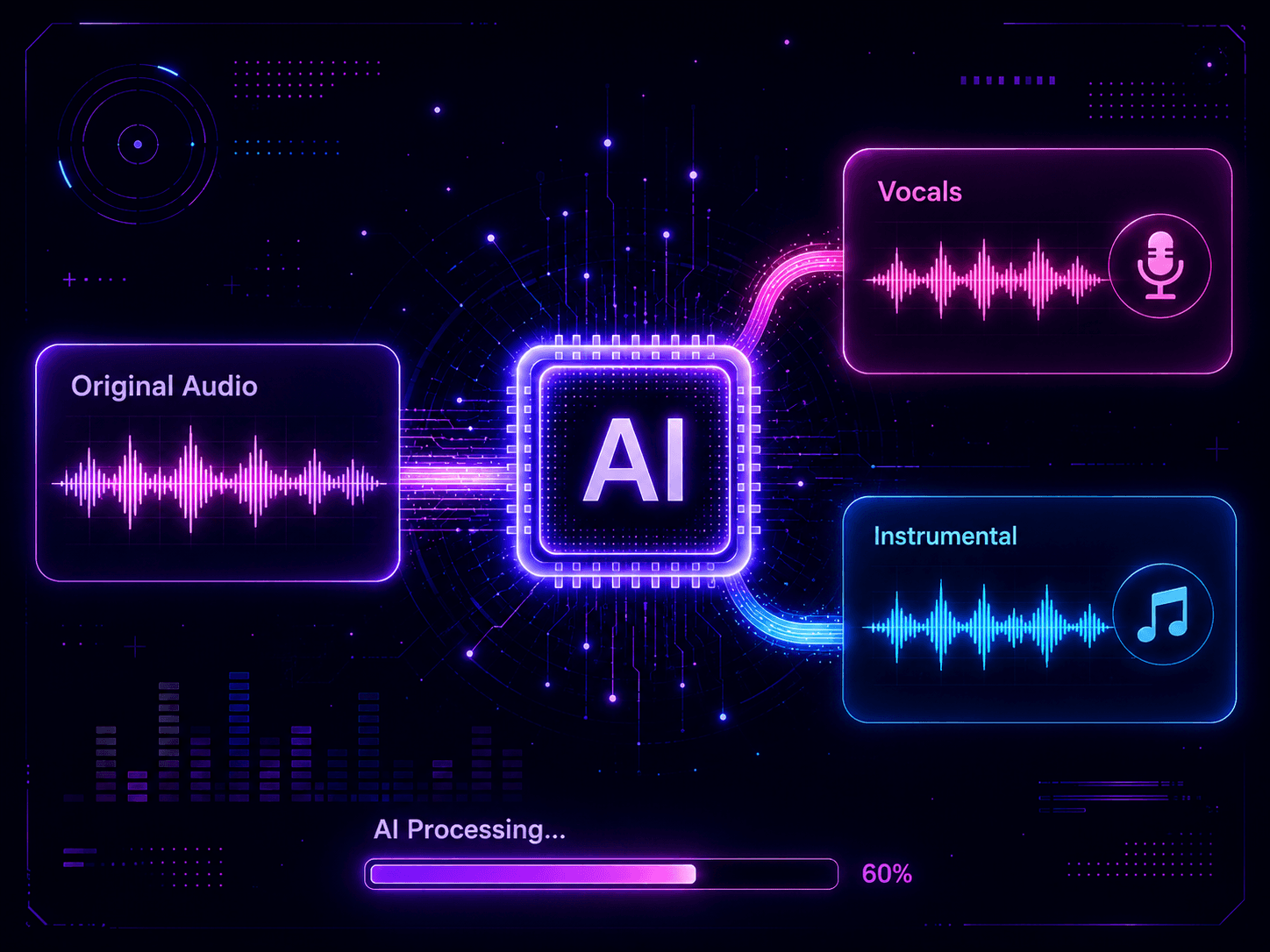
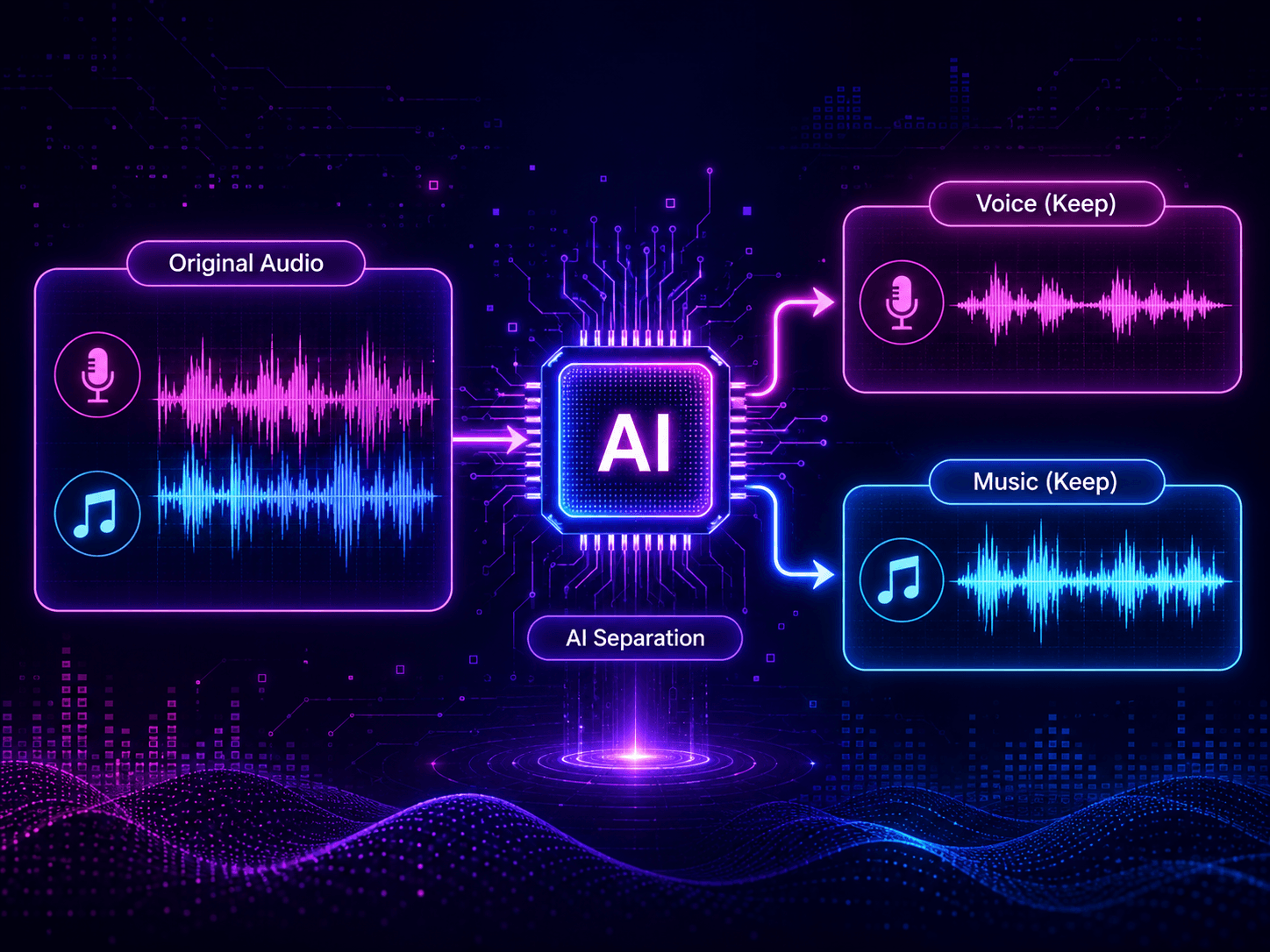
AI vocal separation splits a mixed song into vocal and instrumental stems. Instead of relying on simple channel tricks, Make A Song AI analyzes frequency patterns and separates the voice layer from the backing track.
The output gives you two usable files: one vocal stem and one instrumental stem for karaoke, remixing, translation, practice, demos, and music production.

Three-step workflow
Upload a song, let AI process the mix, then preview and download the separated vocal and instrumental stems.
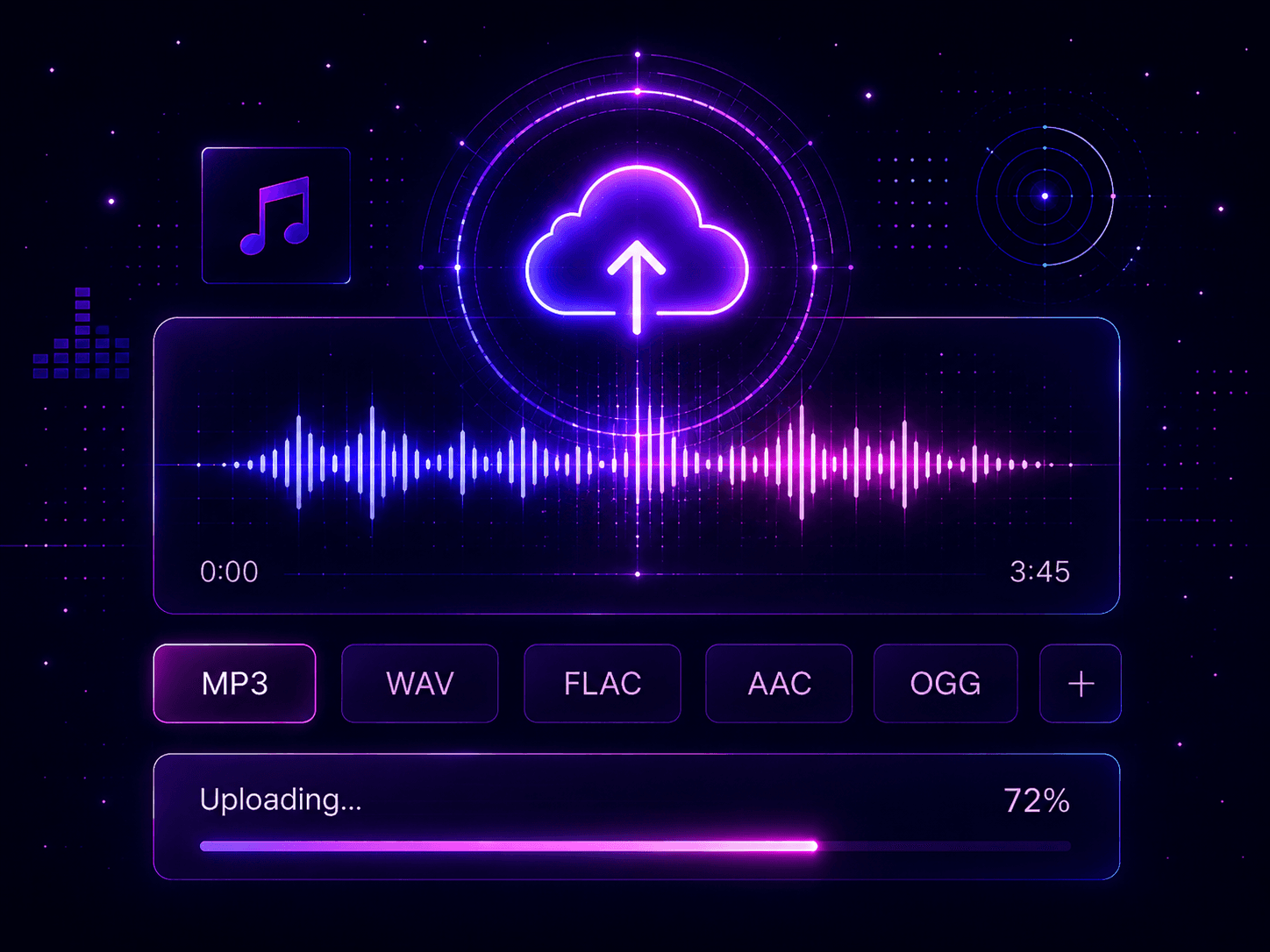
Choose a supported audio file from your device. MP3, WAV, FLAC, AAC, and OGG files can be used.
The system analyzes the recording and separates the vocal layer from the instrumental backing track.
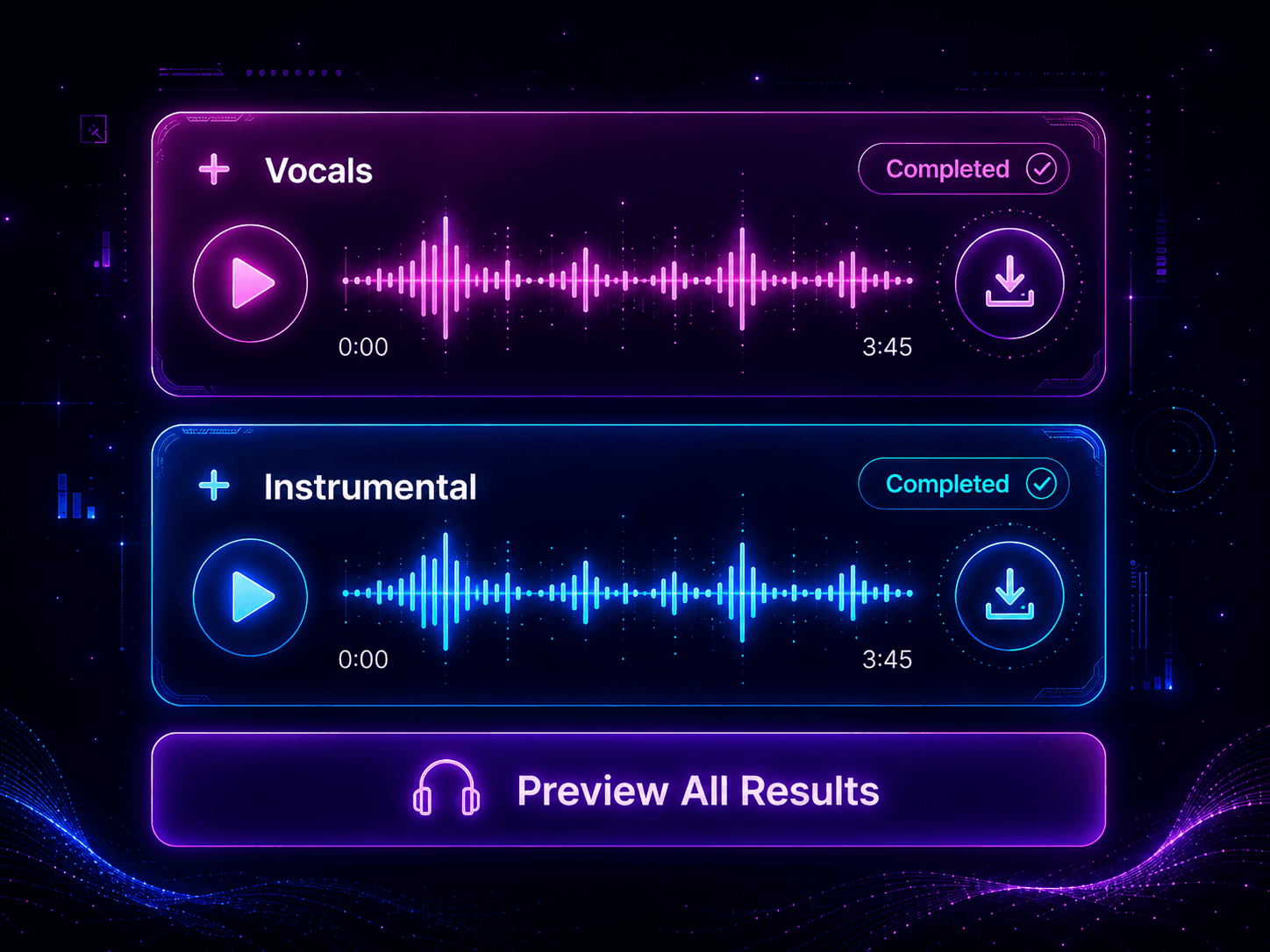
Preview the result, then download the vocal and instrumental files for covers, karaoke, remixes, or demos.
Remove the lead vocal and keep the backing track for karaoke, rehearsal, sing-along videos, and practice sessions.
Use the instrumental as a base for recording your own vocal cover or continuing with other Make A Song AI tools.
Extract vocal stems for remix sketches, mashups, sampling tests, and quick production experiments.
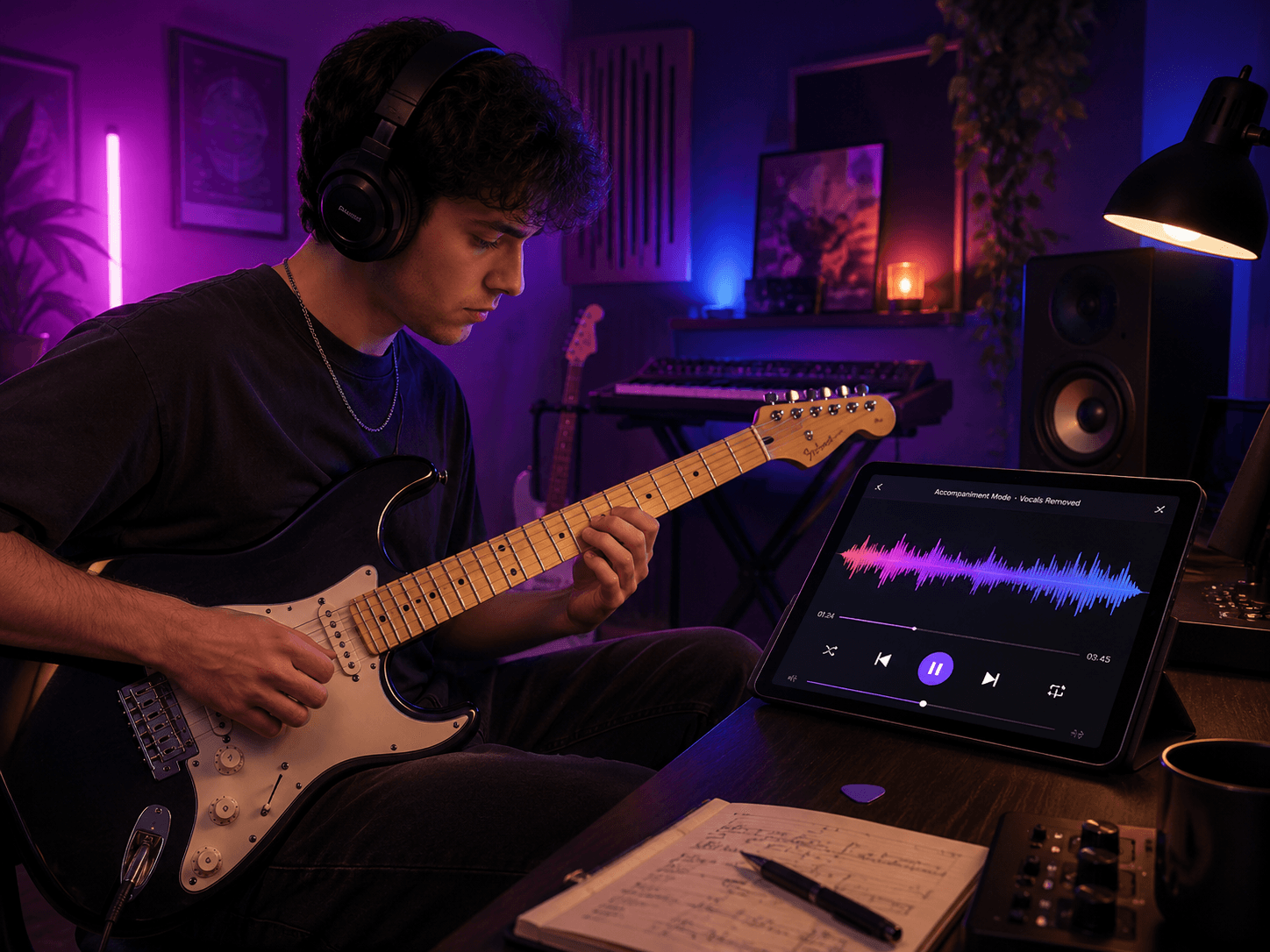
Keep the backing track while you practice guitar, piano, bass, drums, vocals, or arrangement ideas.
Separate speech, music, and vocal layers for podcasts, lessons, videos, shorts, and social edits.
Vocal remover guide
An AI vocal remover splits a finished song into two files: an isolated vocal track and an instrumental (karaoke) track. Upload an MP3, WAV, FLAC, AAC, or OGG file up to 100MB and the AI separates the voice from the backing music in one task.
Karaoke track
Upload a song you have the rights to and keep the instrumental to sing over at a party or rehearsal.
You get an instrumental to sing along with and a vocal track to check timing and phrasing.
Cover recording
Remove the original vocal from your own demo so you can record a new lead vocal in your DAW.
Import the instrumental, record your take on top, and use the isolated vocal as a guide track.
Acapella for a remix
Extract the lead vocal from a track you produced to start a remix or mashup sketch.
Use the acapella in your DAW and trim breaths or leftover reverb tails before mixing.
The workflow uses model-based separation to split vocals and instrumentals more cleanly than basic mute or phase tricks.
Start with daily credits and upgrade only when you need more processing volume or a larger workflow.
Run vocal separation in the browser on desktop, tablet, or mobile without installing extra software.
Uploads are processed for your vocal separation task, and your files remain tied to your account workspace.
FAQ
Common answers about removing vocals, supported files, instrumental tracks, stem quality, privacy, and usage rights.
You can upload supported audio and let AI separate vocals from the instrumental track. Only process music you own, created yourself, or have permission to use.
The uploader supports common audio formats such as MP3, WAV, FLAC, AAC, and OGG files up to 100MB.
Yes. When processing is complete, the task can return separated vocal and instrumental stems for preview and download according to your plan.
AI separation quality depends on the source mix. Clean vocals and balanced recordings usually produce better stems, while dense mixes can leave artifacts.
Commercial use depends on your rights to the original audio and the final project. Do not publish stems from copyrighted songs without permission.
Uploaded files are tied to your account task and processed through the existing Make A Song AI workflow.
This page focuses on vocal and instrumental separation. Use Stem Splitter when you need drums, bass, guitar, piano, and other detailed stems.
Related guides
Use these focused guides to prepare inputs, avoid common mistakes, and move into the tool with a clearer brief.