Write Better AI Song Lyrics

Turn topics, keywords, mood, style, voice, tempo, and structure into clean song lyrics you can revise, copy, and turn into music.

  • AI Lyric Writer Online
  • Rap Verse Writer
  • Song Lyrics Maker

Lyrics Brief

Describe the idea and let AI draft structured song lyrics.

Lyrics cost: 1 credit

AI-generated content is for reference. Please avoid misuse.

Lyrics Draft Preview

Your lyric draft will appear here

Waiting
Add a theme or keywords, then generate a real lyric draft with AI.

Direct answer

What an AI lyrics generator actually does

An AI lyrics generator turns a writing brief—topic, keywords, mood, genre, voice, language, and structure—into an editable song draft with labeled sections. It is a starting point for revision, not a replacement for your creative judgment.

  • Input a concrete scene, emotion, point of view, and a few phrases you want included.
  • Choose a structure such as verse, pre-chorus, chorus, bridge, and final chorus.
  • Review rhyme, singability, originality, and factual details before turning the draft into music.
Try a lyric brief

Paste-ready lyric briefs

Indie pop

Write an English indie-pop song about missing the last train but choosing to walk home together, nostalgic and hopeful, with a short singable chorus.

Check for a clear night-city scene, a recurring last-train hook, and a chorus that can be repeated without changing the story.

Rap verse

Write two clean rap verses about rebuilding confidence after a failed launch, internal rhymes, determined tone, 92 BPM, no celebrity references.

Check for consistent perspective, natural internal rhymes, and bars that fit a medium-tempo beat without filler.

Birthday chorus

Write a warm birthday chorus for Maya, who loves painting and makes everyone laugh, family-friendly, upbeat acoustic pop.

Check that the name and personal details feel natural, the language stays family-friendly, and the hook is easy for a group to sing.

A Lyric Workspace Built for Real Song Drafts

Use a lyric workspace built for writers who need more than random lines. It helps shape sections, rhyme direction, privacy-aware drafts, and song ideas that are easier to revise.

Creative Lyric Drafting Beyond Templates

The generator reads your topic, mood, genre, and structure together, then returns lines that follow the brief. That makes it easier to compare hook ideas, adjust rhyme patterns, and keep the final lyric feeling original.

Private Songwriting with Better Rhyme Control

Keep projects organized while you draft hooks, verses, rap lines, and rewrites. The tool is built to support private creative work and more detailed rhyme prompts, so your ideas stay focused as they develop.

Practical Ways to Draft Song Lyrics

Explore practical ways to use the lyrics workspace, from first drafts and hook ideas to rap verses, love songs, and structured sections you can later turn into full music.

Break Writer's Block with Fresh Lyric Angles

When a verse feels stuck, use the lyric workspace to explore fresh angles, rhyme choices, and alternate lines. It works like a focused writing partner that helps you keep momentum without flattening your voice.

Find New Lines
A musician looks at a guitar while an AI lyric tool generates ideas on a laptop.

Write Rap Verses with Sharper Rhyme Direction

For rap ideas, guide the tool with theme, attitude, cadence, and beat direction. It can draft punchlines, internal rhymes, and sharper flow options when you need a verse that feels more intentional.

Draft Rap Verses
A rapper performs passionately on a neon stage with AI rap lyrics nearby.

Shape Emotional Lines for a Love Song

Use the generator to shape emotional language for love songs, apologies, anniversaries, or quiet ballads. It suggests images and phrases that make romantic writing feel more natural and specific.

Draft a Love Song
A romantic desk scene for writing a heartfelt love song with AI support.

Turn Scattered Notes into Song Sections

Start with a messy idea and ask for sections such as verse, chorus, bridge, and outro. The workflow helps turn scattered notes into a clearer lyric draft that is easier to sing, revise, and arrange.

Organize the Song
A songwriter organizes scattered notes into a song structure on a laptop.

Fast Writing Workflow

Draft Lyrics in Two Focused Steps

The lyrics workflow is built to stay simple: describe the topic, choose tone and structure, then generate a draft you can refine, copy, download, or use as the starting point for a song.

  1. 1

    Describe Topic, Mood, and Style

    Add the theme, mood, genre, language, and any important keywords. The generator uses those details to create lyrics that fit your direction instead of a generic song idea.

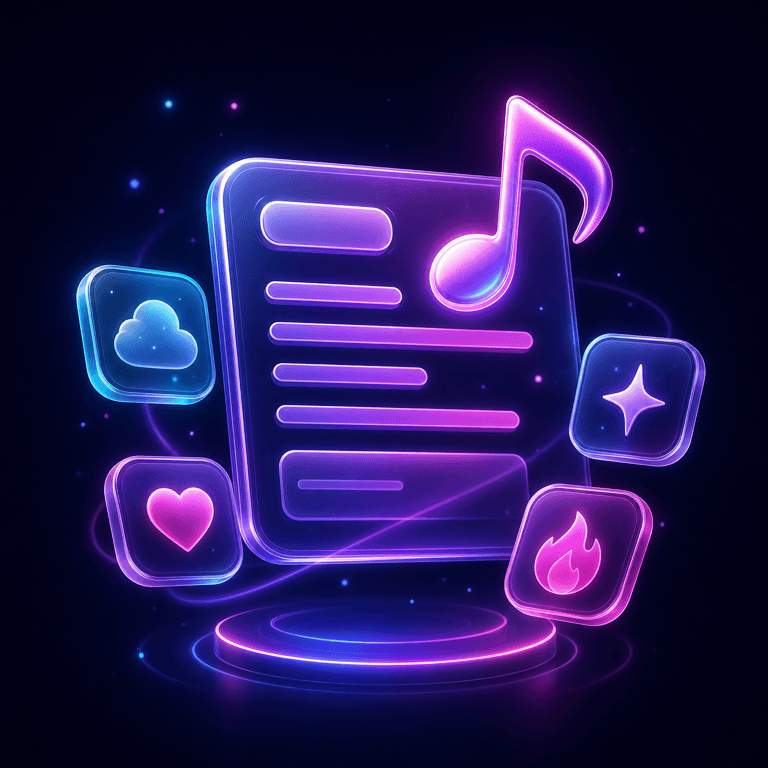
    A glowing prompt card with music style chips for entering a song topic and style.
  2. 2

    Review, Rewrite, and Save

    Generate a draft, review the sections, and rewrite weak lines until the lyric feels right. Then copy, download, or move the finished words into your next music workflow.

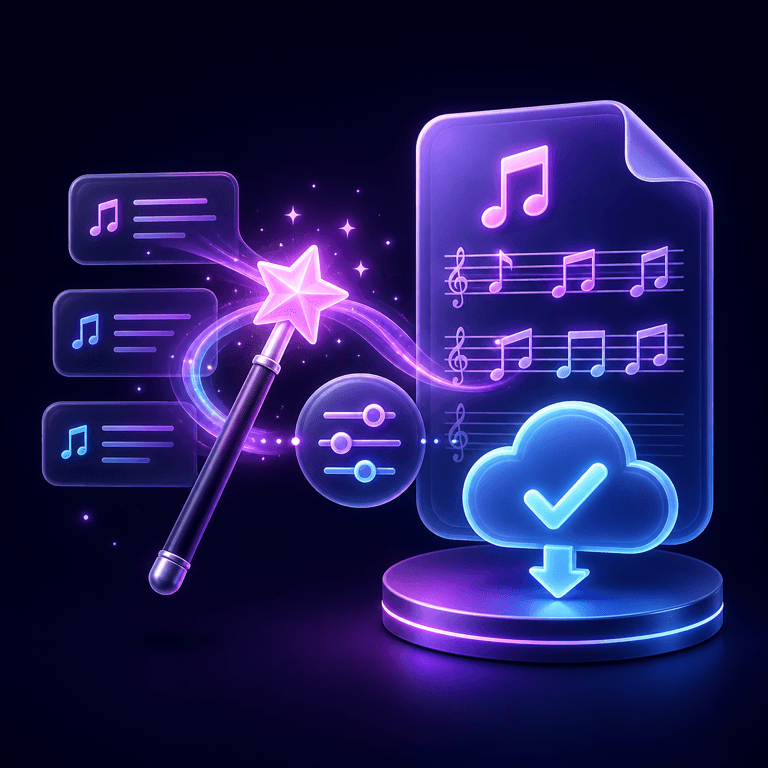
    A magic wand turns lyric lines into a finished song sheet with a secure export symbol.

Creator Lyric Workspace Stories

See how writers and creators use AI lyric drafts to move faster while keeping their own creative direction.

“This lyrics tool helps me get unstuck without taking over the song. I can test hooks, verses, and moods quickly, then keep the lines that sound like me.”
Avatar of Alex Chen

Alex Chen

Singer-Songwriter

“The structure guidance made the biggest difference. I finally had verses, a chorus, and a bridge that gave my first song a clear shape.”
Avatar of Sarah Johnson

Sarah Johnson

Music Student

“I had one weak chorus for days. The rewriter gave me new angles fast, and one small phrase unlocked the rest of the track.”
Avatar of Mike Rodriguez

Mike Rodriguez

Producer

“For rap drafts, it is useful for rhyme direction and flow ideas. I still edit the bars, but the first pass saves a lot of time.”
Avatar of Rachel Green

Rachel Green

Rapper

AI Lyrics Generator Questions

Answers about free use, rap lyrics, writing from a song title, supported styles, and turning lyrics into a song.

01Is the AI lyrics generator free?

Yes, you can start for free. A free account receives 3 credits every day and each lyrics draft costs 1 credit, so you can write several song lyrics daily without paying. Sign-in is required so your drafts stay in your account.

02How does the AI lyrics generator work?

Enter a topic or keywords, then choose the style, mood, language, and song structure. The generator turns that brief into labeled sections such as verse, chorus, and bridge that you can revise, copy, or download.

03Can it write rap lyrics?

Yes. Choose Rap as the style to draft verses, hooks, internal rhymes, and alternate bars. Treat the result as a starting point and edit the flow, punchlines, and cadence in your own voice.

04Can I generate song lyrics from a title?

Yes. Put your song title in the Song Title field and describe the topic in a sentence or a few keywords. The generator uses the title as the hook direction and builds the verses and chorus around it.

05Which genres, moods, and languages are supported?

Styles include Pop, Rock, Rap, EDM, Country, Folk, R&B, and Jazz, with moods from happy and romantic to sad, dark, and nostalgic. You can write in English, Spanish, Japanese, Korean, Portuguese, French, German, and Traditional Chinese.

06Can I turn the lyrics into a song?

Yes. Copy the finished lyrics into the Lyrics to Song generator to create a full track with vocals, melody, and arrangement. Keep the section labels so the music follows your verse and chorus structure.