Text prompts to audio cues
Describe the source, motion, and mood, then generate a custom effect for the scene.
Text to SFX generator
Describe a moment, action, texture, or environment and generate a custom AI sound effect for editing, game design, podcasts, and social content.
Step 1
Mention source, movement, texture, space, and duration for better results.
Prompt ideas
Step 2
Generated sound effects will appear here after you submit a prompt.
AI sound design
Create polished audio assets for videos, games, ads, reels, podcasts, and product demos without digging through stock libraries.
Describe the source, motion, and mood, then generate a custom effect for the scene.
Create impacts, ambience, transitions, UI sounds, and loops that match your cut.
Generate export-ready audio assets for projects, briefs, and production pipelines.
Text to sound effects
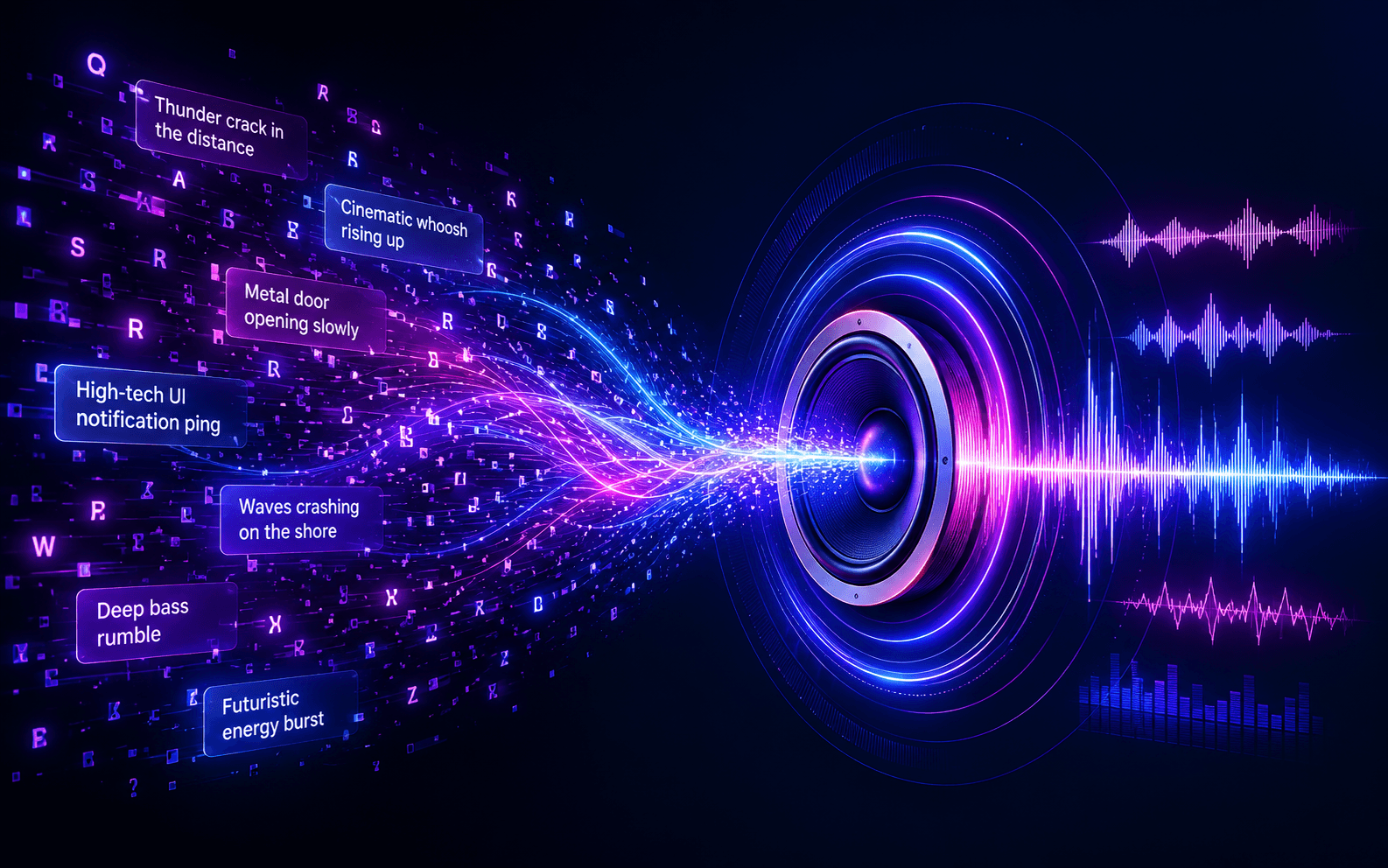
Write the texture, action, atmosphere, and timing you need. The AI sound effect workflow turns that prompt into a usable audio cue for production.
Generate original audio cues from written descriptions.
Shape anything from cinematic hits to soft ambience.
Create, preview, download, and use the result quickly.
Production features
01
Enter prompts such as distant thunder, glass sparkle, or a sci-fi door and generate matching audio.
02
Make effects that fit your scene instead of forcing stock audio into the timeline.
03
Create audio assets suitable for videos, films, games, social clips, and client projects.
04
Use ready-made sounds when they fit, or generate a new cue when the scene needs something specific.
Who uses it
User Type
Application
Video Editors
custom cues for cuts, reveals, and transitions
Game Teams
UI sounds, impacts, ambience, and feedback
Podcasters
scene beds, stingers, and narrative moments
Filmmakers
sound design cues for post-production
How sound generation works
Step 1
Describe the sound source, motion, environment, and mood.
Step 2
Choose type, duration, tempo, or key when the cue needs structure.
Step 3
Create the effect, preview it, and keep the version that fits your project.
Why use this workflow?
Clean audio for real edits
Seconds instead of long searches
Unique cues for your project
Built for publishing workflows
FAQ
Common answers about text prompts, sound types, generation time, downloads, and commercial use.
Yes. Describe the action, source, texture, space, and timing, then generate a custom sound effect from your prompt.
You can create ambience, impacts, whooshes, UI sounds, Foley-style cues, transitions, nature sounds, mechanical effects, and abstract audio textures.
Generated effects are designed for creator workflows. Make sure your full project follows your plan terms and the platform rules where you publish.
Describe the source, motion, space, mood, and timing. A prompt like “short metallic door slam in a large hallway” is stronger than a single word.
Related guides
Use these focused guides to prepare inputs, avoid common mistakes, and move into the tool with a clearer brief.