How to Create Sound Effects With AI for Video, Games, and Audio Edits
Learn how to create sound effects with AI by writing action-based prompts, controlling materials, space, duration, variations, and review quality for videos or games.
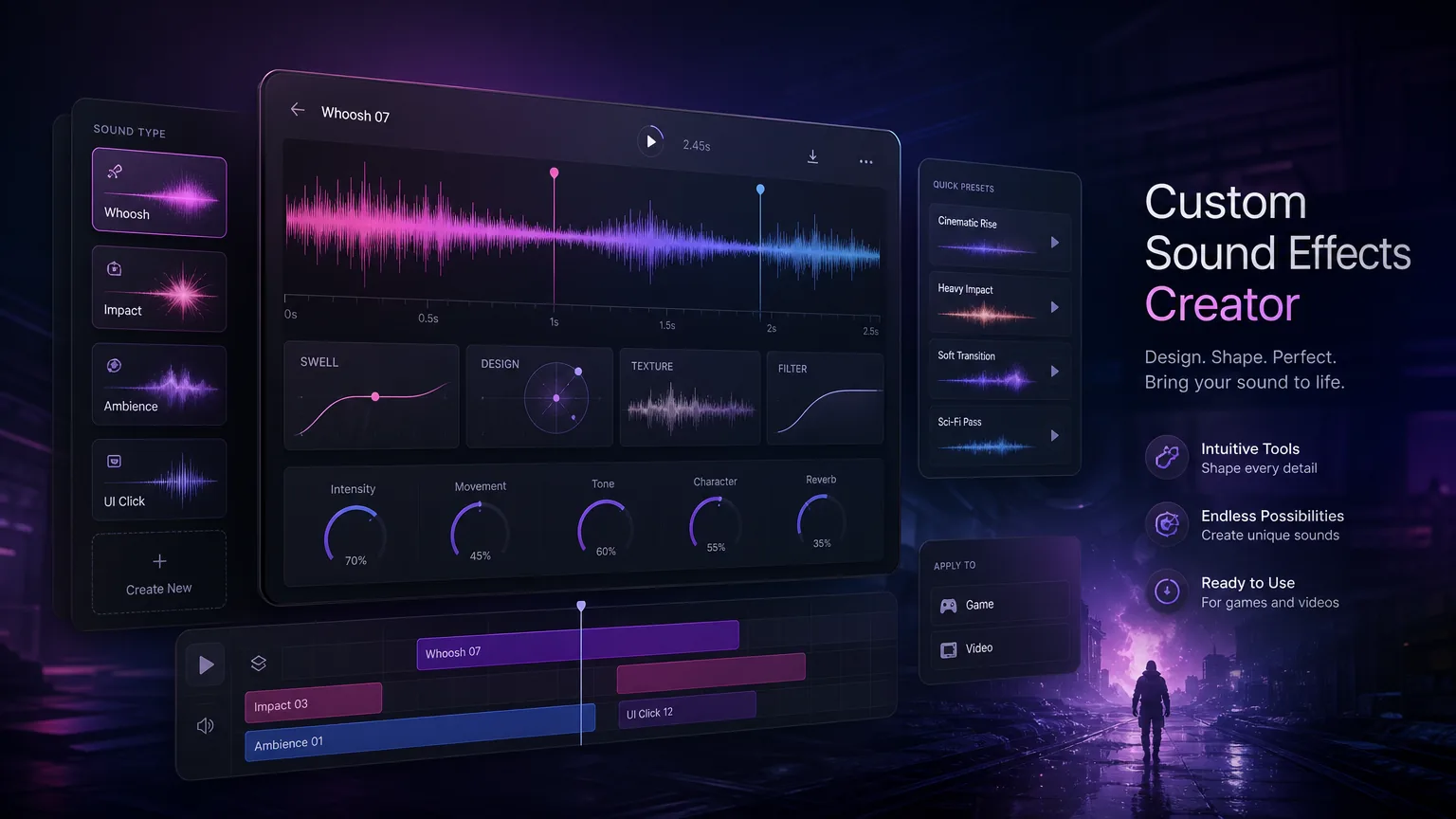
What this guide helps with
Generate SFX that fit a real edit or interaction
AI sound effects work best when the prompt describes a source, an action, a space, and a mix role. Instead of asking for “cool SFX,” this workflow helps you design usable assets for edits, games, podcasts, UI, and transitions.
Video sound design
Create impacts, whooshes, transitions, and ambience around a timeline.
Game sound effects
Generate variations for footsteps, UI taps, pickups, weapons, or environment loops.
Custom Foley
Describe material, action, distance, and room tone for believable sounds.
Reusable assets
Name, review, and store effects so they can be reused in a library.
A repeatable workflow before you open the tool
Describe the source and action first
A strong SFX prompt names what makes the sound and what happens to it: glass bottle taps wood, metal door slams in a hallway, leather bag drops on carpet, or magic spark bursts above water.
Source and action are more useful than broad mood words because they give the generator physical information to synthesize.
Add space, distance, and duration
The same action sounds different in a small room, open street, cave, spaceship cockpit, or underwater scene. Add distance and tail notes such as close, dry, echoing, muffled, or long reverb.
Set duration early. A UI click may need under one second, while ambience may need a stable ten-second loop.
Define the mix role
Decide whether the effect is foreground impact, background ambience, transition, UI feedback, or repeated game interaction. This changes loudness, density, and how much motion the sound should have.
For repeated interactions, ask for variations so playback does not feel identical every time.
Generate and review in context
Do not judge the sound effect only in isolation. Drop it into the video timeline, game prototype, podcast edit, or UI flow and check whether it supports the moment without distracting from speech or music.
If the effect is too large, revise for shorter tail, lower impact, less reverb, or fewer layers instead of changing the whole prompt.
Export, name, and store the asset
Name files by action, variation, duration, and use case. This matters when a project needs dozens of related effects.
Keep approved prompts with the exports so you can generate similar assets later with consistent sound design.
Better results
Tips that improve the first draft
Write source plus action before mood.
Specify room size and tail when realism matters.
Generate variation sets for repeated game actions.
Review sounds inside the actual edit.
Name files so the library stays searchable.
Common use cases
Where this workflow fits
Short videos
Create transitions, impacts, whooshes, reveals, and ambience for social edits.
Games
Generate UI taps, pickups, footsteps, loops, and action variations.
Podcasts and streams
Create bumpers, stingers, alerts, and atmosphere beds around spoken content.
Mistakes to avoid
What usually weakens the output
Prompting with only abstract adjectives.
Forgetting duration and loop requirements.
Using one identical effect for repeated interactions.
Approving an effect before hearing it in context.
Create with Make A Song AI
Generate the custom SFX after the brief is specific
Open the sound effects generator when you know the source, action, space, duration, and mix role your edit needs.
Frequently asked questions
What should an AI sound effects prompt include?
Include the sound source, action, space, distance, duration, and mix role. Those details produce more useful SFX than broad mood words alone.
Can AI create game sound effects?
Yes. It works well for UI sounds, pickups, footsteps, impacts, ambience, and variations when the prompt explains the interaction.
How do I make loopable ambience?
Ask for stable texture, no sudden events, consistent movement, and a seamless loop point with the desired duration.
Should I review SFX alone or in the project?
Review both, but the final decision should happen inside the actual video, game, podcast, or UI context.