How to Turn Humming Into a Song Before the Melody Disappears
Learn how to turn humming into a song with a clean voice note, the right mode for your idea, lyrics that fit the melody, and a focused review of the first AI draft.
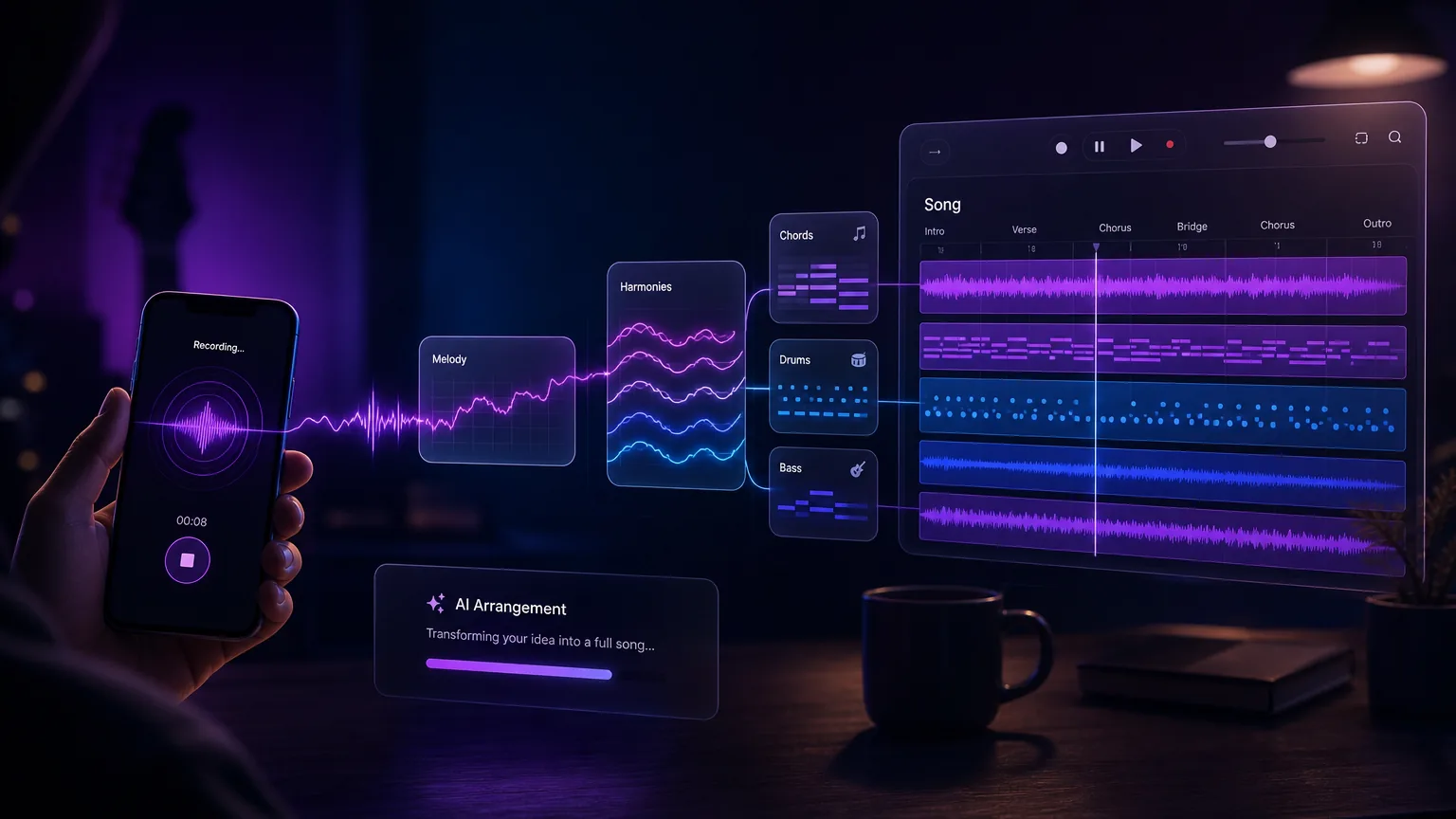
What this guide helps with
Convert raw melody ideas into song-shaped drafts
A hummed melody is often the most direct form of a song idea. The best workflow records the hook clearly, keeps the melodic contour intact, and adds lyrics once the idea is stable. The melody itself shapes the arrangement, so a clean recording matters more than any style setting.
Humming melody
Capture the hook or verse phrase before it disappears.
Voice note to song
Turn a quick phone memo into a fuller AI arrangement.
Lyrics timing
Write words that fit how the melody naturally moves.
Song idea archive
Keep original memos and drafts together for future versions.
A repeatable workflow before you open the tool
Record only the strongest melody phrase
You do not need a finished performance. Record the chorus hook, verse motif, or short phrase that keeps repeating in your head. Five to sixty seconds works for a song; instrumental mode needs at least thirty seconds.
If you have multiple ideas, record separate voice notes. Combining several fragments can make the arrangement less focused.
Make the voice note easy to understand
Record close to the microphone in a quiet room. Keep timing steady, leave a short silence before and after the hum, and avoid background music that may confuse the melody.
Perfect pitch matters less than clear contour and rhythm. The generator needs to hear where the phrase rises, falls, pauses, and resolves.
Choose song or instrumental mode
Decide whether the melody should become a song with vocals or an instrumental piece. Song mode needs lyrics: paste your own, or leave the box blank and pick a lyric mood so AI writes them. Instrumental mode needs a reference of at least thirty seconds.
The arrangement style follows the melody itself rather than genre tags, so a clear contour and steady rhythm shape the result more than any prompt. If you need a specific genre, write a text prompt in the AI Music Generator instead.
Write lyrics that fit the melody
Hum the phrase a few times and count its natural syllables. Long notes suit open vowels, and repeated phrases are good places for the hook line.
If a lyric line fights the melody, adjust the lyric instead of forcing the melody into crowded words.
Save versions for future development
Keep the original voice note, the first AI draft, and the lyrics you used together. A small archive makes it easier to return to a melody later or try a different take.
If the draft gets close but not finished, change one thing at a time: record a cleaner take, adjust the lyrics, or switch between song and instrumental mode.
Better results
Tips that improve the first draft
Record one idea per file.
Hum with steady timing before worrying about pitch.
Let the melody lead and write lyrics that fit its rhythm.
Use instrumental mode for loops, themes, and background cues.
Keep the original memo next to the generated song.
Common use cases
Where this workflow fits
Songwriting capture
Turn a melody in your head into a draft you can revisit later.
Hook development
Build chorus ideas from a short phrase before writing full lyrics.
Instrumental motifs
Use humming as the seed for loops, themes, jingles, or game cues.
Mistakes to avoid
What usually weakens the output
Uploading a long memo with several unrelated melodies.
Expecting a genre setting to override the hummed melody.
Writing dense lyrics before hearing the rhythm.
Deleting the original voice note after generation.
Create with Make A Song AI
Turn the melody into a draft while it is still fresh
Open the hum to song generator when your memo is clean and your lyrics, or a lyric mood, are ready.
Frequently asked questions
How long should my humming recording be?
Five to sixty seconds works for a song, and instrumental mode needs at least thirty seconds. Capture the strongest melody phrase rather than a full unfinished song.
Do I need perfect pitch?
No. Clear rhythm and melody contour usually matter more than studio-quality pitch for a first draft.
Can I add lyrics later?
In song mode you add lyrics before generating: paste your own, or leave the box blank and pick a lyric mood so AI writes them. You can also create an instrumental first and write lyrics after hearing it.
Can humming become an instrumental track?
Yes. Switch on instrumental mode and upload a reference of at least thirty seconds. The arrangement follows your motif, which works well for loops, themes, background cues, or a future song hook.