AI Music for Podcasts: Intros, Beds, Segments, and Sponsor Cues
Create AI music for podcasts with copyright-free intros, background beds, transition stingers, sponsor cues, and episode mood prompts.
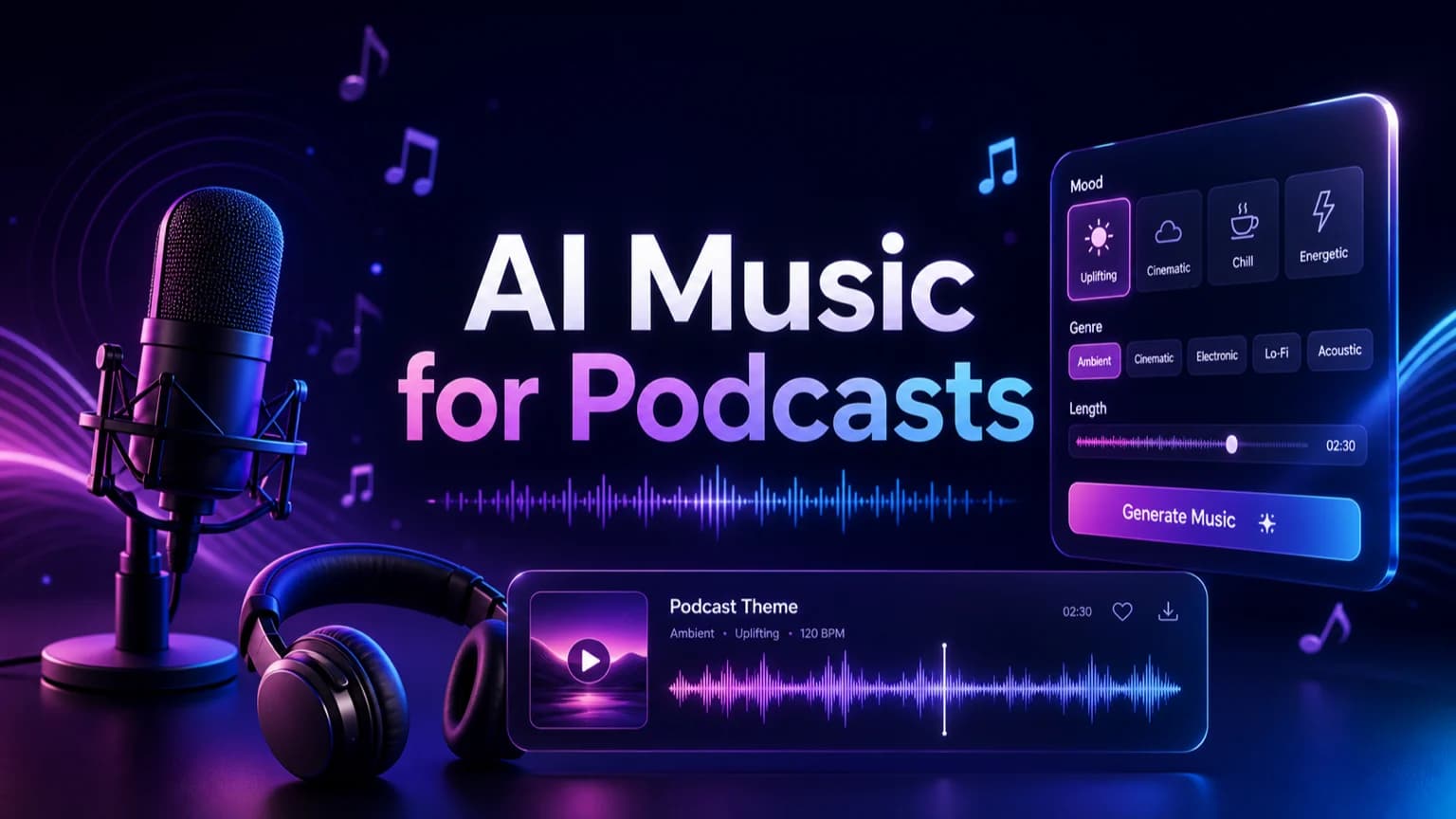
Podcast music should make a show feel recognizable without covering the host. This guide shows how to create intros, beds, transitions, sponsor cues, trailers, and recurring segment music that stays short, clear, and edit-friendly.
Before you start
Define the podcast moment before choosing a genre.
Keep host speech clear with low-density instrumental music.
Use 100% copyright-free generated music for episodes, trailers, clips, and sponsor segments.
Build a small sonic kit so every episode sounds consistent.
Practical workflow
Use the guide as a repeatable production pass
This guide is organized around the same steps a creator needs before opening the matching tool: define the input, control the model, review the result, then change one variable at a time.
Start with the podcast moment
Keep music out of the host's way
Create a repeatable sonic identity
Use 100% copyright-free podcast music
Field-tested prompt patterns
Podcast intro cue
Show opener
Create a [duration] copyright-free podcast intro for [show type]. Mood: [tone]. Use [instrument palette], a memorable opening motif, no lead vocal, and a clean section that can fade under the host.
Speech-friendly bed
Interview or narration background
Create a low-density podcast background bed for [episode topic]. Keep it warm, steady, instrumental, speech-friendly, and easy to loop under narration.
Segment bumper kit
Recurring podcast segments
Create three related podcast bumpers for intro, sponsor break, and outro. Keep the same sonic palette, make each cue short, and include clean endings for editing.
Quality bar
Do not approve the draft until it passes these checks
Episode role
The prompt names intro, bed, transition, sponsor cue, trailer, or outro.
Speech clarity
Music avoids dense vocals, busy lead melody, and harsh midrange under the host.
Cue length
Each cue has a practical duration for podcast editing.
Show identity
Intro, bumper, and outro cues share palette, motif, or tone.
Copyright-free workflow
The prompt uses original direction and avoids famous podcast themes.
Start with the podcast moment
AI music for podcasts works best when the prompt names the exact moment in the episode. A cold open, main intro, interview bed, ad break, chapter transition, recap, trailer, and outro all need different energy and length.
Write the show format, audience, tone, host style, and cue length before generating. This turns a vague request for podcast music into a practical production brief.
Intro: memorable, short, and easy to fade under the host.
Background bed: low-density, steady, and speech-friendly.
Transition: quick stinger with a clean ending.
Sponsor cue: polished but not louder than the host.
Next step: AI music generator — Generate podcast intros, beds, transitions, and cue kits.
Keep music out of the host's way
Podcast listeners are there for speech first. Avoid dense lead instruments, busy percussion fills, and vocal hooks under narration.
If the music feels exciting by itself but makes the host harder to understand, reduce energy, remove lead melody, or ask for a softer instrumental version.
Next step: podcast intro music generator — Create a dedicated show opener after defining your sonic identity.
Create a repeatable sonic identity
A podcast feels more professional when the intro, transitions, ad bumpers, and outro share a palette. Keep the same tempo range, instrument family, or short motif across cues.
Generate one strong intro first, then make shorter variations for transitions and segment breaks. This gives editors a usable cue kit rather than one isolated song.
Next step: AI intro music generator — Use this guide for short openers across podcasts and video channels.
Use 100% copyright-free podcast music
Make A Song AI generated music is 100% copyright-free and can be used freely in podcast episodes, trailers, paid sponsor segments, video podcasts, social clips, and client shows.
Save the prompt, version, cue role, and episode use. Clear records make future edits easier and help teams keep a consistent production library.
Next step: royalty-free AI music — Review broader rights and organization workflow for creator projects.
Review inside the episode edit
Always test podcast music in the actual edit. Listen on headphones, laptop speakers, and phone speakers.
Revise one variable at a time: shorter length, softer percussion, warmer tone, cleaner ending, less bass, or more space for voiceover.
Frequently asked questions
Can I use AI music in monetized podcasts?
Yes. Music generated by Make A Song AI is 100% copyright-free and can be used freely in monetized podcast episodes, trailers, clips, sponsor segments, and video podcasts.
How long should podcast intro music be?
Most podcast intros work best between 8 and 25 seconds. Put the identity cue early, then leave a clean section that can fade under the host.
What makes podcast background music work under speech?
Use low-density instrumental music, simple rhythm, soft midrange, no lead vocal, and no sudden drops. The host should stay clear at all times.