Paste finished lyrics
Add your verse, chorus, bridge, hook, or complete lyric draft with the line breaks you want the song to follow.
- Keep repeated hooks and chorus lines clear.
- Separate sections like verse, chorus, bridge, and outro when possible.
Lyrics to song generator
Paste your finished lyrics, mark the verse and chorus structure, then generate AI music with vocals, melody, rhythm, style, and arrangement around your words.

How it works
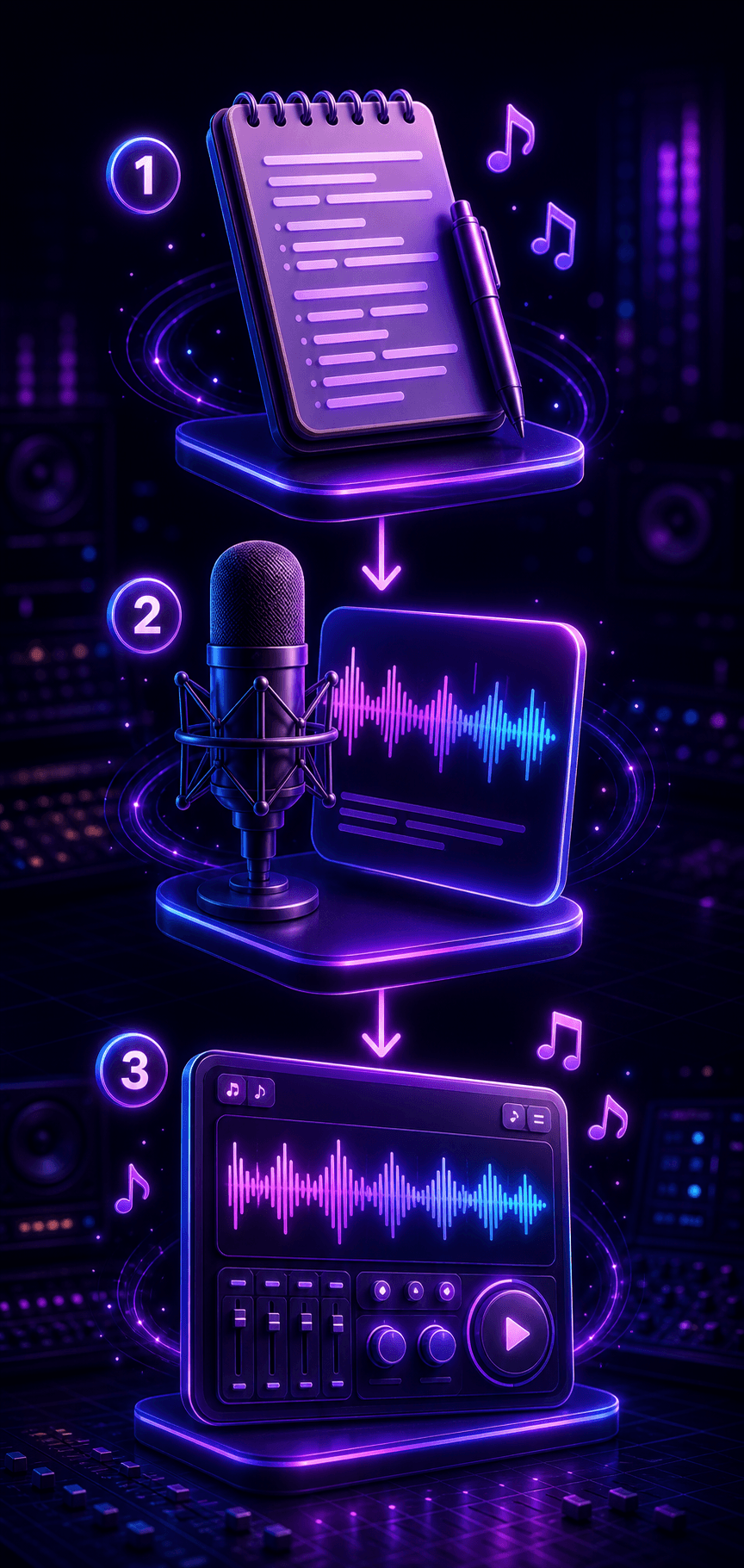
Start with lyrics you already wrote, keep the song sections clear, then add genre, mood, vocals, tempo, and arrangement notes.
Add your verse, chorus, bridge, hook, or complete lyric draft with the line breaks you want the song to follow.
Choose genre, mood, tempo, language, vocal tone, and arrangement details so the AI understands the performance target.
Listen to the draft, keep the strongest melody, then regenerate or adjust style prompts until the lyrics sit naturally in the music.


Use cases
Lyrics to song is best when the words are already written and you want melody, vocals, production, and arrangement around them.
Turn notebooks, chorus ideas, poems, and finished lyric drafts into vocal song demos without starting from a blank prompt.
Test different genres, vocal tones, and arrangements before committing to a studio direction or sharing a demo with collaborators.
Create character songs, theme music, campaign tracks, classroom songs, or short-form audio from lyrics you already prepared.
Choose the right workflow
Choose lyrics to song when your words are ready. Choose text to song when you only have a concept, story, message, or rough prompt.
Best when your lyrics are already written and you want vocals, melody, and arrangement around them.
Current workflowBest when you only have an idea, story, mood, or brief and need the AI to create the first song draft.
Start with an ideaBest for broad music creation from prompts, lyrics, styles, moods, voices, and full song direction.
Create AI musicBest when you need help writing hooks, verses, rhymes, or song structure before turning lyrics into music.
Write lyrics firstCreate football anthems, fan chants, stadium intros, and sports video music for global tournament moments.
Create anthemWriting guides
Review these guides before you generate so prompts, lyrics, arrangements, and final checks start from a clearer plan.
Lyrics workflow
Set section labels, vocal cues, and production notes before turning finished lyrics into a complete arrangement.
Read guideDuet workflow
Plan speaker roles, call-and-response sections, harmony prompts, and duet arrangements before generating.
Read guideRap workflow
Plan rap hooks, verses, rhyme schemes, beat direction, and safe prompt limits for original tracks.
Read guideLyric ideas
Develop themes, scenes, phrases, and emotional turns into lyric ideas that feel easier to sing.
Read guideFAQ
Answers about turning finished lyrics into AI-generated songs with vocals, melody, and arrangement.
A lyrics to song generator turns written lyrics into a song draft with vocals, melody, rhythm, and arrangement. You provide the words and guide the style, mood, tempo, and vocal direction.
Use clear section labels such as [Verse], [Chorus], [Bridge], and [Outro]. Keep repeated hooks obvious so the AI can place melody and structure around them.
Use lyrics to song when your lyrics are already written. Use text to song when you only have an idea, story, or message and need help creating the first lyric draft.
Yes. You can test the same lyrics as pop, acoustic, cinematic, EDM, rap, country, R&B, rock, or other styles to find the best melody and arrangement.
Do not paste protected lyrics, famous artist names, or material you do not have rights to use. Original lyrics keep the generated song safer for creator and commercial projects.