AI Intro Music Generator: Make Short Openers for Videos and Podcasts
Use an AI intro music generator to create copyright-free openers for videos, podcasts, streams, product demos, and brand channels.
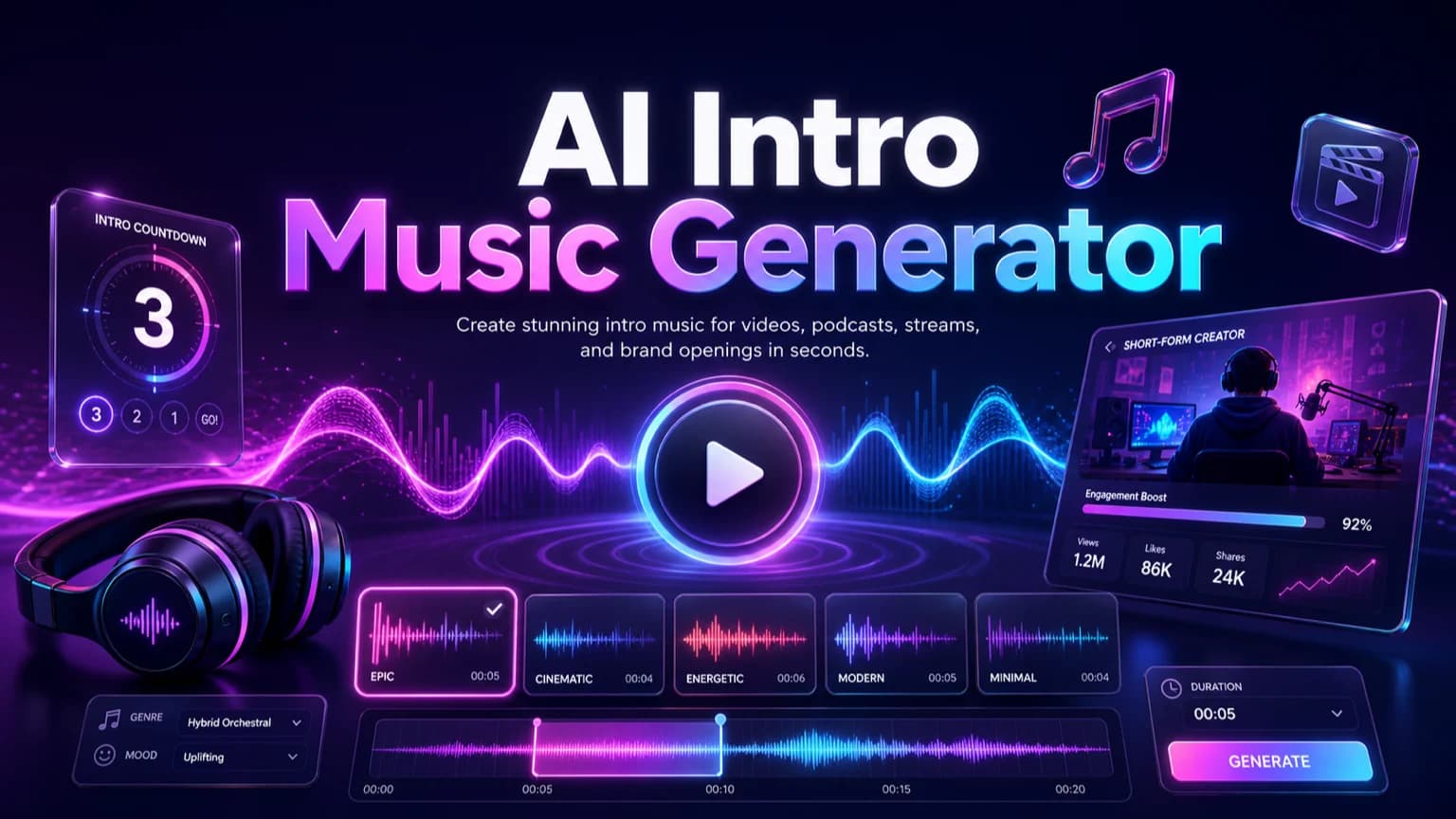
Intro music has one job: make the first seconds feel intentional. This guide shows how to prompt short openers for YouTube channels, podcasts, streams, demos, launches, and social videos without creating music that is too long or distracting.
Before you start
Keep intros short and make the strongest identity cue arrive early.
Match the opener to the channel format instead of using a generic cinematic prompt.
Generate 100% copyright-free intro music for commercial and creator workflows.
Create matching transition and outro variants from the same sonic palette.
Practical workflow
Use the guide as a repeatable production pass
This guide is organized around the same steps a creator needs before opening the matching tool: define the input, control the model, review the result, then change one variable at a time.
Write the intro role before the genre
Put the hook in the first seconds
Design for clean edits
Keep intro music copyright-free
Field-tested prompt patterns
YouTube opener
Channel intro
Create a [duration] copyright-free YouTube intro for [channel type]. Put the identity cue in the first [seconds], use [mood/instruments], no vocals, and end cleanly for the first scene.
Podcast theme opener
Audio show intro
Create a [duration] podcast intro theme for [show audience]. Make it memorable, warm, instrumental, and easy to fade under the host's first sentence.
Mini identity kit
Brand channel package
Create matching intro, transition bumper, and outro cues for [brand/channel]. Keep one shared motif, use [instrument palette], and make each version edit-friendly.
Quality bar
Do not approve the draft until it passes these checks
Intro format
The prompt names video, podcast, stream, course, demo, or launch intro.
Early hook
The identity cue arrives immediately instead of after a long build.
Clean edit
The intro has a clear start, cut point, or fade-under section.
No famous references
The prompt avoids copying known themes, melodies, or artists.
Variant planning
Shorter bumper and outro versions can share the same sonic palette.
Write the intro role before the genre
A useful AI intro music generator prompt starts with the role: YouTube opener, podcast theme, live stream starting cue, course intro, product demo, or brand launch.
Include duration, mood, audience, pacing, and where the voice or logo appears. This prevents the intro from becoming a full song when you only need a tight opener.
5-8 seconds: logo sting or Shorts opener.
10-15 seconds: YouTube or demo intro.
15-25 seconds: podcast theme or show opener.
30 seconds: trailer, launch, or stream countdown.
Next step: AI music generator — Generate short intro cues and matching channel music kits.
Put the hook in the first seconds
Intro music should not take 20 seconds to become recognizable. Ask for the signature sound, chord hit, rhythm, or motif to appear immediately.
If the result has a long build-up, revise the prompt with stronger timing instructions: immediate hook, clean logo hit, or short ending for voiceover.
Next step: AI music for podcasts — Adapt intro music for podcast episodes and sponsor segments.
Design for clean edits
The best intro tracks have clear cut points. Ask for a defined start, early identity cue, short middle section, and clean ending.
For video, test the intro against the title card, first shot, and voiceover. For podcasts, test it under the host's first sentence.
Next step: AI songs for YouTube videos — Plan intro, background, and Shorts music for creator channels.
Keep intro music copyright-free
Make A Song AI generated intro music is 100% copyright-free and can be used freely in videos, podcasts, ads, courses, demos, and brand projects.
Use original creative direction instead of requesting a famous theme, artist, or protected melody.
Next step: AI background music for videos — Create longer beds after the intro opens the video.
Build a mini identity kit
After you create one good intro, generate matching shorter versions: three-second logo sting, eight-second social opener, transition bumper, and outro.
Use the same mood, instruments, tempo range, and motif, then adjust only length and energy.
Frequently asked questions
Can I use AI intro music commercially?
Yes. Intro music generated by Make A Song AI is 100% copyright-free and can be used freely in commercial videos, podcasts, ads, courses, and brand channels.
What should I include in an intro music prompt?
Include the format, duration, mood, audience, instrument palette, hook timing, logo or voiceover point, and whether the ending should cut cleanly or fade under speech.
Should intro music have vocals?
Usually no. Vocals can distract from the host, logo, or first line. Use instrumental hooks unless the intro is for a music-first brand.