AI Music for Games: Loops, Themes, Combat Cues, and Menu Tracks
Plan AI music for games with copyright-free loops, menu themes, combat cues, exploration beds, victory stingers, and adaptive music prompts.
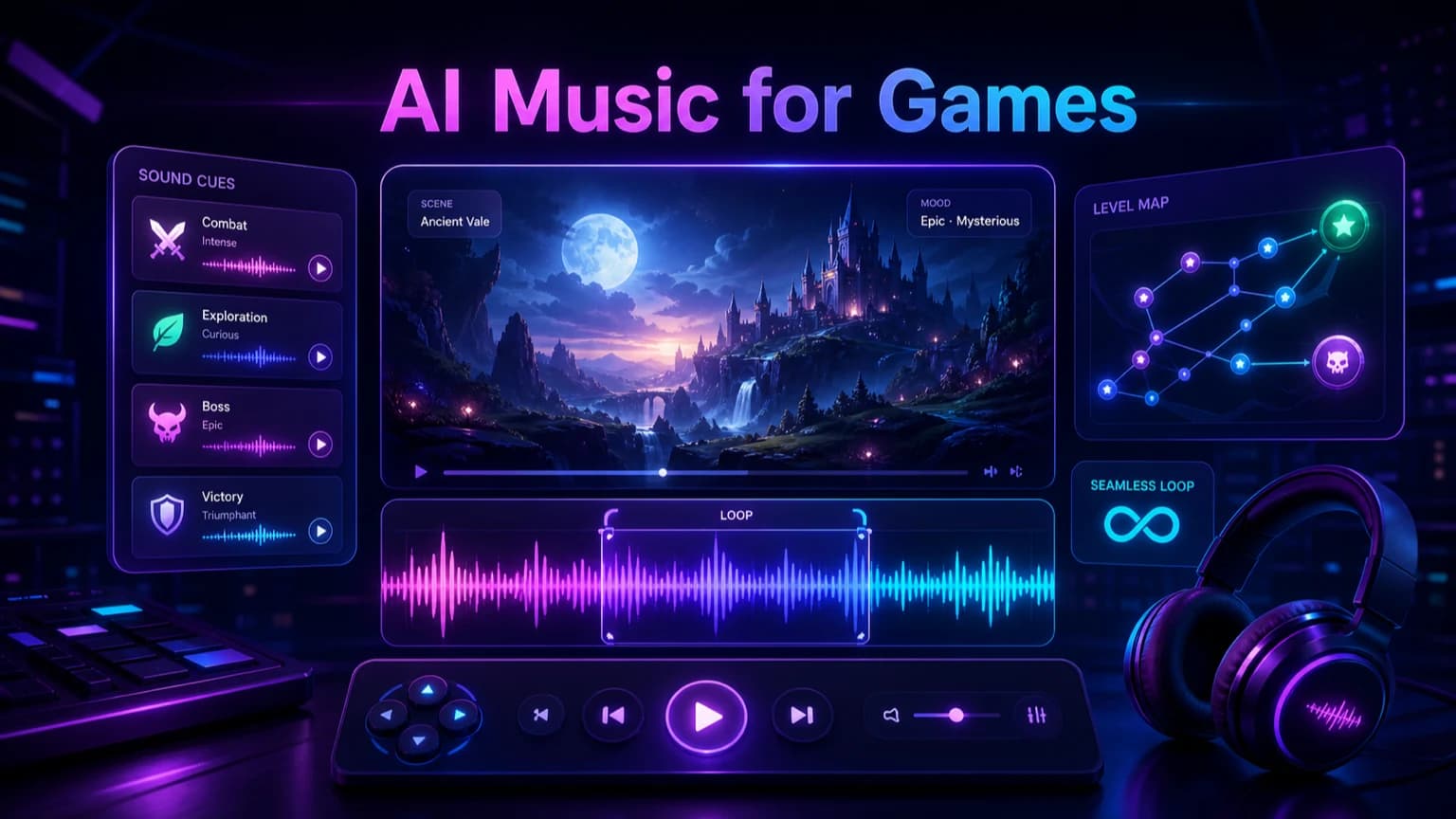
Game music needs loops, transitions, emotional states, and clear implementation notes. This guide shows how to prompt AI music for menu screens, exploration, combat, victory, ambient scenes, and prototypes without losing control of the player experience.
Before you start
Design music by game state: menu, exploration, combat, boss, victory, failure, or ambience.
Ask for loopable structure and avoid sudden endings when the track repeats.
Use 100% copyright-free generated music for prototypes, indie games, trailers, and commercial projects.
Keep cue names and prompt records so the soundtrack stays organized.
Practical workflow
Use the guide as a repeatable production pass
This guide is organized around the same steps a creator needs before opening the matching tool: define the input, control the model, review the result, then change one variable at a time.
Start with the game state
Prompt for seamless loops
Create cue families instead of one track
Keep game music copyright-free and production-ready
Field-tested prompt patterns
Exploration loop
Open world or level ambience
Create a 60-second copyright-free exploration loop for [game scene]. Mood: [mood]. Use [instrument palette], subtle variation, no final crash, and a seamless loopable ending.
Combat cue
Battle or action state
Create a [duration] combat music cue for [game type]. Energy: [intensity]. Use strong rhythm, clear pulse, no vocals, and an ending that can transition into victory or exploration.
Cue family
Prototype soundtrack set
Create related game music cues for menu, exploration, combat, and victory. Keep a shared motif and palette, vary intensity, and make each cue easy to name and implement.
Quality bar
Do not approve the draft until it passes these checks
Game state
The prompt names menu, exploration, combat, boss, victory, failure, or ambience.
Loop behavior
Loopable tracks avoid long fade-outs, final crashes, and distracting endings.
Cue family
Related tracks share motif, palette, or mood so the soundtrack feels coherent.
Implementation name
Files are named by state, scene, duration, and version.
Prototype review
Music is tested inside the scene with SFX, dialogue, and player actions.
Start with the game state
Game music works best when it is tied to a player state. Menu, exploration, stealth, combat, boss, puzzle, victory, defeat, and cutscene tracks all have different jobs. A generic cinematic prompt may sound impressive but fail to support gameplay.
Write the state first, then the scene, mood, tempo, instruments, loop behavior, and intensity. This gives the generator a practical target and helps the developer place the cue later.
Menu: memorable identity without tiring the player.
Exploration: loopable texture with gentle movement.
Combat: stronger rhythm, clear pulse, and higher intensity.
Victory: short payoff cue with a clean ending.
Next step: AI music generator — Generate loopable game themes, cue families, and soundtrack drafts.
Prompt for seamless loops
Loops are the core of many game soundtracks. Ask for a loopable ending, no long fade-out, no final crash that breaks repetition, and a stable groove. If the music is too linear, the loop point will feel obvious after a few repeats.
For ambient scenes, request subtle variation rather than constant melody. For combat loops, request rhythmic energy that can repeat without becoming annoying too quickly.
Next step: sound effects creator — Create UI, impact, ambience, and transition sounds around the music.
Create cue families instead of one track
A game often needs a family of related cues: calm exploration, alert, combat, boss, victory, and menu. Keep a shared instrument palette or motif across the set so the soundtrack feels connected.
Generate the base mood first, then create variations by changing intensity, percussion, tempo, or instrumentation. This is more coherent than creating unrelated tracks for every level.
Next step: royalty-free AI music — Use the broader rights workflow for commercial game projects.
Keep game music copyright-free and production-ready
Make A Song AI generated music is 100% copyright-free and can be used freely in indie games, prototypes, trailers, client demos, and commercial releases. Keep prompts original and avoid asking for direct copies of protected game soundtracks or famous composers.
Name files by state, level, duration, and version. A practical filename like forest_exploration_loop_60s_v02 is more useful than final_music_new_new.
Next step: AI song prompt guide — Write clearer mood, structure, and arrangement prompts before generation.
Review inside the game or prototype
A track that sounds great alone may be too busy under sound effects, dialogue, or player actions. Test it inside the actual scene. Listen for fatigue, repetition, frequency conflicts, and whether the loop supports the player's focus.
After testing, revise one variable at a time: lower percussion, shorter loop, darker mood, fewer lead notes, clearer stinger, or softer ambience. This keeps the soundtrack coherent while solving implementation problems.
Frequently asked questions
Can I use AI music in a commercial game?
Yes. Music generated by Make A Song AI is 100% copyright-free and can be used freely in indie games, prototypes, trailers, client projects, and commercial releases.
How do I prompt AI music for a seamless game loop?
Ask for a loopable ending, stable groove, no final crash, no long fade-out, and subtle variation that can repeat without distracting the player.
What game music cues should I generate first?
Start with menu, exploration, combat, victory, and ambience. These states cover many prototypes and help define the soundtrack identity early.