Sound Effects Creator Guide: Build Custom SFX From Text
Create better AI sound effects with text prompts for source, motion, material, environment, timing, intensity, and export use.
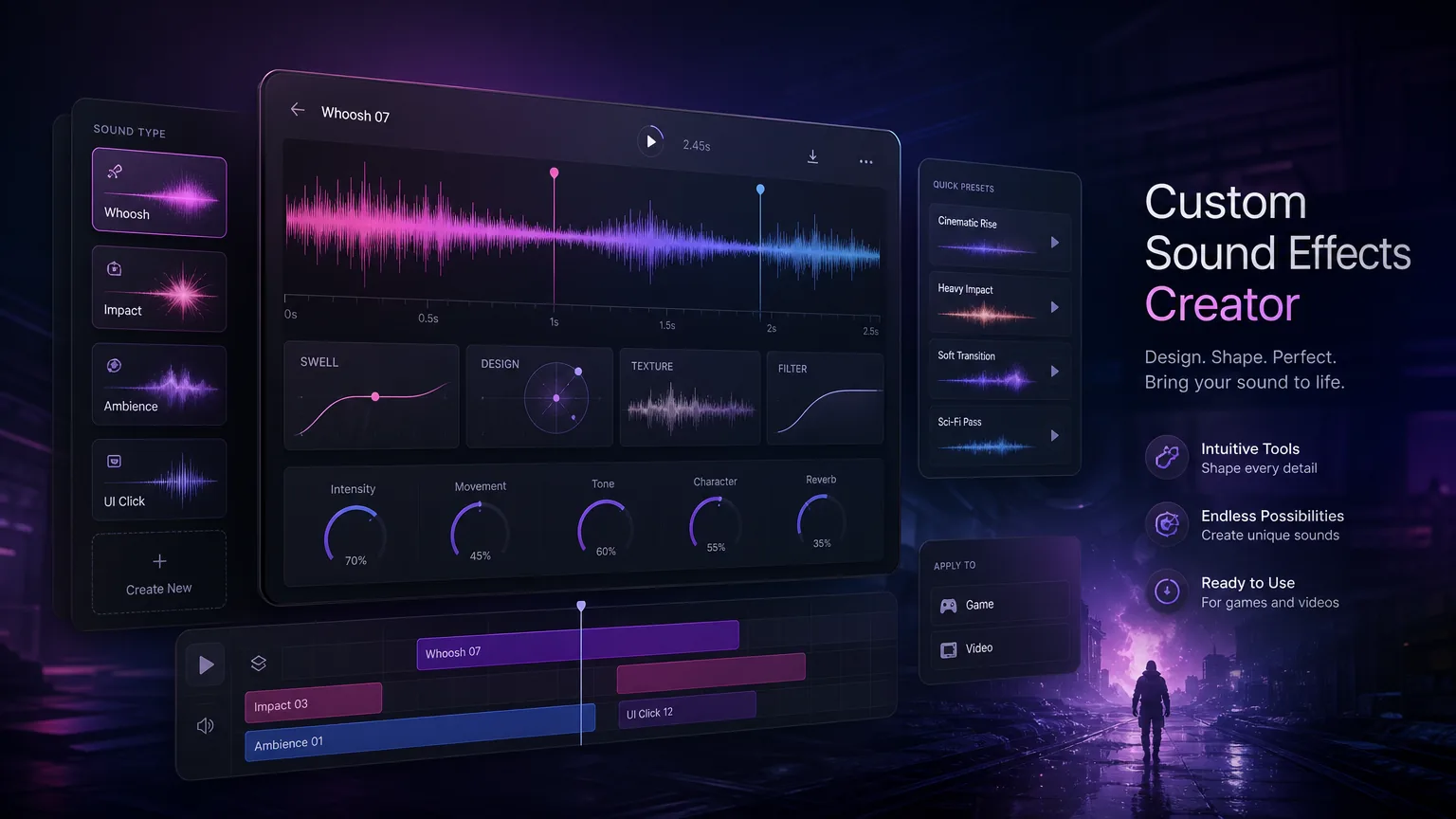
Custom SFX prompts work best when they describe the object, action, space, timing, and mix role. This guide gives a repeatable format for video editors, game developers, and podcasters.
Before you start
Describe source, action, material, space, and timing.
Specify whether the sound is a loop, hit, transition, or ambience.
Keep effects short unless the scene needs atmosphere.
Name exports by project, scene, and sound role.
Practical workflow
Use the guide as a repeatable production pass
This guide is organized around the same steps a creator needs before opening the matching tool: define the input, control the model, review the result, then change one variable at a time.
Prompt sound like a scene designer
Choose the correct sound type
Organize generated effects
Build prompt templates by production role
Field-tested prompt patterns
Object action SFX
Video edit or UI cue
Create a [duration] sound effect of [object] [action] in [space]. Materials: [metal, glass, cloth, etc.]. Mix role: [foreground or background]. Tail: [short, dry, echoing].
Loopable ambience
Game, stream, or podcast bed
Create a seamless [duration] ambience loop for [location]. Keep texture stable, avoid sudden events, use subtle motion, and make the loop point invisible.
Variation set
Repeated interactions
Create five variations of a [UI or game action] sound. Keep the identity consistent but vary pitch, timing, and transient detail so repeated playback feels natural.
Quality bar
Do not approve the draft until it passes these checks
Source and action
The prompt names what makes the sound and what happens to it.
Space and distance
Room size, distance, and tail are specified when they affect realism.
Mix role
The sound is designed as foreground impact, transition, ambience, or UI feedback.
Context review
The effect is tested inside the actual edit, game, or podcast timeline.
Asset naming
Files are named by action, variation, duration, and intended use.
Prompt sound like a scene designer
A prompt like explosion is too broad. A stronger prompt says: short metallic impact, medium distance, warehouse reverb, low boom tail, designed for a logo reveal. This gives the model acoustic and editorial context.
Think in five fields: source, motion, material, environment, and timing. Add intensity only after those basics are clear.
Next step: sound effects creator — Generate the custom SFX after source, action, space, and mix role are clear.
Choose the correct sound type
One-shot effects should be short and decisive. Loops need stable rhythm and seamless endings. Ambiences need texture without distracting peaks. Transitions need motion that leads the viewer into the next cut.
If you know the editing role, include it in the prompt. The same whoosh sounds different for a comedy cut, product ad, or horror trailer.
Next step: sound effects library — Organize reusable effects and compare generated variations.
Organize generated effects
Sound libraries become messy quickly. Save files with descriptive names: project-scene-role-version. Keep favorite prompt formulas next to final exports so you can regenerate variations later.
Next step: podcast intro music guide — Use SFX as bumpers and transitions around podcast music cues.
Build prompt templates by production role
A video editor, game developer, and podcast producer usually need different sound details. Editors care about transition timing and impact. Game teams care about loops, variation, and response feel. Podcasters care about clarity under speech and consistent loudness.
Create prompt templates for each production role instead of using one generic formula. The template can keep source, action, material, environment, duration, and output use in a stable order.
For games, request multiple short variations.
For video, match the sound to the cut length.
For podcasts, keep effects clear but not distracting.
Next step: commercial rights for AI music — Apply source tracking and usage checks to generated effects.
Turn sound effects into a reusable asset library
Custom sound effects become more valuable when they are organized. Add descriptive filenames, tags, scene notes, loudness notes, and prompt history. This makes it easier to reuse the best effects across ads, product videos, trailers, and episodes.
A blog page can support that workflow by linking to the sound effects creator, sound effects library, podcast intro generator, and commercial rights guidance. Search visitors get both the creative method and the next action.
Review sound effects in context
A sound effect should be judged inside the scene, not in isolation. A huge impact may feel exciting alone but overpower a product reveal. A subtle ambience may disappear under narration. Import the effect into the actual timeline and adjust length, volume, and tail before approving it.
This is especially important because creators need usable assets, not just generated files. Context review makes the effect more trustworthy for editors, game teams, and podcast producers.
Create variations instead of one perfect effect
For games, UI, and repeated video transitions, generate several variations of the same effect. Small pitch, timing, or texture differences prevent listener fatigue. Name those variations consistently so future editors can find them quickly.
A strong production workflow explains how text-to-sound prompting, library management, and commercial reuse fit together instead of treating every effect as a disposable file.
Frequently asked questions
What should I include in a sound effect prompt?
Include source, action, material, space, timing, and the editorial role of the effect.
Can AI create loopable ambience?
Yes. Ask for a seamless loop, stable texture, and no sudden transient unless the loop needs events.
Are generated sound effects usable commercially?
Check platform terms and plan rights. Original prompts and generated-from-scratch effects are usually safer than uploaded copyrighted sources.