AI Music Video Generator

Turn a clip of your song into a music video. Describe the scene, pick a stylized character with optional lip sync and lyric subtitles, or switch to a lyrics video that puts your words on screen.

  • Music videos from any song clip
  • Lyric subtitles and lyrics videos
  • 5–15 second AI scenes

AI films a scene for your song clip. Billed per second of video.

1

Choose the song

Upload an MP3 or M4A, or pick one of your generated songs.

2

Pick the clip

Choose where the clip starts and how long the video should be.

3

Describe the video

Character (optional)

Use a preset or upload an illustrated or AI-generated character. Photos of real people's faces are not supported.

Available on paid plans

Estimated cost: 100 credits

Your video

Play the result right here, then download it for your channels.

An empty glowing video frame with a neon sound wave flowing into it

Your video will appear here

Choose a song, set the clip, and generate to see your music video.

What works best

  • Start the clip at the chorus or the strongest hook
  • Describe one clear scene, the camera movement, and the lighting
  • Use a lyrics video when the words are the star

Two ways to create

AI music videos and lyrics videos in one place

Pick the format that fits your release: a cinematic AI scene for a song clip, or a lyrics video that puts every line on screen.

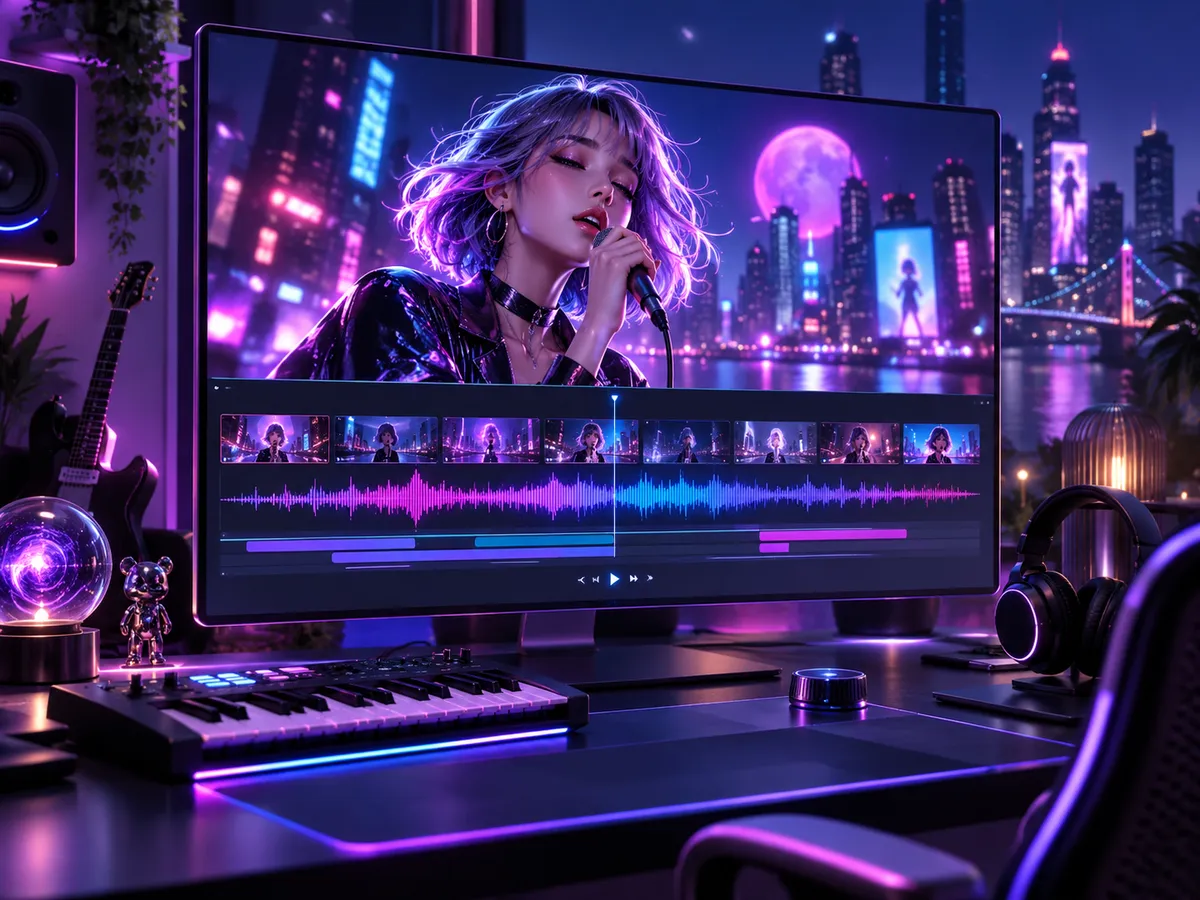
A cinematic screen playing a neon city music video with an animated singer

AI music video

Describe a scene and the AI films it to your song clip, with optional stylized characters.

  • 5, 10, or 15 second clips from any part of the song
  • Preset or uploaded characters with optional lip sync
  • Lyric subtitles and 16:9, 9:16, or 1:1 framing
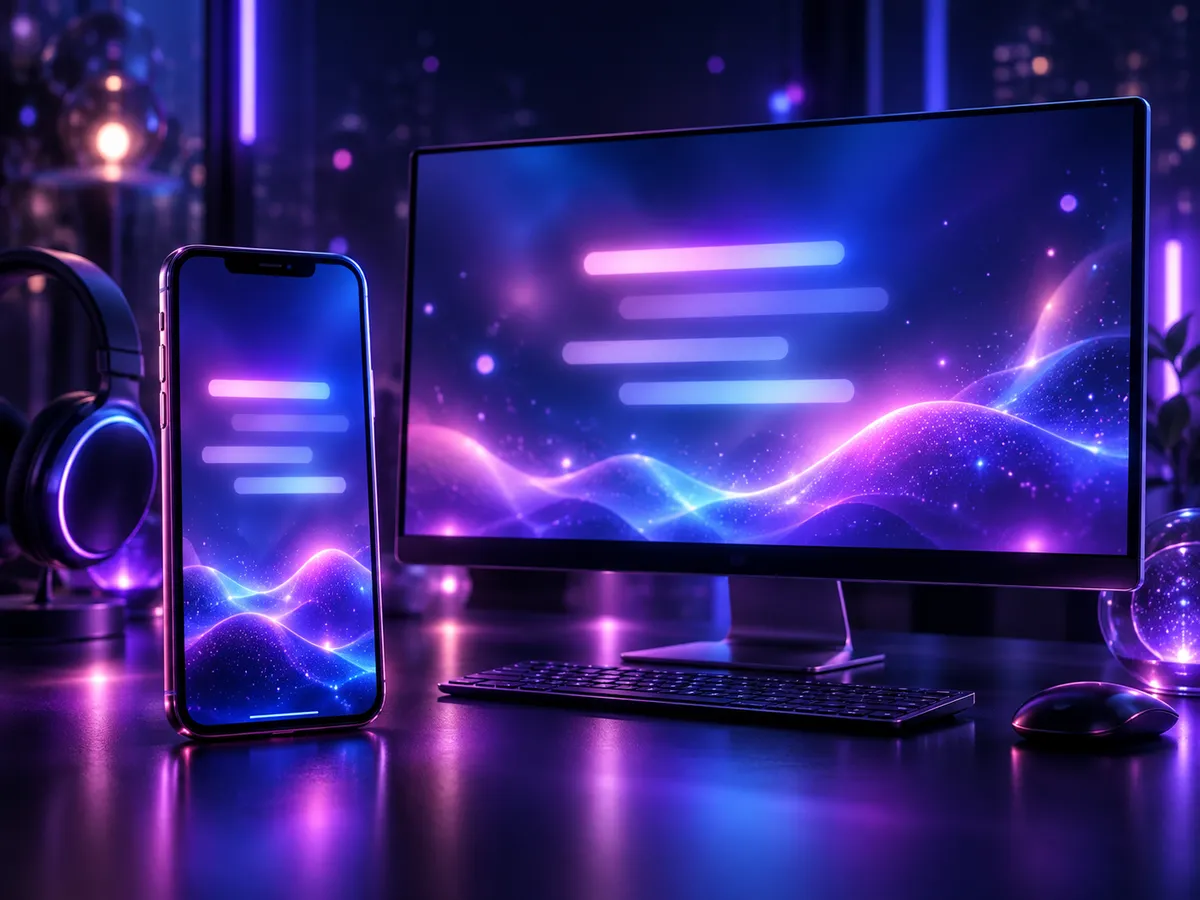
A phone and monitor showing glowing lyric-video backgrounds

Lyrics video

Your lyrics appear on screen in time with the music, over a layout and background you choose.

  • 15, 30, or 60 second clips
  • Seven layout styles and an optional background image
  • Vertical, horizontal, and portrait formats

Use cases

Where your music videos fit

Give every release, clip, and performance a visual without a camera crew.

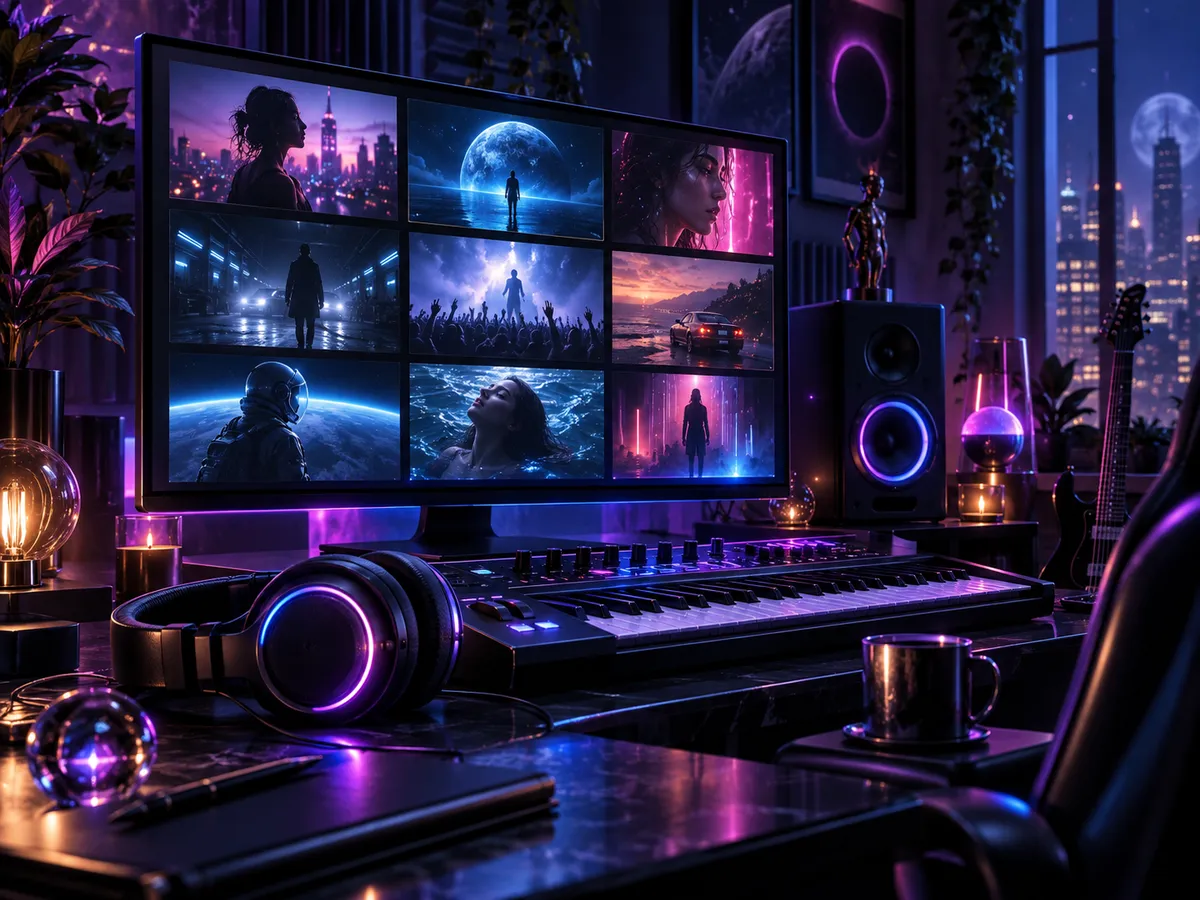
A home studio monitor showing a grid of cinematic music video thumbnails

Single releases

Create visuals for a new single, a teaser, or a YouTube upload.

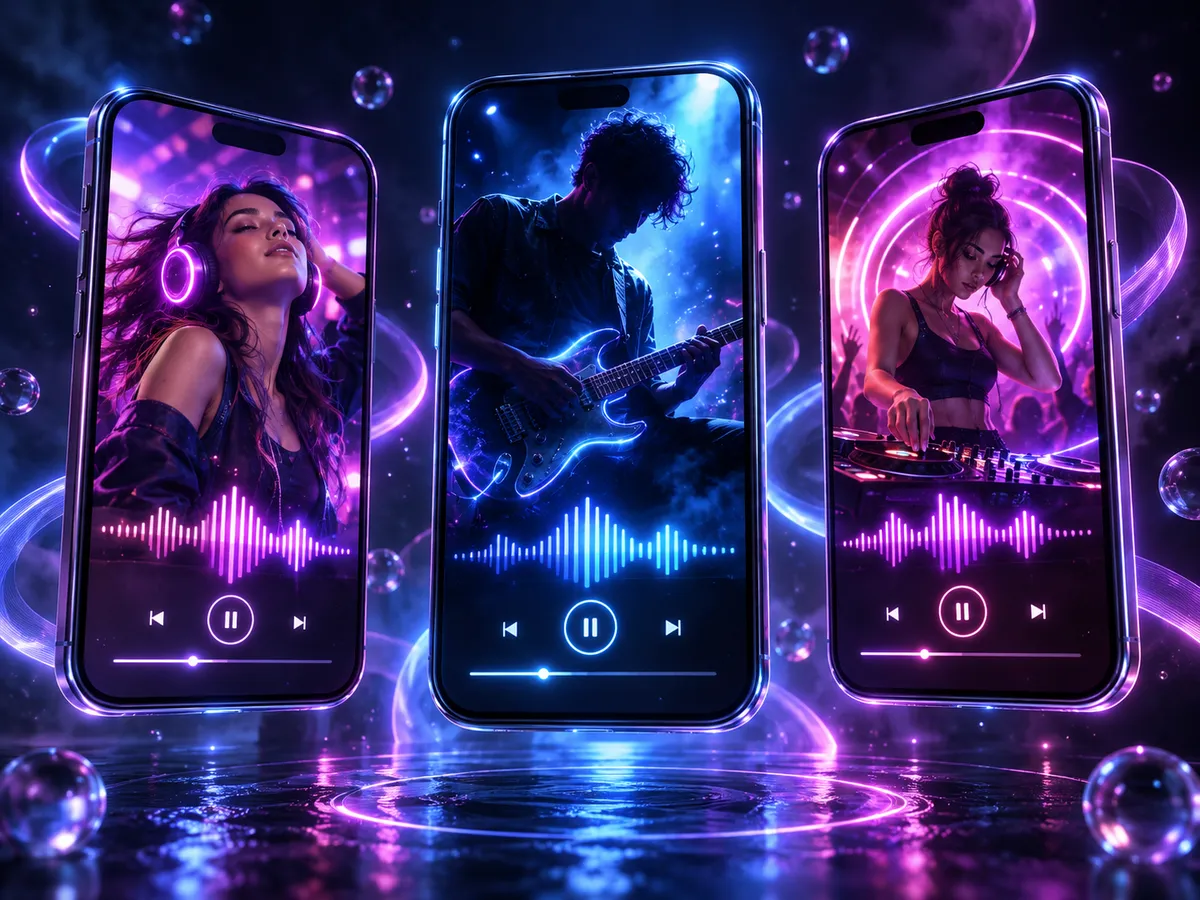
Three phones showing colorful animated music clips

Short-form clips

Make vertical videos for TikTok, Reels, and Shorts from your hook.

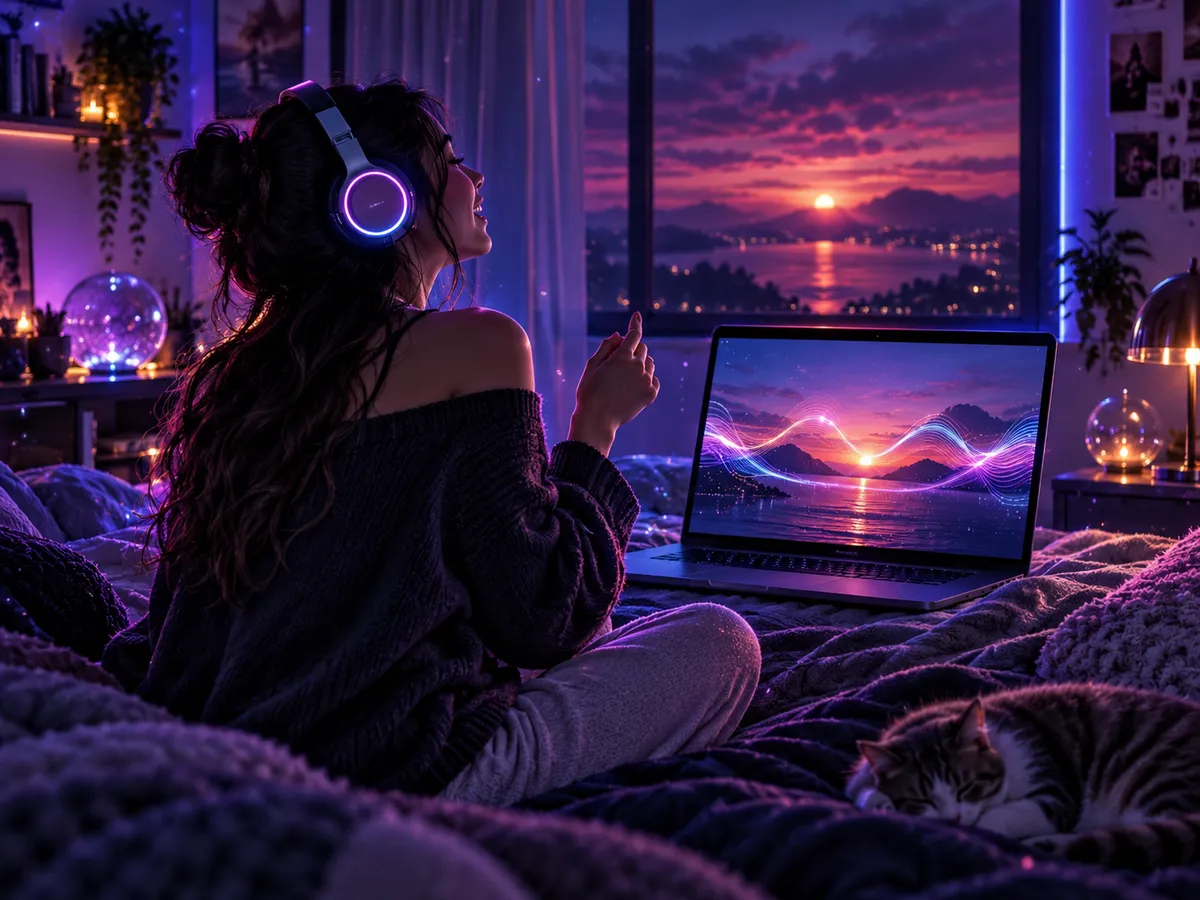
A laptop playing a lyric video in a cozy dark bedroom

Lyrics videos

Help listeners sing along with lyrics timed to the music.

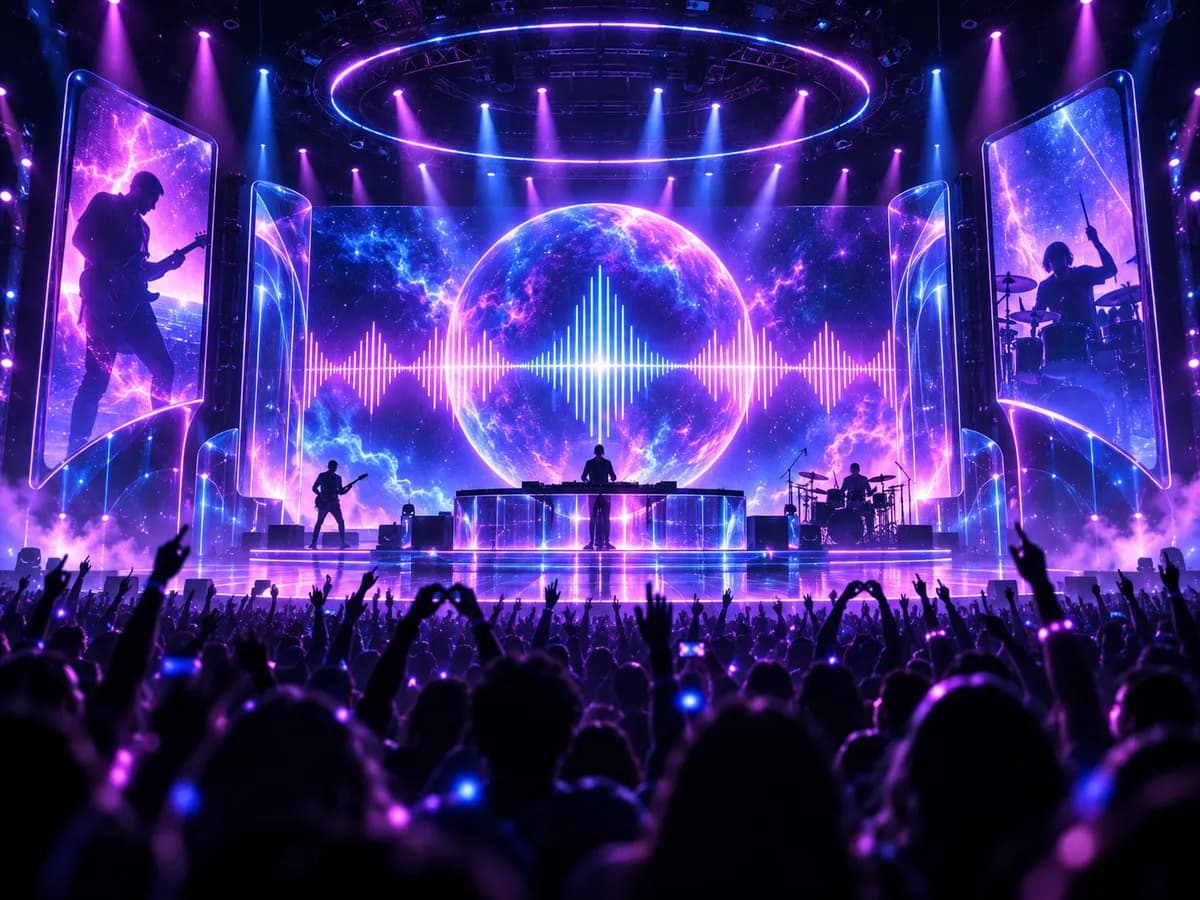
A concert stage with a giant LED wall showing neon visuals

Live visuals

Loop clips on stage screens, streams, and event backdrops.

How to use

Make a music video in 3 steps

No camera, editing software, or video skills needed.

  1. 01

    Choose your song

    Upload an MP3 or M4A, or pick a song you already created, then choose the clip.

  2. 02

    Describe the video

    Write the scene and add a character, or pick a layout for a lyrics video.

  3. 03

    Generate and download

    Watch the result, then download the MP4 for your channels.

FAQ

AI music video generator FAQ

Answers about clips, characters, lyrics videos, credits, and usage.

01How does the AI music video generator work?

Choose a song and a clip, then describe the scene. The AI generates a video for that part of the song, with optional characters, lip sync, and lyric subtitles.

02How long can a music video be?

AI music videos are 5, 10, or 15 seconds per generation, and lyrics videos are 15, 30, or 60 seconds. Pick the strongest part of the song, such as the chorus.

03Can I use my own character or face?

You can upload illustrated or AI-generated characters, or choose a preset. Photos of real people's faces are not supported by the video model.

04What is the difference between a music video and a lyrics video?

A music video generates a filmed scene for your clip. A lyrics video shows your song's lyrics on screen over a layout and background, in time with the music.

05Which songs can I use?

Upload an MP3 or M4A, or pick a song you generated on Make A Song AI. Only use audio you own or have permission to use.

06How many credits does it cost?

The credit cost is shown next to the generate button before you start. AI music videos are billed per second of video, and the feature is available on paid plans. Credits for failed tasks are returned automatically.

07Can I download and post the videos?

Yes. Paid plans include MP4 downloads and commercial use of your generated videos, as long as the music, images, and lyrics you upload are yours or licensed to you.

Give your next song a video

Pick a clip, describe the scene, and get a music video in minutes.

Create a music video