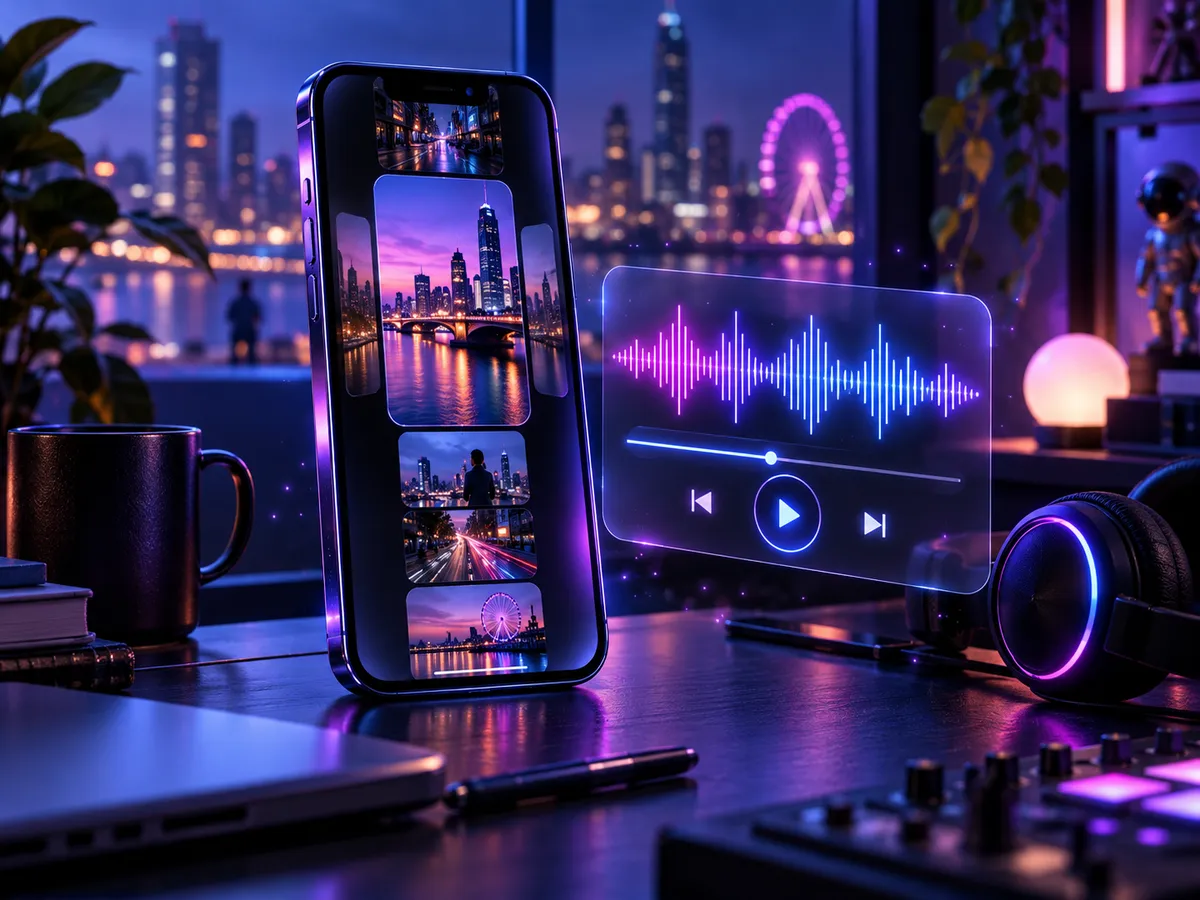
Reels and photo slideshows
Score a photo dump, travel reel, or product slideshow with music that matches what people see.
Upload a photo or artwork and turn it into an original instrumental soundtrack. The AI reads the mood, colour, and light of your image, and a few style words let you steer the result.
Photos, artwork, screenshots, and concept art all work. The clearer the mood, the stronger the soundtrack.
Optional. Pick styles or describe the feel you want, or leave it empty and let the image lead.
Available on paid plans
Each image creates two instrumental versions you can play, compare, and download.
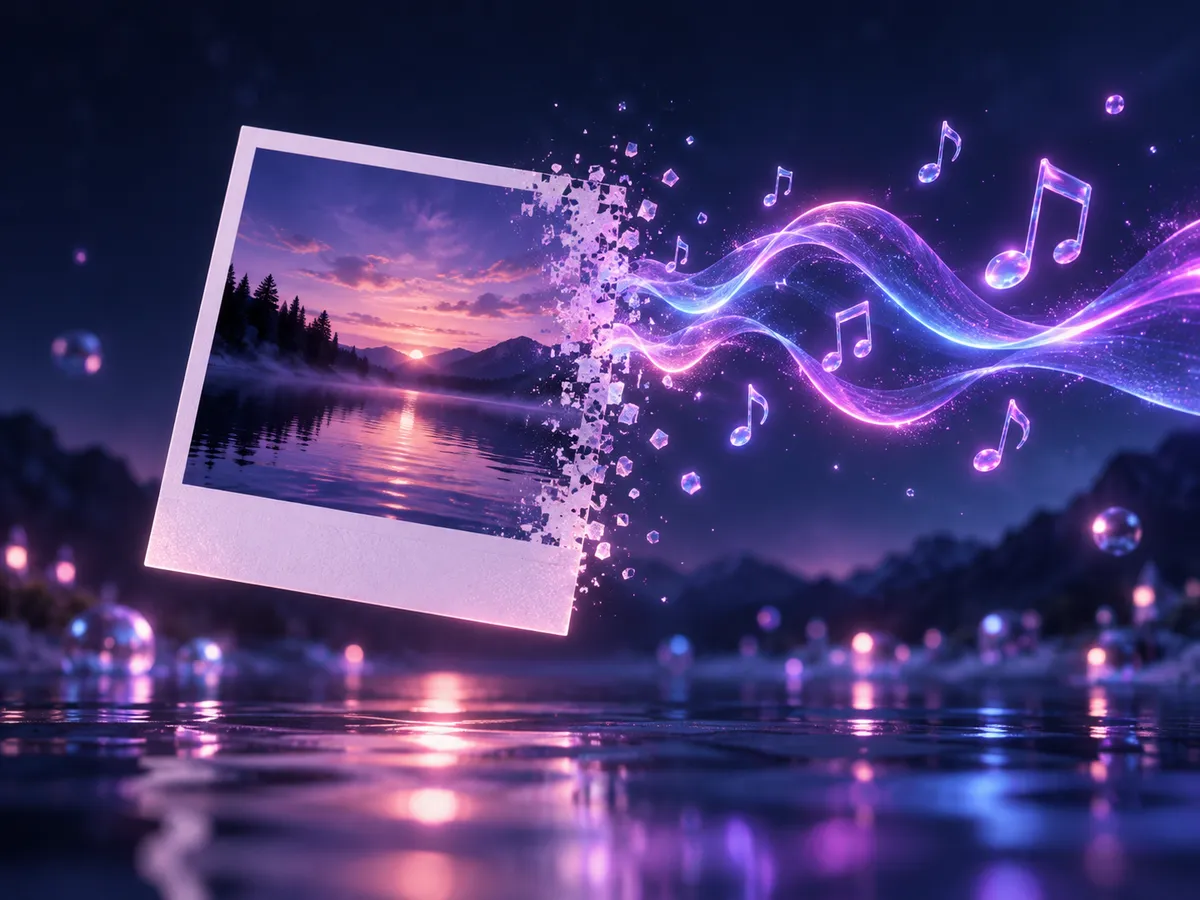
Upload an image and generate to hear two original takes inspired by it.
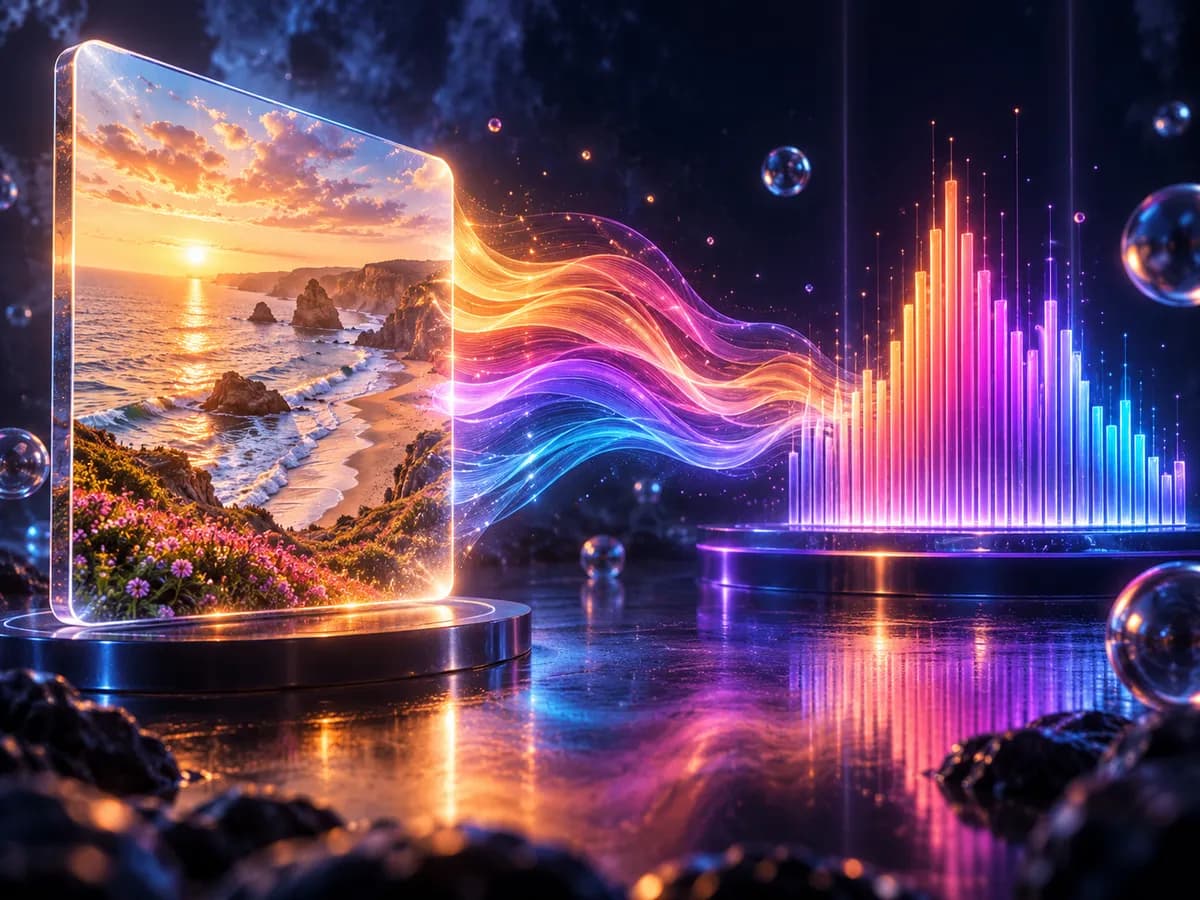
How it works
The AI reads the whole picture instead of single objects, then composes an instrumental track that fits its atmosphere. Your style words refine the result.
Warm, bright palettes and cool, muted ones suggest very different moods, so choose an image whose colours match the feeling you want.
Soft, even light points toward calm and spacious music, while strong contrast and neon light suggest more drive and tension.
Landscapes, city streets, portraits, and fantasy art each carry their own atmosphere. Add style words when you want a specific genre.
Use cases
Give visual work a sound of its own without digging through stock music libraries.
Score a photo dump, travel reel, or product slideshow with music that matches what people see.
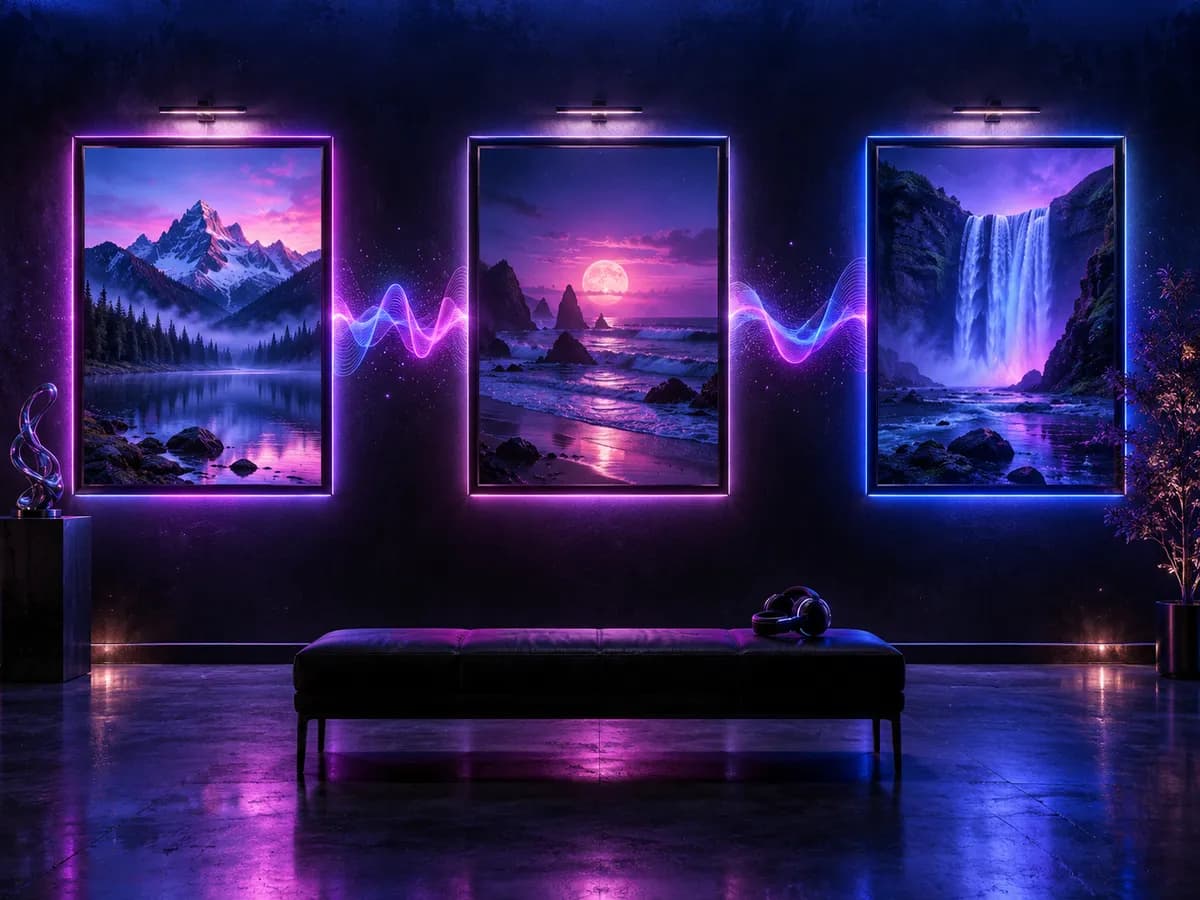
Add an original background track to an online gallery, exhibition, or portfolio video.
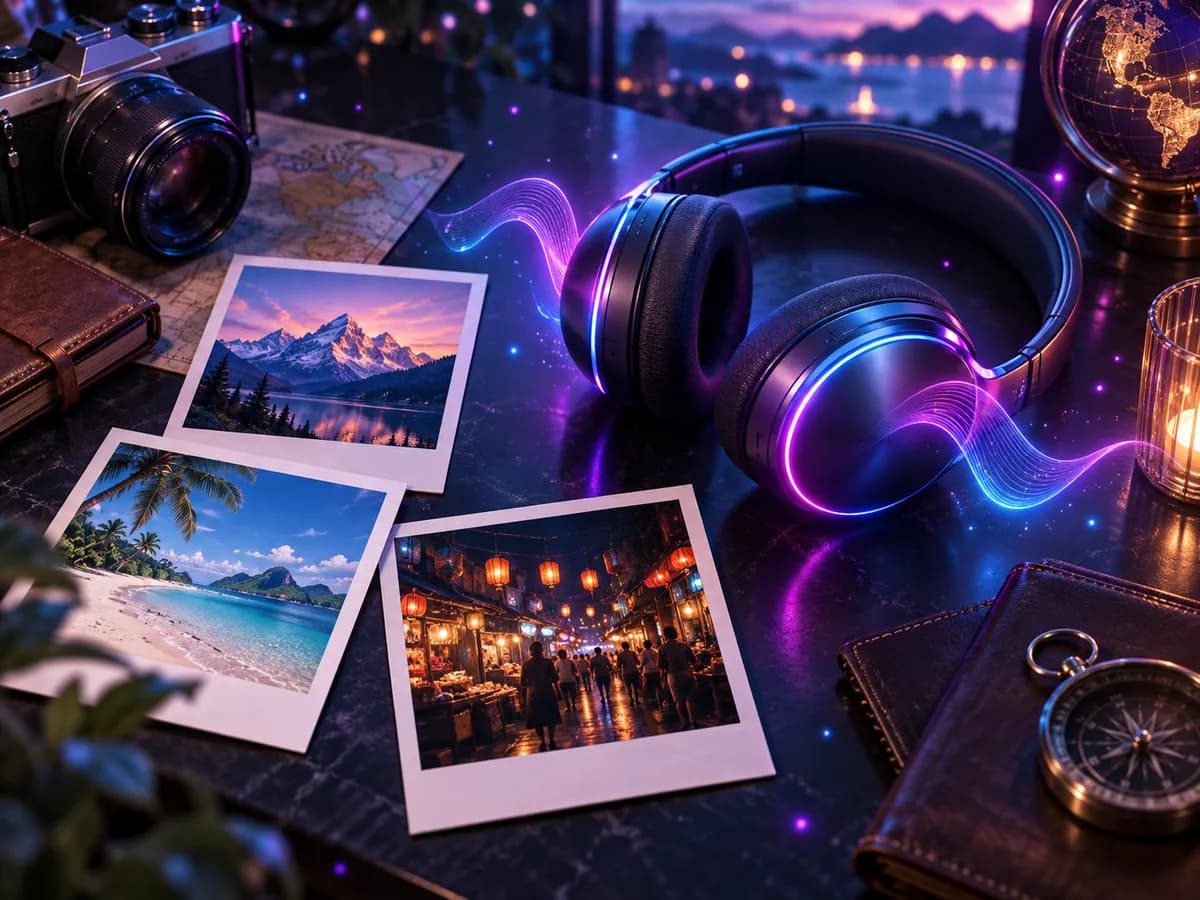
Turn favourite trip or family photos into a soundtrack that brings the moment back.

Sketch the mood of a level, character, or world from its concept art before full scoring.
How to use
No music theory or editing software needed.
Choose a PNG, JPG, or WEBP up to 20MB. Photos, illustrations, and screenshots all work.
Pick styles or describe the feel if you like. Leave it blank and the image leads.
Get two original instrumental takes in a few minutes, then compare them and download your favourite.
FAQ
Answers about images, styles, credits, and using your soundtracks.
It is an AI tool that creates original music from a picture. You upload a photo or artwork, and the AI composes instrumental soundtracks that fit the atmosphere of the image.
PNG, JPG, or WEBP files up to 20MB. Photos, paintings, illustrations, screenshots, and concept art all work, and images with a clear mood usually give the most fitting results.
No. Image to Music creates instrumental soundtracks. To make a song with vocals and lyrics, use the AI Music Generator or Lyrics to Song instead.
Yes. Pick style tags or describe the feel, tempo, or instruments in the text box. Your words steer the soundtrack while the image sets the mood.
Each generation creates two instrumental versions, usually within a few minutes. You can play, compare, and download both.
The credit cost is shown next to the generate button before you start. Image to Music is available on paid plans, and credits for failed tasks are returned automatically.
Paid plans include downloads and commercial use of original generated music, as long as the images and descriptions you upload do not infringe anyone else's rights.
No. It does not search for or recreate existing songs. Every track is newly generated from your image and direction.
Upload a photo or artwork and get two original soundtracks in minutes.
Upload an image