Audio to MIDI Guide: When Musicians Should Convert Recordings to Notes
Understand when audio-to-MIDI conversion helps producers capture melodies, edit notes, rebuild parts, and move ideas into a DAW.
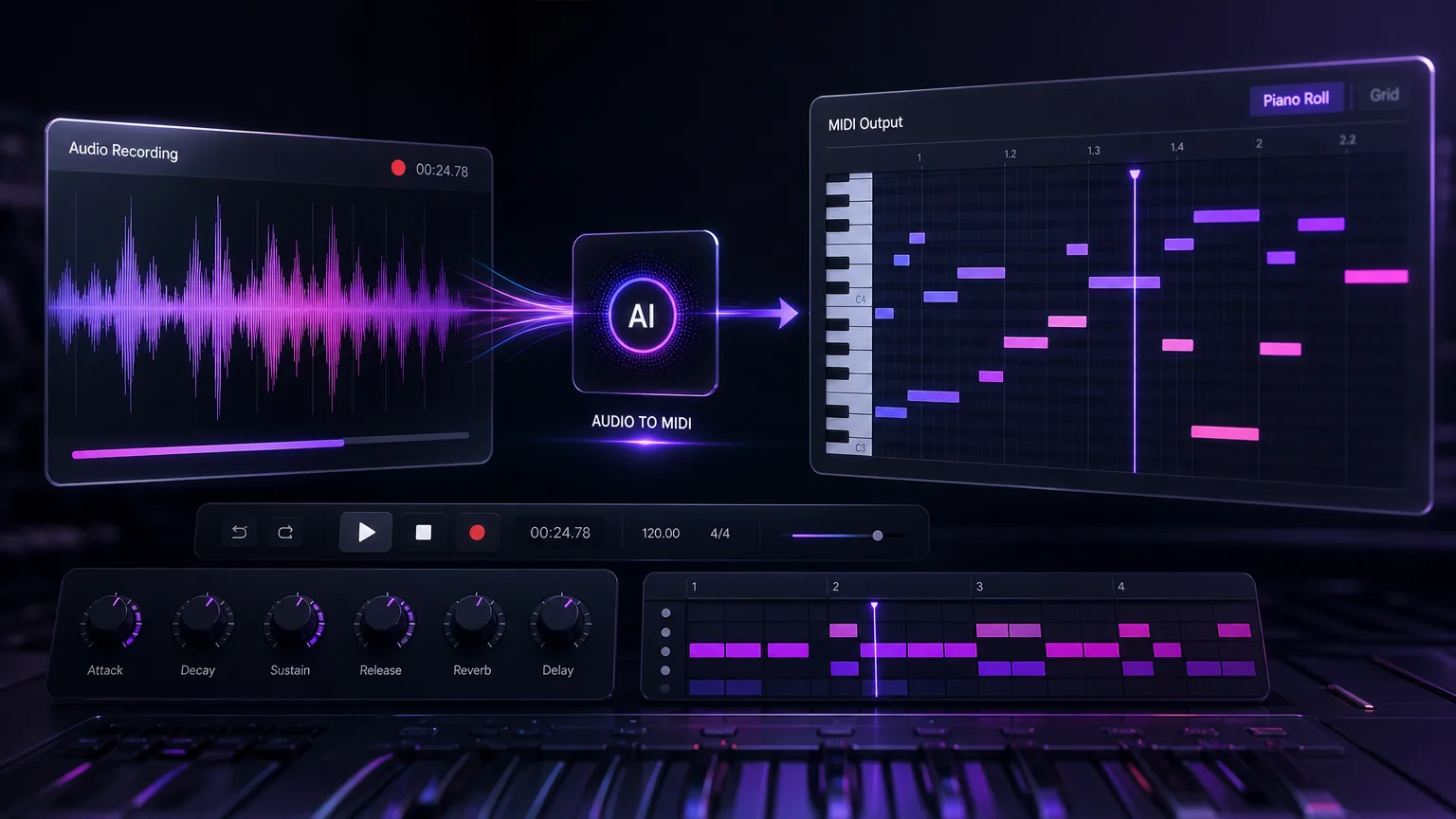
Audio-to-MIDI is useful when you want notes you can edit, not just audio you can play. It helps capture melodies, correct timing, and rebuild ideas inside a DAW.
Before you start
Use audio-to-MIDI for monophonic melodies first.
Clean recordings convert more accurately.
Edit MIDI after conversion instead of expecting perfection.
Pair MIDI output with AI arrangement for faster demos.
Practical workflow
Use the guide as a repeatable production pass
This guide is organized around the same steps a creator needs before opening the matching tool: define the input, control the model, review the result, then change one variable at a time.
Use MIDI when you need editable notes
Start with simple sources
Move from MIDI to song arrangement
Clean up the MIDI before judging the result
Field-tested prompt patterns
Melody extraction
Single-line idea
Convert this audio into MIDI focused on the main melody. Ignore background noise where possible, keep note timing natural, and avoid adding harmony that is not present.
Chord sketch
Songwriting arrangement
Estimate the chord movement from this audio and create a simple MIDI progression. Prioritize usable harmony over exact ornamental notes.
Cleanup instruction
After conversion
Quantize lightly, remove obvious wrong notes shorter than [duration], preserve expressive timing in the lead phrase, and label sections by verse or chorus if detectable.
Quality bar
Do not approve the draft until it passes these checks
Source simplicity
Clean monophonic audio converts more accurately than dense full mixes.
Timing review
Human-feeling timing should not be destroyed by aggressive quantization.
Wrong-note cleanup
Short accidental notes are removed before arranging around the MIDI.
Instrument match
The MIDI instrument used for review should fit the original phrase range.
Arrangement purpose
Decide whether the MIDI is for transcription, remixing, teaching, or songwriting before editing.
Use MIDI when you need editable notes
Audio is a recording. MIDI is instruction data: pitch, timing, velocity, and duration. Converting audio to MIDI lets you change notes, swap instruments, fix timing, and build arrangements around a melody.
This is especially useful for hummed hooks, guitar riffs, piano sketches, and voice memos that need to become production material.
Next step: AI audio to MIDI — Convert clean melodies or chord ideas into editable notes.
Start with simple sources
Single-note melodies convert better than full mixes. If your recording has drums, chords, vocals, and noise together, the model has a harder job. Start with a clean melody line whenever possible.
After conversion, expect to clean up timing and note lengths. MIDI conversion is a starting point, not a final performance.
Next step: hum to song guide — Capture a melody first if the idea is still only a voice memo.
Move from MIDI to song arrangement
Once the melody is editable, you can test instruments, keys, and tempo. You can also combine the MIDI with text-to-song or lyrics-to-song tools to build a complete draft around the captured idea.
Next step: stem splitter — Separate a dense mix before trying to transcribe individual parts.
Clean up the MIDI before judging the result
The first MIDI file is usually a draft. Quantize only where timing should be strict, delete short accidental notes, adjust note lengths, and choose an instrument that reveals pitch mistakes clearly. A piano patch is often easier for editing than a dense synth preset.
Do not judge conversion quality only by the default playback sound. The goal is editable musical information. Once the notes are cleaned, you can move them into a DAW, a notation app, or an AI arrangement workflow.
Start cleanup with pitch errors before timing errors.
Use a simple instrument while editing.
Keep the original audio aligned for reference.
Next step: text to song workflow — Turn the edited MIDI idea into a fuller song brief.
Connect MIDI extraction to song creation
Audio-to-MIDI becomes more powerful when it is part of a larger pipeline. A hummed melody can become MIDI, the MIDI can guide chords and instrumentation, and lyrics-to-song can turn the idea into a complete vocal draft. The blog should show that chain explicitly.
This workflow covers related production steps without mixing them together. Each step owns a clear job: capture melody, convert notes, arrange music, and publish the final song.
Choose the right source for each musical goal
If you want a lead melody, record one note at a time. If you want chord inspiration, use a cleaner piano or guitar sketch and expect more manual cleanup. If you want drum timing, use a tool designed for rhythm extraction rather than forcing melody conversion to solve every problem.
Explaining source choice makes the article stronger than a generic converter page. It helps musicians understand when audio-to-MIDI is the right next step and when another AI audio tool will save time.
Use exported MIDI as an arrangement starting point
A practical workflow can move from voice memo to MIDI, from MIDI to arrangement, and from arrangement to final AI song. That sequence keeps the musical idea intact while giving producers editable material.
Creators get a production method that connects hum-to-song, audio-to-MIDI, and AI music generation without forcing one tool to do every job.
Frequently asked questions
Is audio-to-MIDI accurate?
Accuracy depends on source quality and complexity. Clean single-note melodies usually work best.
Can I convert vocals to MIDI?
Yes, especially simple hummed or sung melodies. Polyphonic vocals and harmonies may need cleanup.
Why use MIDI instead of audio?
MIDI lets you edit notes, change instruments, quantize timing, and build arrangements more flexibly.