Commercial Rights for AI Music: What Creators Should Check
A practical checklist for AI music commercial rights, licensing, attribution, uploads, voice safety, and platform publishing decisions.
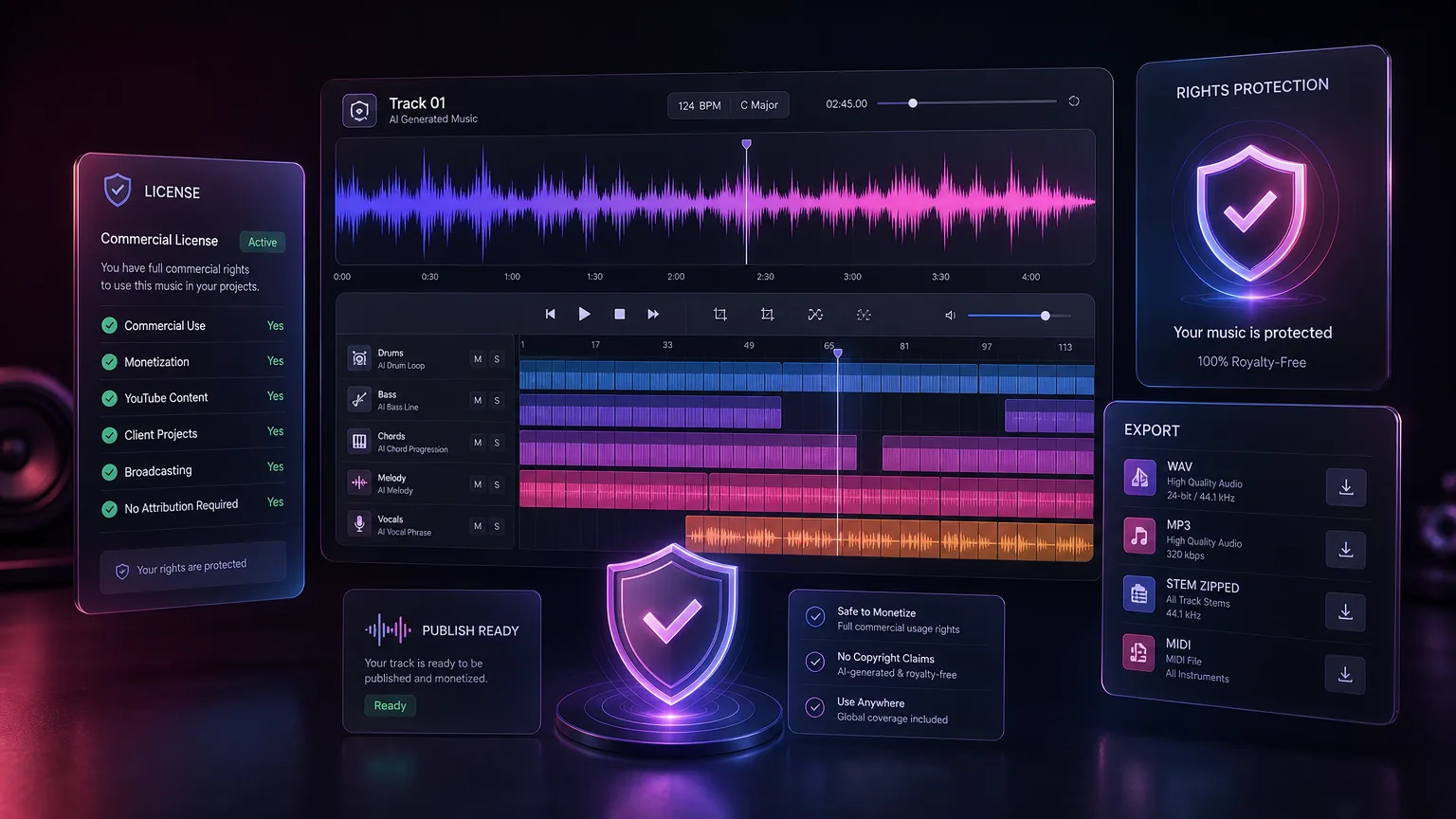
Commercial use is not just a download button. Before publishing AI music in ads, games, podcasts, or monetized videos, creators should understand plan rights, input rights, voice safety, and record keeping.
Before you start
Check both platform terms and the rights of your input material.
Avoid celebrity voice cloning and artist imitation requests.
Keep export dates, prompts, and license plan records.
Use original prompts and owned lyrics for the safest workflow.
Practical workflow
Use the guide as a repeatable production pass
This guide is organized around the same steps a creator needs before opening the matching tool: define the input, control the model, review the result, then change one variable at a time.
Separate output rights from input rights
Avoid voice and artist confusion
Keep a publishing record
Create a rights checklist before client delivery
Field-tested prompt patterns
Rights-safe brief
Client or brand work
Create an original [genre] track for [use case]. Do not imitate named artists, songs, voices, or copyrighted melodies. Use general musical traits: [tempo], [instruments], [mood], [structure].
Release checklist
Before publishing
Summarize the source inputs for this track: prompt text, uploaded files, model or tool used, date created, intended platform, license notes, and whether any third-party material was included.
Safer revision
Prompt feels too close to a reference
Regenerate the track with the same mood and tempo but different melody contour, different instrumentation focus, and no voice or arrangement resemblance to the reference.
Quality bar
Do not approve the draft until it passes these checks
Source audit
List every uploaded audio file, lyric, melody, sample, and reference used in the generation.
License read
Check the tool terms for commercial use, attribution, redistribution, and client transfer.
No imitation
Avoid named artist voice, living performer clone, or direct song-style copying.
Record keeping
Save prompts, dates, exports, and usage context with the final asset.
Platform fit
Confirm the intended platform allows the use case before campaign launch.
Separate output rights from input rights
A platform may grant commercial rights to generated output, but that does not fix problems in the input. If you upload copyrighted audio, imitate a recognizable living artist, or paste lyrics you do not own, the final track can still carry risk.
The safest workflow starts with original text, original humming, licensed samples, or platform-provided generation from scratch.
Next step: AI song prompt guide — Write safer prompts with musical traits instead of artist imitation.
Avoid voice and artist confusion
Do not ask for an official voice clone, celebrity imitation, or a track that sounds exactly like a specific living artist. Describe qualities instead: airy vocal, bright synth pop, mellow acoustic, cinematic drums, or warm R&B harmony.
This protects your brand and keeps the output more original. It also makes your prompts more reusable across projects.
Next step: AI song cover guide — Check additional concerns when voice style or cover concepts are involved.
Keep a publishing record
For client work or monetized channels, save the prompt, generation date, plan level, project name, and final file. A simple record helps prove where the asset came from and which terms applied at the time of export.
Teams should create a shared folder for final exports, cover art, lyrics, and licensing notes. This is especially useful for agencies producing many short-form campaigns.
Next step: AI music generator — Generate original tracks from clean briefs instead of copyrighted uploads.
Create a rights checklist before client delivery
For client projects, approval should include more than the audio file. Check the prompt source, uploaded material, plan rights, intended platforms, territory, duration of use, and whether the music will be combined with ads, paid media, games, or monetized videos.
This checklist is not legal advice; it is an operational habit that reduces confusion. Clear records help teams respond faster if a distributor, marketplace, or client asks where a track came from.
Confirm the source material is owned or licensed.
Save the generation date and account plan.
Store final audio, prompt, lyrics, and cover art together.
Next step: sound effects creator guide — Apply the same source-tracking habit to custom SFX assets.
Make rights checks part of the release workflow
Commercial rights questions usually appear when a creator is close to publishing. Put the checklist beside pricing, copyright-safe generation, sound effects, and song cover decisions so the release path is easier to review.
A rights workflow shows that the project is not only about generating audio. It also covers publishing, attribution, platform uploads, client delivery, and long-term asset records.
Explain uncertainty without weakening the conversion path
Rights content should be clear without pretending every legal question has the same answer. State what creators can control: original prompts, owned lyrics, licensed uploads, plan records, and avoiding artist confusion. Then point users to pricing and product terms for the current platform rules.
This style keeps the release process practical. People who understand the checklist are more likely to create publishable music responsibly.
Frequently asked questions
Is Make A Song AI music copyright-free?
Yes. Original songs generated by Make A Song AI are 100% copyright-free and can be used freely for personal, creator, and commercial projects.
Can I upload AI music to YouTube?
Usually yes if your plan allows commercial use and your inputs do not violate third-party rights. Keep records in case of disputes.
Can I ask for a famous artist style?
Use broad musical qualities instead of direct imitation. Avoid voice cloning or instructions that cause confusion with real artists.