Voice to MIDI Guide: Turn Singing and Humming Into Editable Notes
Learn how voice to MIDI turns singing, humming, and melody sketches into editable notes for DAWs, sheet music drafts, and AI song workflows.
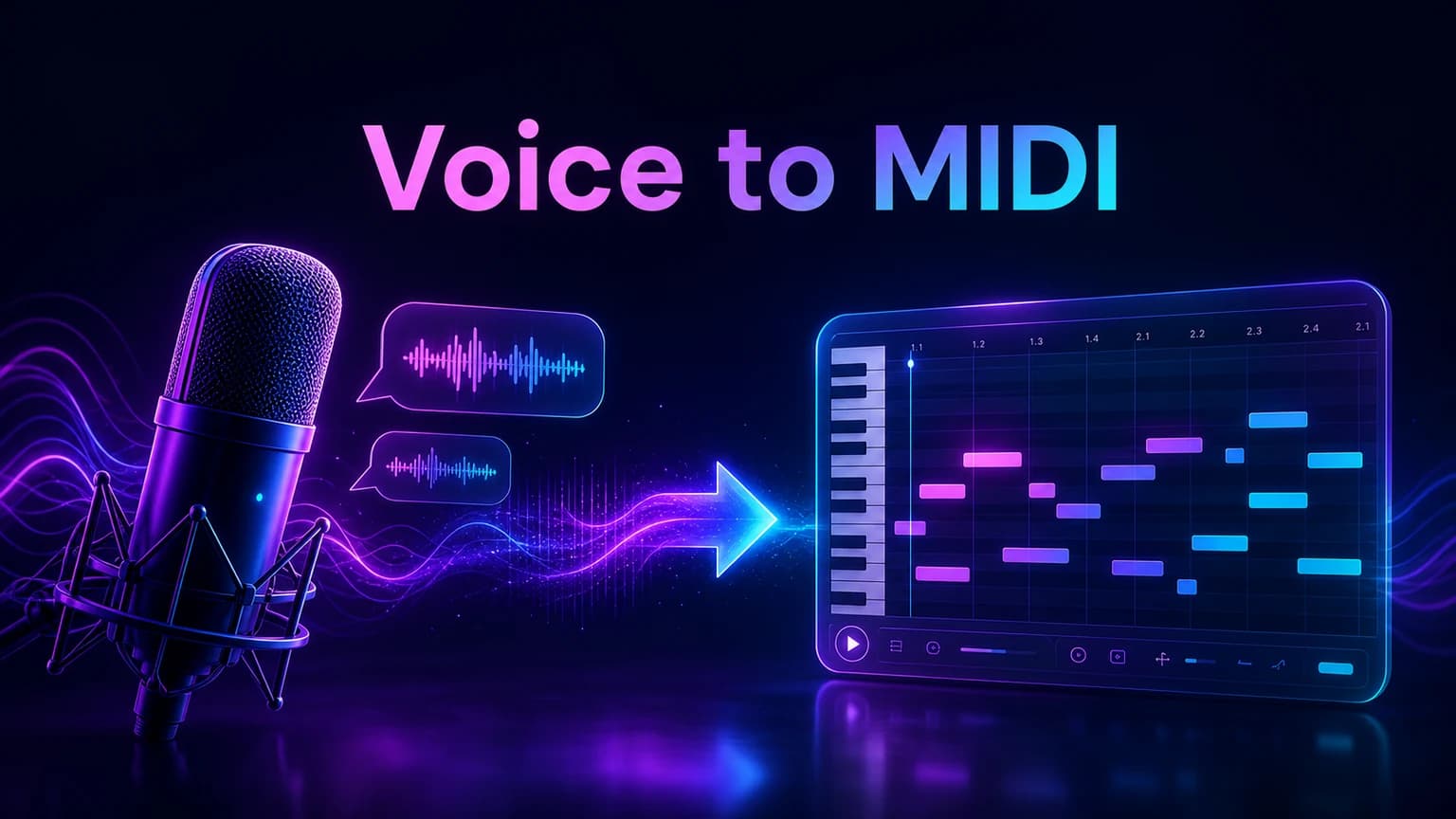
Voice to MIDI works best when you treat the recording as a clean melody sketch, not a finished performance. This guide shows how to prepare singing or humming, convert it into editable notes, and use the result inside a DAW or AI music workflow.
Before you start
Record one clear melody line before trying to convert a full mix.
Use voice to MIDI for notes, rhythm, and arrangement ideas rather than final audio quality.
Clean timing and pitch after conversion before sending the MIDI into a DAW.
Move strong MIDI sketches into AI music generation when you need vocals, lyrics, or arrangement.
Practical workflow
Use the guide as a repeatable production pass
This guide is organized around the same steps a creator needs before opening the matching tool: define the input, control the model, review the result, then change one variable at a time.
Understand what voice to MIDI actually gives you
Prepare a clean vocal or humming recording
Convert the melody before editing the arrangement
Use MIDI as a bridge into AI song creation
Field-tested prompt patterns
Clean vocal melody
Singing to MIDI
Convert this clean vocal melody into editable MIDI notes. Focus on the main pitch contour, note starts, and phrase timing. Ignore breath noise, vibrato drift, and room tone.
Humming sketch
Quick melody capture
Turn this humming idea into a simple MIDI melody. Keep one note line, preserve the hook shape, and avoid adding harmony unless it is clearly present.
AI song bridge
MIDI into generation
Use this MIDI as the chorus melody anchor for a [genre] song. Add [mood], [vocal direction], [tempo], and a full arrangement that supports the melody without copying any artist.
Quality bar
Do not approve the draft until it passes these checks
Single melody
The source contains one clear sung or hummed line instead of overlapping parts.
Noise control
Background noise, room echo, and backing tracks are low enough for transcription.
Pitch cleanup
Obvious wrong notes, slides, and doubled notes are corrected before production.
DAW readiness
The MIDI opens as editable notes with readable phrase boundaries.
Generation bridge
The cleaned melody is paired with mood, style, vocal, and structure notes before AI generation.
Understand what voice to MIDI actually gives you
Voice to MIDI converts a sung or hummed performance into note events. Instead of exporting a finished audio file, the output is a piano-roll style sketch that contains pitch, timing, and note length. That makes it useful for editing melodies, rebuilding ideas in a DAW, or turning a quick voice memo into a structured music draft.
The conversion is not the same as a polished score. Human singing has slides, breath, vibrato, and timing drift. A good workflow expects some cleanup after transcription, especially if the recording contains background noise or multiple overlapping notes.
Audio captures sound pressure and tone.
MIDI captures notes, timing, and control information.
A converted melody usually needs review before production.
Next step: AI audio to MIDI — Convert the clean vocal or humming file into editable notes.
Prepare a clean vocal or humming recording
The best input is a single melody line recorded close to the microphone. Avoid singing over a loud backing track, clapping, or speaking between phrases. If you need to capture a chorus idea, sing the main melody first and add harmonies later.
Phone recordings can work if the room is quiet and the melody is clear. Keep the tempo steady by tapping lightly before recording, but do not add percussion into the same file unless the tool is designed to separate it.
Record one melody at a time.
Leave a short silence before and after the phrase.
Avoid reverb-heavy rooms and noisy fans.
Next step: hum to song — Start from a humming idea when the melody is more important than finished lyrics.
Convert the melody before editing the arrangement
Once the vocal idea is converted, open the MIDI in a piano roll or notation view. Look for notes that are obviously too short, doubled, or shifted by a semitone. These issues are normal because a sung line rarely lands like a keyboard performance.
Start with broad fixes: key, tempo, phrase length, and the main hook. Do not spend time correcting every tiny note until you know the melody is worth developing. A rough but readable MIDI line is enough to test instruments, chords, and AI song directions.
Next step: MIDI vs MP3 — Choose the right file format after conversion.
Use MIDI as a bridge into AI song creation
After the melody is readable, decide what the next missing piece is. If you need chords and production, bring the MIDI into a DAW. If you need lyrics and vocals, use the melody idea as part of an AI music prompt and describe the mood, genre, voice, and structure around it.
A strong prompt might say that the MIDI represents the chorus melody, then ask for a full pop arrangement, warm lead vocal, and a short intro. This gives the generator a musical anchor without forcing it to guess the whole song from text alone.
Next step: AI music generator — Turn the cleaned melody direction into a full song draft.
Review the result like a producer
Good voice to MIDI output should preserve the contour of the idea. The exact rhythm can change, but the hook should still feel recognizable. If the main phrase disappears, record a cleaner take or slow the melody down before converting again.
When the melody works, save the MIDI separately from the generated song. That gives you a reusable source file for alternate instruments, keys, arrangements, and future versions.
Frequently asked questions
Can I turn singing into MIDI?
Yes. A clear single vocal melody can be converted into MIDI notes, but the result usually needs cleanup for timing, pitch, and note length before production.
Is humming good enough for MIDI conversion?
Humming can work well when the melody is clear and isolated. Use a quiet room, steady tempo, and one phrase at a time for better transcription.
Should I use voice to MIDI or audio to MIDI?
Use voice to MIDI when the source is singing or humming. Use broader audio to MIDI workflows when you need to transcribe instruments, melodies, or other audio files.