MIDI vs MP3: What Musicians Should Know Before Generating AI Songs
Compare MIDI vs MP3 for AI music creation, editing, DAW workflows, downloads, remixing, and publishing so you choose the right file format.
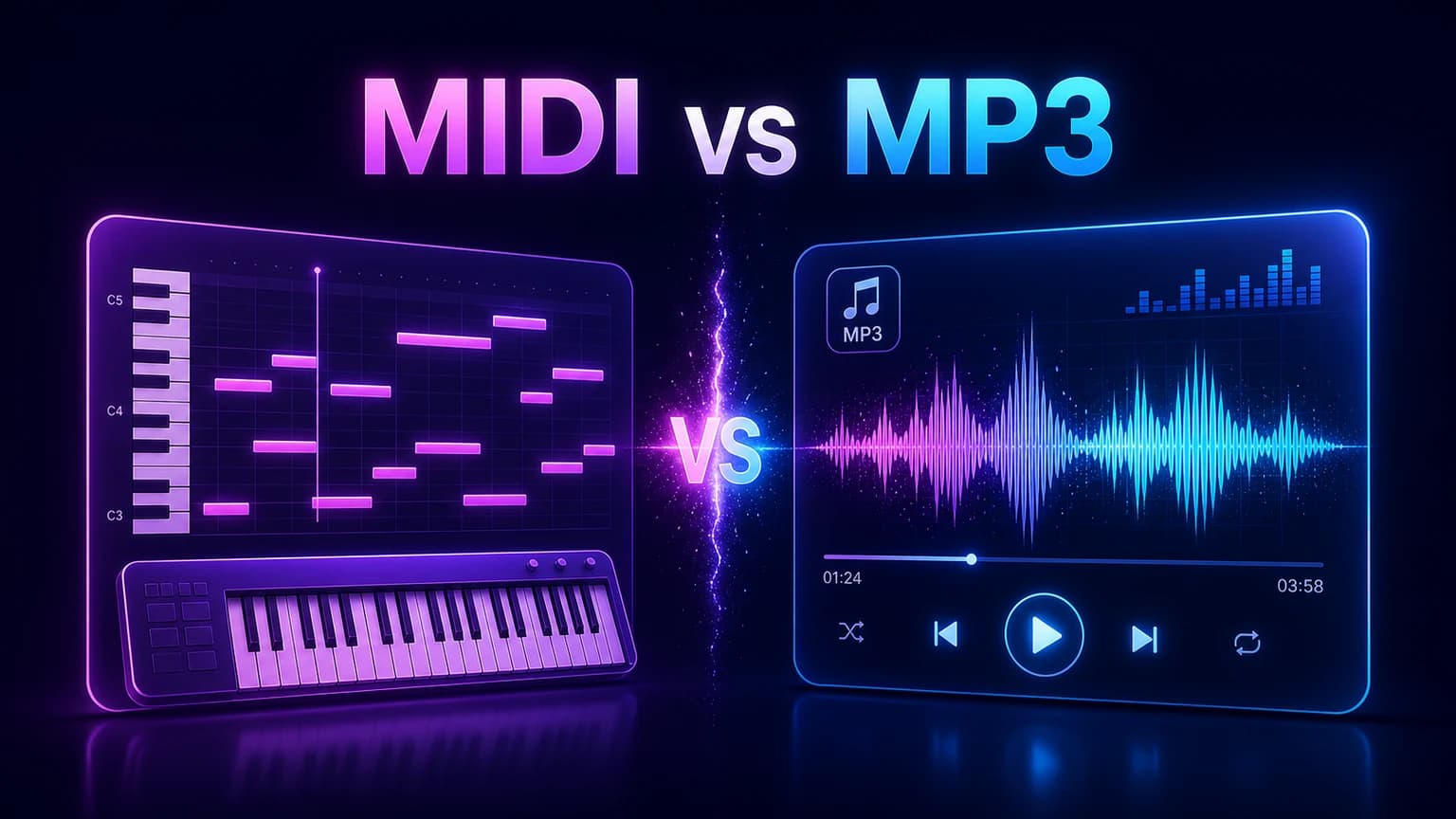
MIDI and MP3 solve different music problems. MIDI is for editable notes and production control, while MP3 is for listening, sharing, and publishing finished audio. Knowing the difference helps you choose the right AI music workflow.
Before you start
MIDI is editable note data, not a finished sound recording.
MP3 is compressed audio for playback, sharing, and delivery.
Use MIDI when you need to change notes, instruments, tempo, or arrangement.
Use MP3 or WAV when the track is ready to preview, download, or publish.
Practical workflow
Use the guide as a repeatable production pass
This guide is organized around the same steps a creator needs before opening the matching tool: define the input, control the model, review the result, then change one variable at a time.
Start with the simplest difference
Use MIDI when you still want to change the music
Use MP3 when you need people to hear the result
Combine both formats in an AI workflow
Field-tested prompt patterns
Format decision
Before export
My next action is [edit notes / share audio / publish / remix]. Recommend whether I should use MIDI, MP3, or WAV, and explain the tradeoff in one short checklist.
MIDI production pass
Editable arrangement
Use this MIDI melody as editable note data. Test [instrument], [tempo], and [key], then prepare it for a full AI song arrangement.
Audio delivery pass
Sharing or publishing
Export the finished song as [MP3 or WAV] for [video, approval, download, release]. Keep the file ready for playback rather than note editing.
Quality bar
Do not approve the draft until it passes these checks
Next action
The chosen format matches whether the user needs editing or playback.
Source preservation
Editable MIDI or project files are saved before exporting compressed audio.
Audio quality
MP3 is used for convenience; WAV is preferred when quality or further editing matters.
User handoff
Non-producers receive playable audio, not only MIDI files.
Workflow fit
AI generation, stem work, and audio-to-MIDI steps use the format that matches the task.
Start with the simplest difference
MIDI is a set of instructions. It tells a device or DAW which notes to play, when they start, how long they last, and sometimes how hard they are played. It does not contain the actual sound of a piano, guitar, or voice by itself.
MP3 is an audio recording. It contains the sound that listeners hear, compressed into a smaller file. You can play it on phones, upload it to video editors, and share it easily, but you cannot edit individual notes the way you can with MIDI.
MIDI: notes and control data.
MP3: compressed audio playback.
WAV: higher-quality audio playback and production export.
Next step: AI audio to MIDI — Use MIDI when the next step is note editing.
Use MIDI when you still want to change the music
MIDI is strongest before the song is finished. It lets you move notes, change chords, test instruments, shift keys, adjust tempo, or build an arrangement without recording everything again. That makes it useful for producers, songwriters, and anyone shaping a melody idea.
If you hum a chorus and convert it to MIDI, you can try piano, synth, guitar, or strings around the same melody. You can also send the idea into a broader AI music prompt once the musical direction feels clear.
Next step: stem splitter — Separate audio when the source is already a mixed MP3 or WAV.
Use MP3 when you need people to hear the result
MP3 is useful when the song is ready to preview, share, or place in a video. It is small, widely supported, and convenient for quick delivery. If you need higher quality for mixing or mastering, WAV is usually better than MP3.
For creator workflows, MP3 often works for demos, social edits, and approval rounds. Save the project or MIDI source separately if you expect future edits.
Next step: voice to MIDI — Convert sung or hummed melodies before arranging them.
Combine both formats in an AI workflow
A strong AI music workflow can use both formats. MIDI helps you define the melody or arrangement idea. MP3 or WAV helps you evaluate the produced track. The key is to avoid expecting one format to do everything.
For example, use audio to MIDI to capture a melody, clean the notes, then use the AI music generator for a vocal arrangement. Export the finished track as audio when it is ready for review or download.
Next step: commercial rights — Keep source and export records before publishing.
Choose the format based on the next action
Ask one question before choosing: what do I need to do next? If the next action is edit notes, change instruments, or build chords, choose MIDI. If the next action is listen, send, upload, or publish, choose MP3 or WAV.
This decision prevents wasted time. Editing an MP3 like MIDI is frustrating, and sharing MIDI with a non-producer usually does not communicate the finished sound.
Frequently asked questions
Is MIDI better than MP3?
Neither is always better. MIDI is better for editing notes and arrangements. MP3 is better for listening, sharing, and delivering finished audio.
Can MIDI include vocals?
MIDI can represent pitch and timing from a vocal melody, but it does not contain the actual recorded vocal tone or lyrics.
Should I download AI music as MP3 or WAV?
Use MP3 for quick sharing and smaller files. Use WAV when you need higher quality for editing, mastering, or professional delivery.