AI song generator workspace

Create AI Songs from Lyrics, Ideas, and Styles

Turn lyrics, prompts, and style ideas into complete songs with vocals, arrangements, cover art, and shareable result pages.

Sample Preview

Tourist in My Own Town

2026-05-22 20:43 · Hardcore, Funk

2:06
Lyrics cost: 1 credit
0/5000
Styles
Instrumental Only

Hover to preview the sample

PopPop music is an easy to understand, widely spread and fashionable type of music. It uses memorable melodies, accessible lyrics, and polished arrangements for broad appeal.RockRock uses strong rhythm, amplified guitars, driving drums, and direct vocal energy. It is useful when a song needs attitude, movement, and live-band force.PunkPunk is direct, fast, and rebellious. It favors compact structures, rough guitar energy, and lyrics with urgency, conflict, or youthful resistance.ElectronicElectronic music is built from synthesizers, drum machines, samples, and digital textures. It works well for futuristic, club, cinematic, or experimental songs.RapRap focuses on rhythmic spoken delivery, rhyme, and beat-driven structure. It is useful for storytelling, confidence, street scenes, or direct emotional expression.MetalMetal emphasizes heavy guitar distortion, powerful drums, dense low end, and intense vocal delivery. It gives a song aggression, scale, and impact.Hard RockHard Rock shapes the song direction by guiding the generator's rhythm, tone, arrangement, and emotional color.Alternative RockAlternative Rock shapes the song direction by guiding the generator's rhythm, tone, arrangement, and emotional color.Nu MetalNu Metal shapes the song direction by guiding the generator's rhythm, tone, arrangement, and emotional color.FunkFunk shapes the song direction by guiding the generator's rhythm, tone, arrangement, and emotional color.
0/30

Lyrics, titles, and styles must not contain names of famous people or inappropriate words. Lyrics cost 1 credit; V2.0 costs 3, V2.5 Pro costs 6, and V3 costs 12 credits.

Music creator 1Music creator 2Music creator 3Music creator 4Music creator 5Music creator 6

Loved by 6,000+ music creators

Spotify
YouTube
Apple Music
TikTok
SoundCloud
BandLab
Canva
Spotify
YouTube
Apple Music
TikTok
SoundCloud
BandLab
Canva

Choose the AI workflow that matches your starting point

Use one workflow when you already have lyrics, and another when you only have a story, scene, product, or mood.

Lyrics-first workflow

Paste finished lyrics, add style tags, and let the AI build vocals, melody, harmony, and production around your words.

Prompt-first workflow

Describe the purpose, audience, emotion, genre, instruments, and song structure, then let the AI write and produce the draft.

Compare creation workflows

Build an AI song from a clear creative brief

Start with lyrics or a plain-language idea, guide the sound with tags, then review the generated tracks before downloading or sharing.

Start an AI song draft

Write the musical brief

Tell the AI what the song is for.

  • Use lyrics when the words already matter.
  • Use a prompt when you want the AI to shape the lyrics and sound.

Guide the sound palette

Choose the model, tags, mood, vocals, and tempo.

  • Add genre and instrument tags that match the use case.
  • Avoid famous names, brands, or copyrighted references.

Review, save, and continue

Listen to the generated tracks and keep the versions that fit.
  • Open the result page for playback and sharing.
  • Use history, similar generation, stems, or export tools when available.

Prompt recipes for better AI songs

Use these structures to give the AI enough direction without copying another artist, song, or protected voice.

Creator intro music

  • Purpose: podcast or YouTube intro.
  • Sound: upbeat pop, warm synths, clean drums.
  • Structure: short hook, no long verse.

Lyrics-to-song ballad

  • Paste the lyrics first.
  • Add mood: intimate, hopeful, piano-led.
  • Ask for clear vocals and a slow build.

Short video soundtrack

  • Scene: night city travel montage.
  • Tempo: medium-fast, cinematic electronic.
  • Keep the chorus strong for edits.

Brand jingle draft

  • Describe the product and audience.
  • Use bright percussion and simple melody.
  • Keep lyrics short and memorable.

Game loop concept

  • Scene: cozy village menu music.
  • Style: acoustic fantasy, light percussion.
  • Avoid vocals and keep it loop-friendly.

Gift song idea

  • Mention the occasion and relationship.
  • Add personal details you own.
  • Choose a warm, singable chorus.

Creator Library: AI Songs, Prompts, and Styles

Browse finished tracks with different moods, voices, and production directions, then use them as references for your own AI music ideas.

Dark neon football stadium with music waveforms and crowd lights

New for 2026

Create a World Cup anthem in seconds

Turn match-day energy into an original football anthem, fan chant, stadium intro, or short video soundtrack with AI.

Try World Cup Song Generator

Where creators use AI-generated music

Create music drafts for content, events, demos, learning, and production planning without starting from a blank DAW session.

Short video and social content

Generate hooks, intros, and background tracks for reels, shorts, livestream clips, and campaign edits.

Podcasts, ads, and brand audio

Draft sonic logos, ad beds, podcast openers, and short branded music ideas for client review.

Personal songs and gifts

Turn stories, names, memories, and occasions into personalized songs for birthdays, weddings, teams, and friends.

Education and songwriting practice

Test lyric structure, chord moods, genre vocabulary, and arrangement ideas for classes or personal learning.

Demos and production references

Create rough drafts that communicate direction before recording, mixing, or commissioning a full production.

Games, video, and product moments

Build theme sketches, menu loops, event stingers, and atmosphere tracks for interactive or visual projects.

AI music tools for writing, refining, and publishing tracks

Build the whole song workflow in one place: draft lyrics, turn prompts into tracks, clean vocals, split stems, create videos, and share polished music.
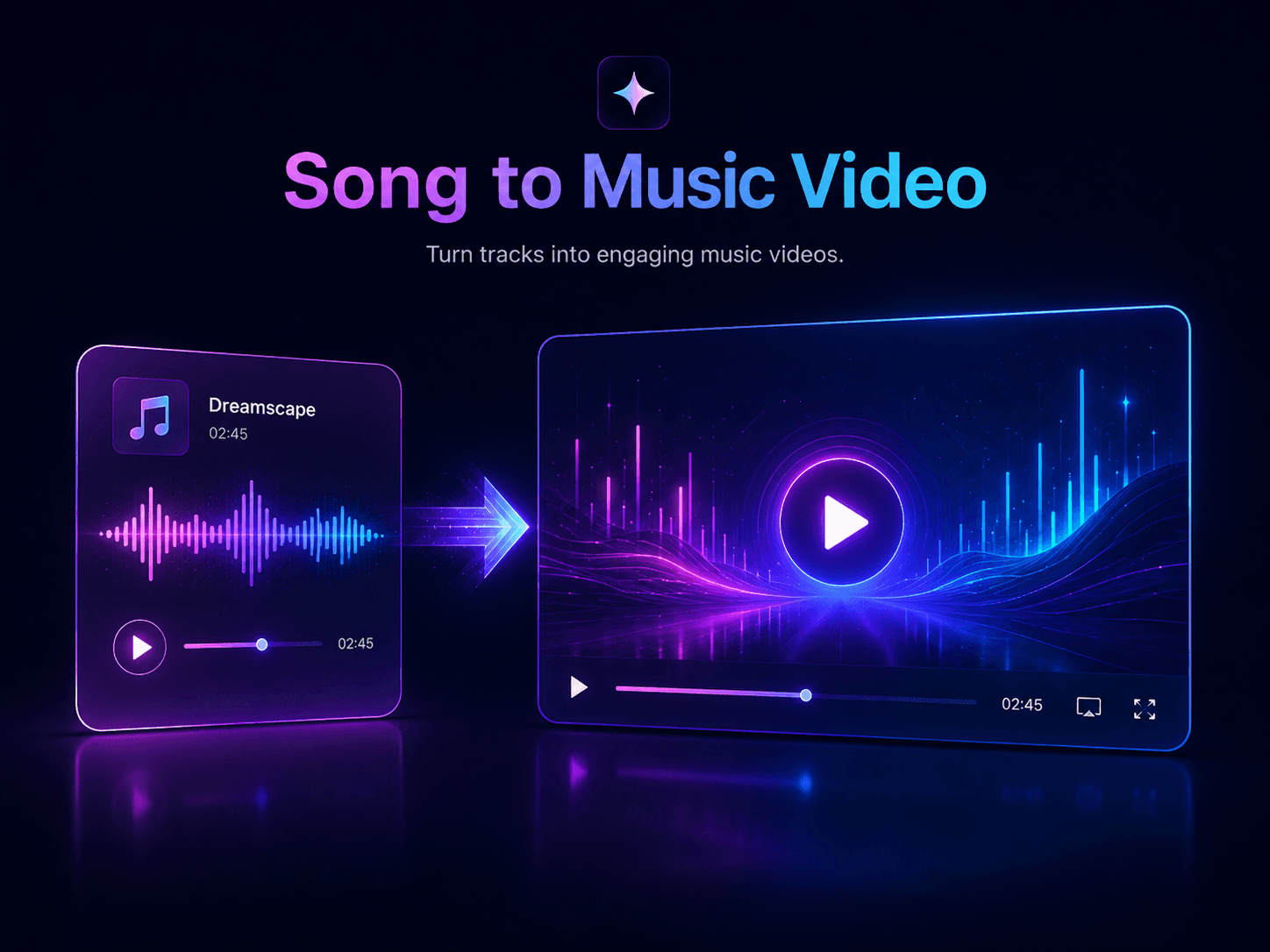
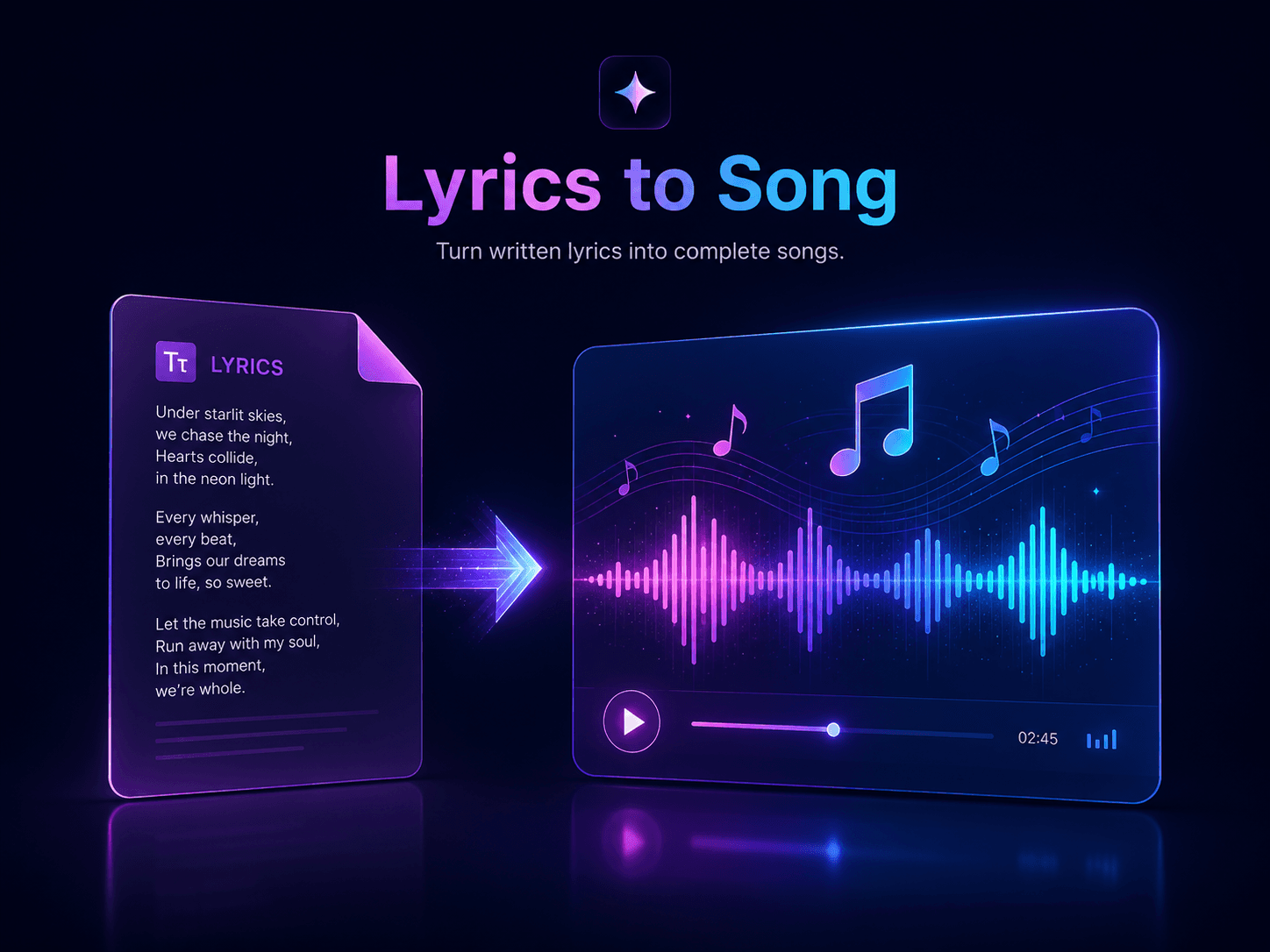
Lyrics to Song tool by AI Song Maker
Tool Features

Lyrics to Song

Start with your own words and shape them into a produced song. The lyrics-to-song workspace reads your lines, mood, and style direction, then builds melody, rhythm, vocals, and arrangement around the writing.

Summary

  • Turn complete lyrics into a generated song in a few steps.
  • Use it as a flexible composer across many musical styles.
  • Create finished drafts without arranging everything yourself.
Bring Your Lyrics to Life
Text to Song tool by AI Song Maker
Tool Features

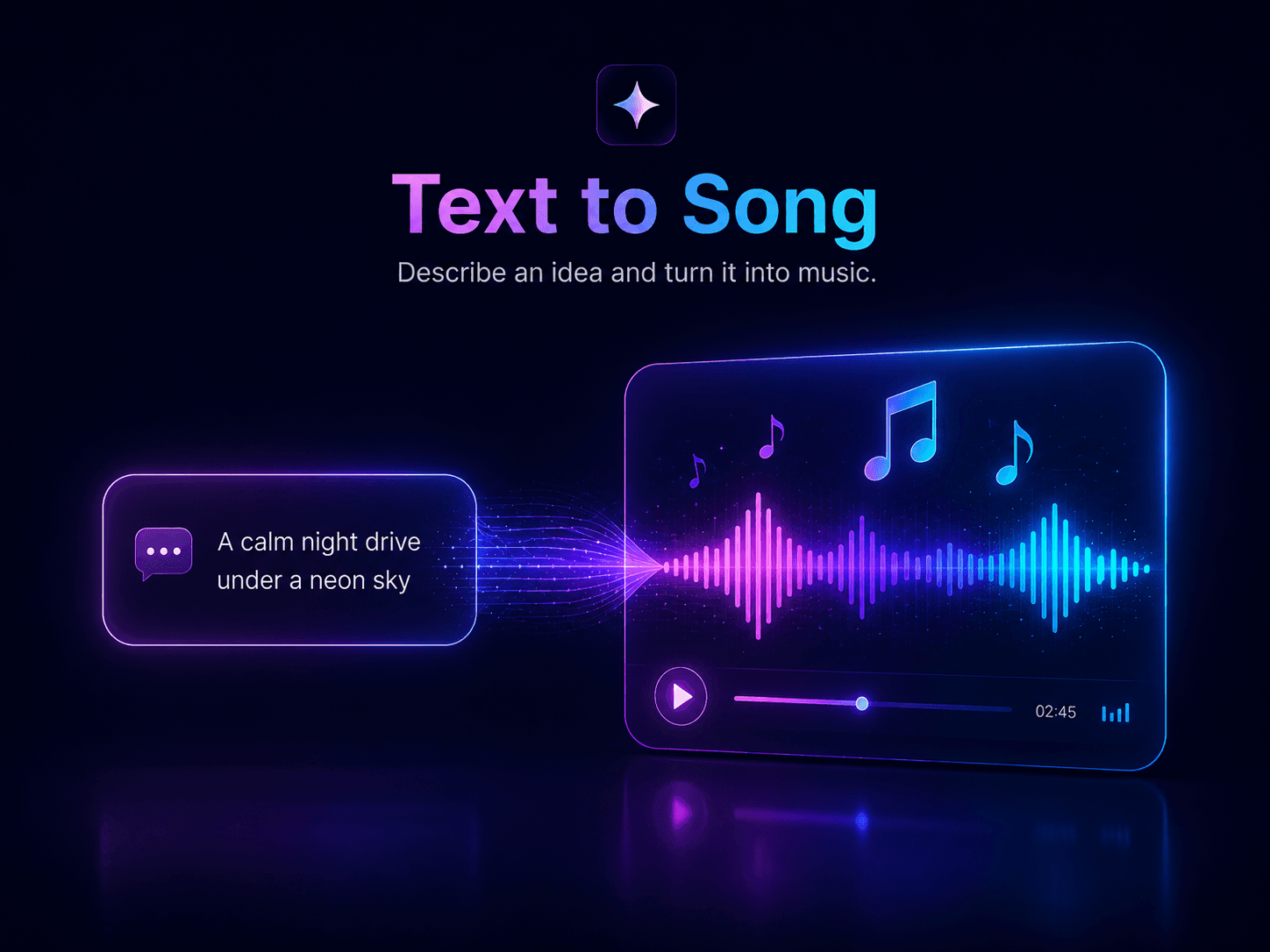
Text to Song

Turn a brief, story, message, or loose idea into music. The text-to-song tool interprets tone, pacing, and emotion from your prompt, then creates a complete audio result with a clear musical direction.

Summary

  • Shape ordinary text into a structured music draft fast.
  • Good for creators who need themes, hooks, or campaign audio.
  • Generate song ideas from plain language without extra setup.
Turn Text into a Track
AI Lyrics Generator tool by AI Song Maker
Tool Features

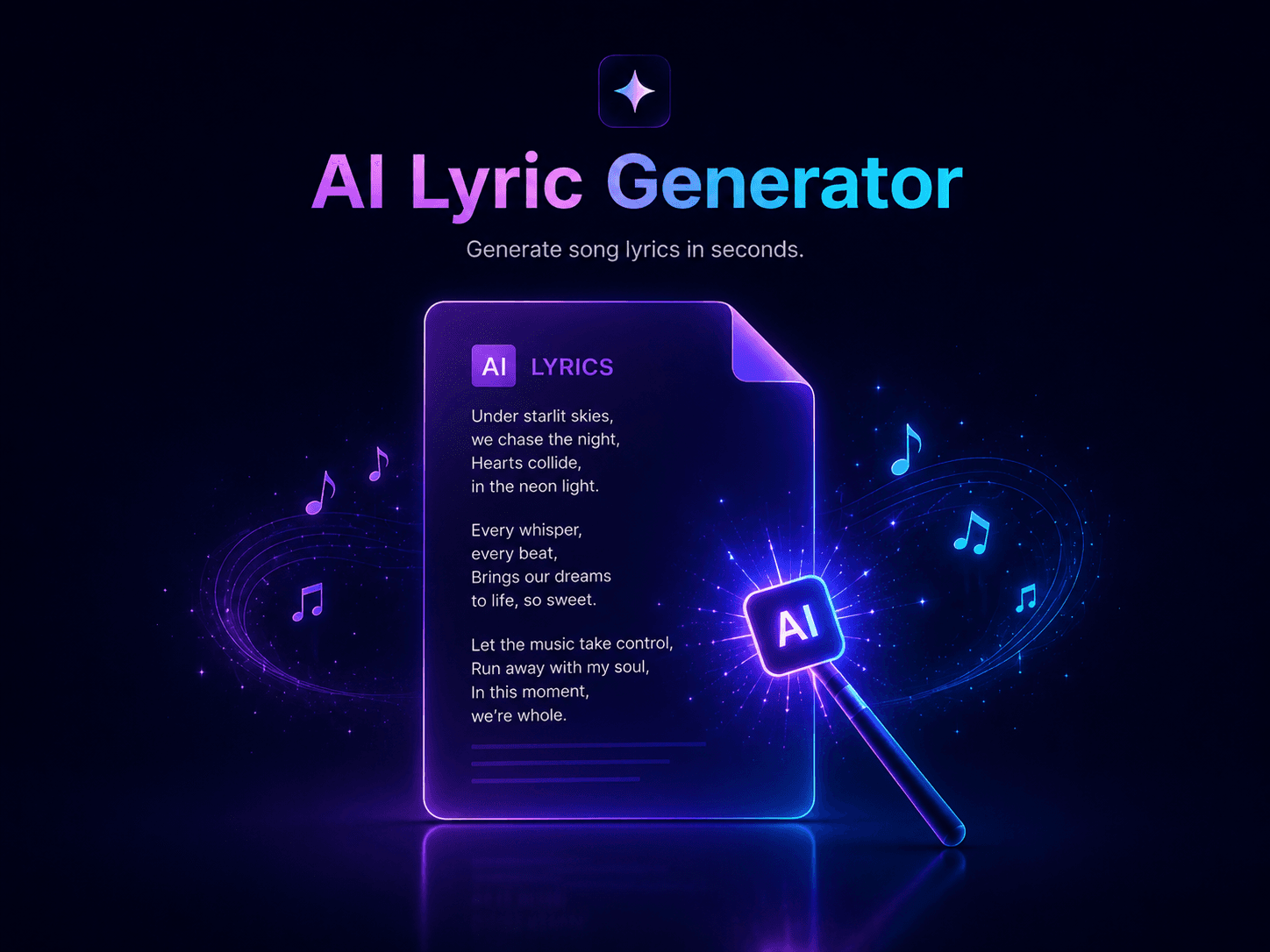
AI Lyrics Generator

When a blank page slows you down, generate usable lyric directions fast. Build hooks, verses, rhyme ideas, rap lines, pop concepts, or emotional song sections that help you keep writing.

Summary

  • Create original lyric drafts for different moods and genres.
  • Works for rap, pop, rock, ballads, and storytelling songs.
  • Move past writer’s block with faster lyric exploration.
Start Writing Lyrics
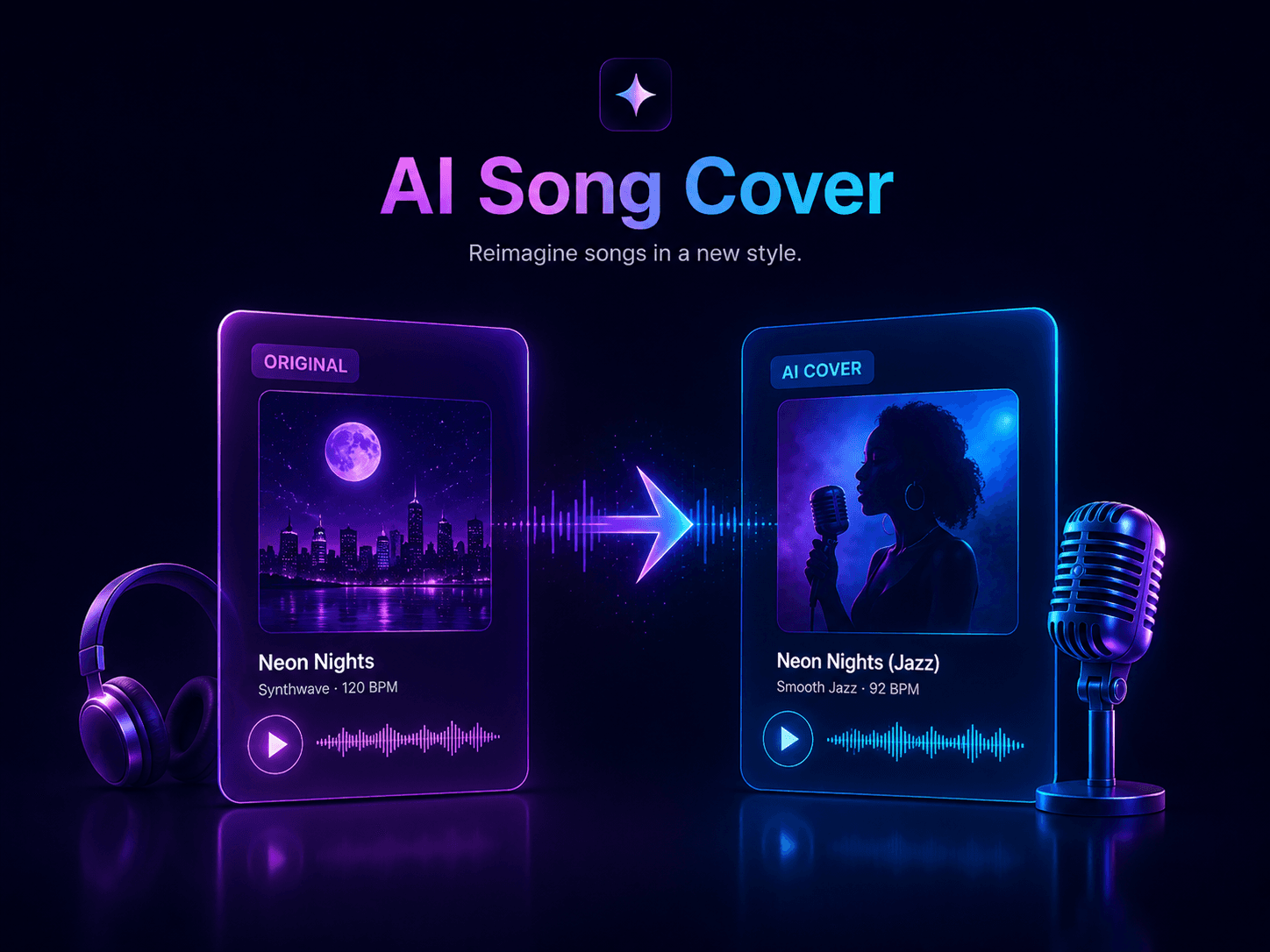
Song Cover tool by AI Song Maker
Tool Features

Song Cover

Explore a different vocal angle for existing music. Upload or reference a track, choose a new voice direction, and hear how the same song can feel with a fresh performance style.

Summary

  • Replace or restyle vocals on a track with simple controls.
  • Test alternate voices and moods for existing song ideas.
  • A practical way to experiment with AI-assisted vocal covers.
Create an AI Cover
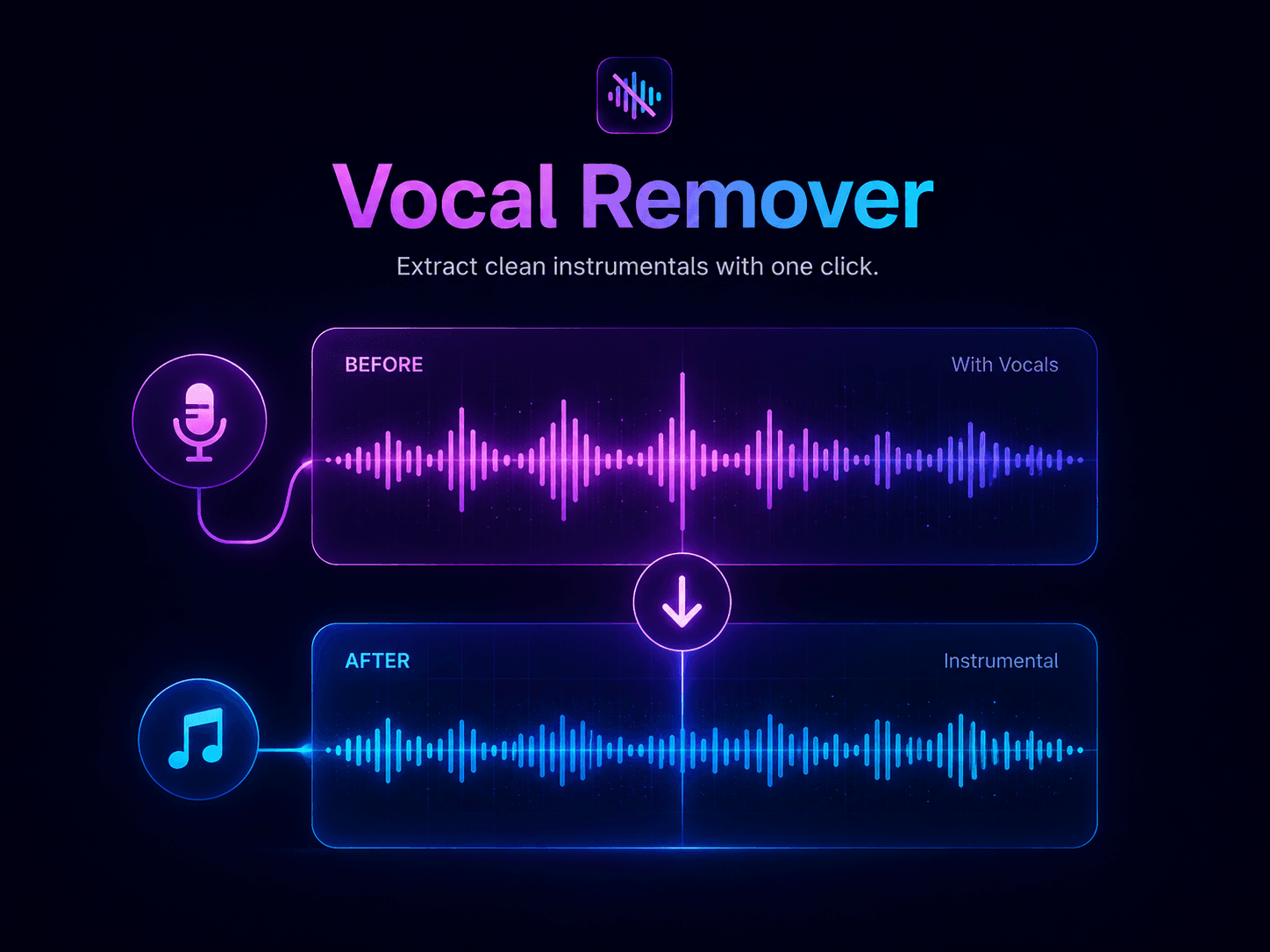
Vocal Remover tool by AI Song Maker
Tool Features

Vocal Remover

Create cleaner instrumentals for practice, remixing, or content work. Remove or isolate vocals from audio with precise separation, then use the result for karaoke, edits, DJ sets, or samples.

Summary

  • Separate vocals and backing tracks from uploaded audio.
  • Make karaoke versions, remix starters, or clean instrumentals.
  • Prepare usable stems for editing and production tasks.
Extract Instrumentals
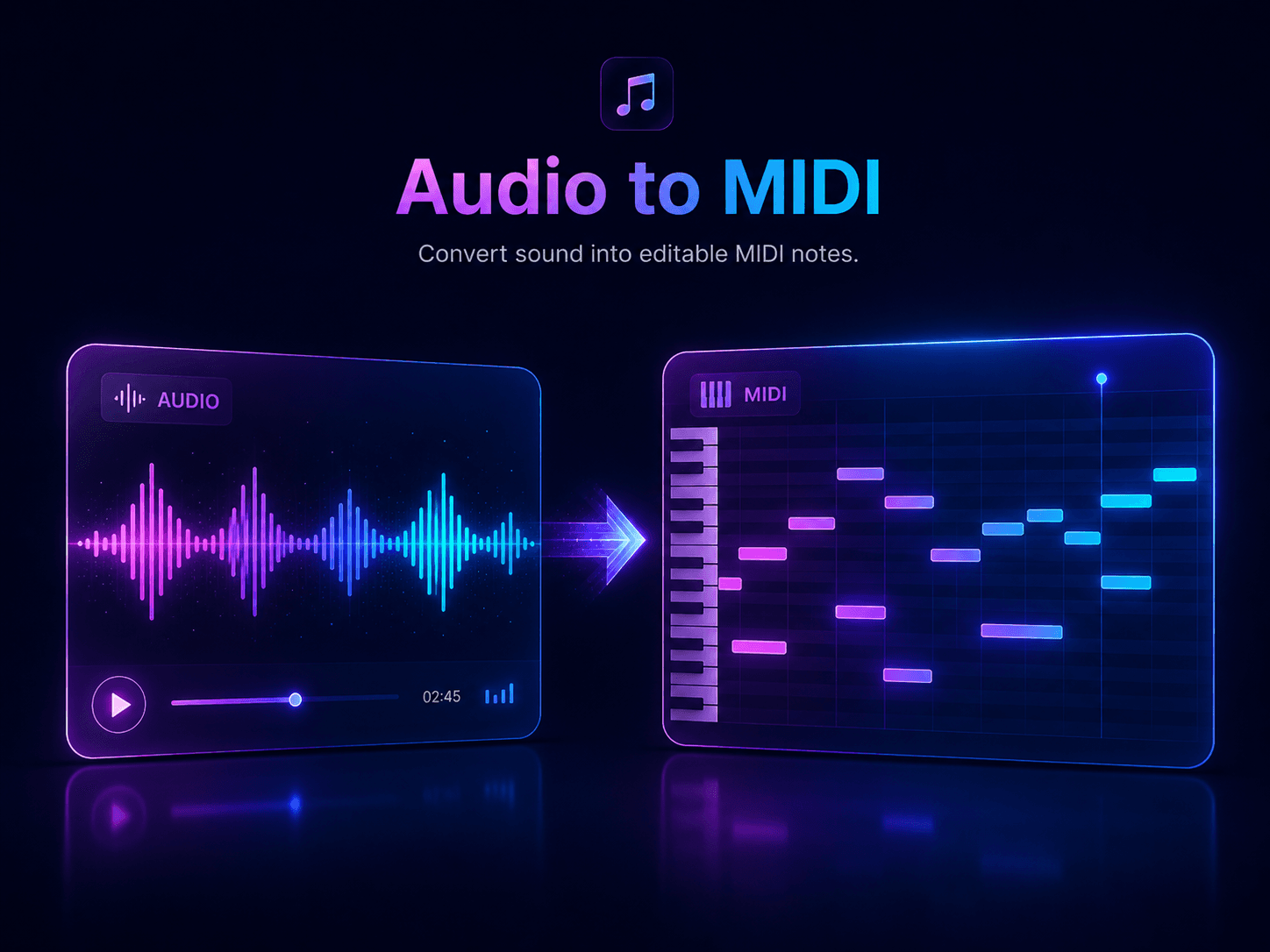
Audio to MIDI converter by AI Song Maker
Tool Features

Audio to MIDI

Turn recorded melodies into notes you can edit. Convert audio phrases into MIDI data, then adjust timing, pitch, instruments, and arrangement details inside your production workflow.

Summary

  • Convert audio melodies into editable MIDI information.
  • Refine notes, rhythm, and instrument choices after conversion.
  • Add more control to composition and beat-making sessions.
Convert Audio to MIDI
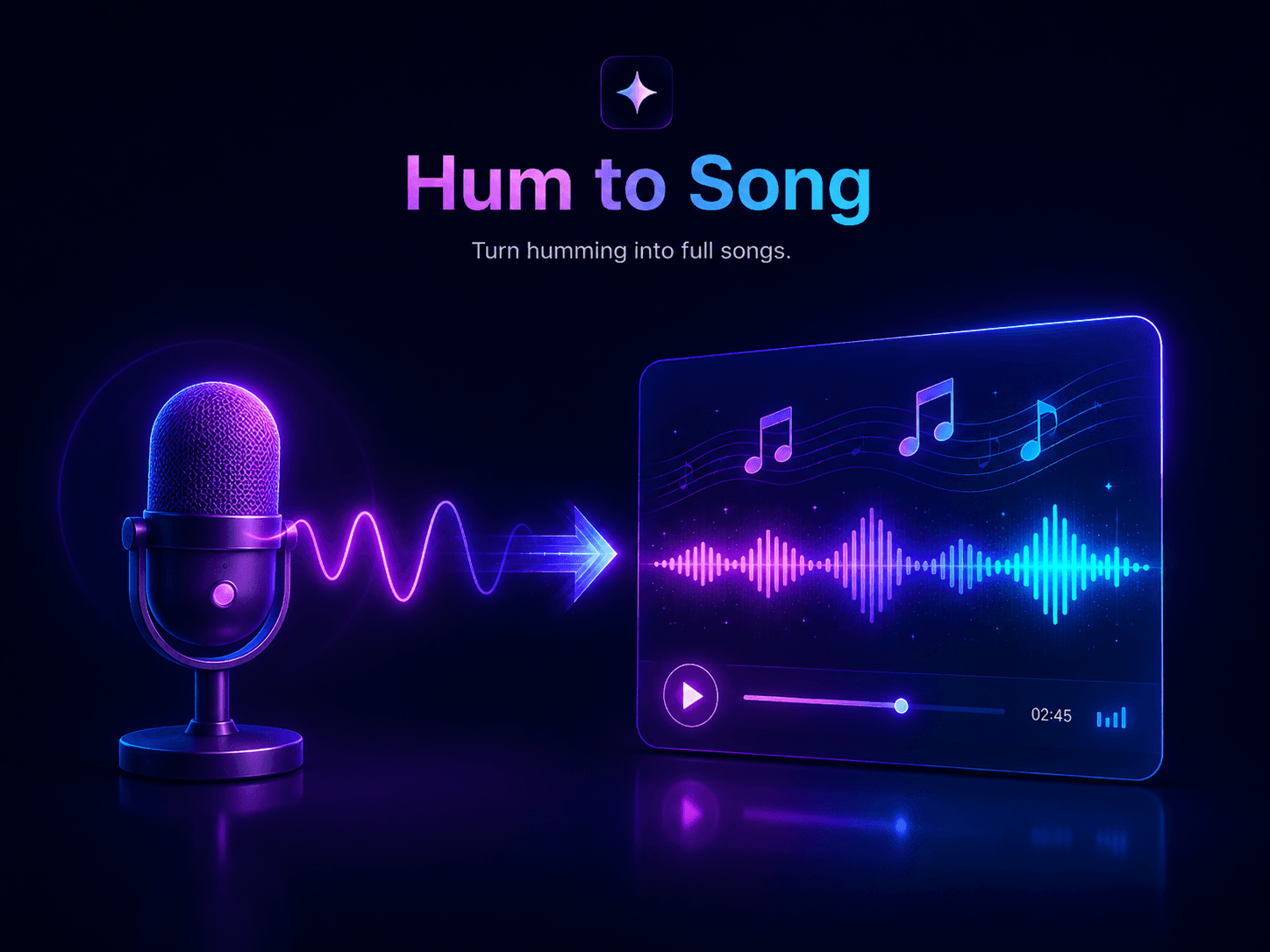
Hum to Song generator by AI Song Maker
Tool Features

Hum to Song

Capture a melody before it disappears. Hum or upload a rough tune, then let the generator build chords, rhythm, vocals, and a fuller arrangement around your starting idea.

Summary

  • Turn a quick hum into a more complete music sketch.
  • Capture melody ideas before you know the full production style.
  • Build arrangements from simple vocal or recorded references.
Hum Your Next Hit
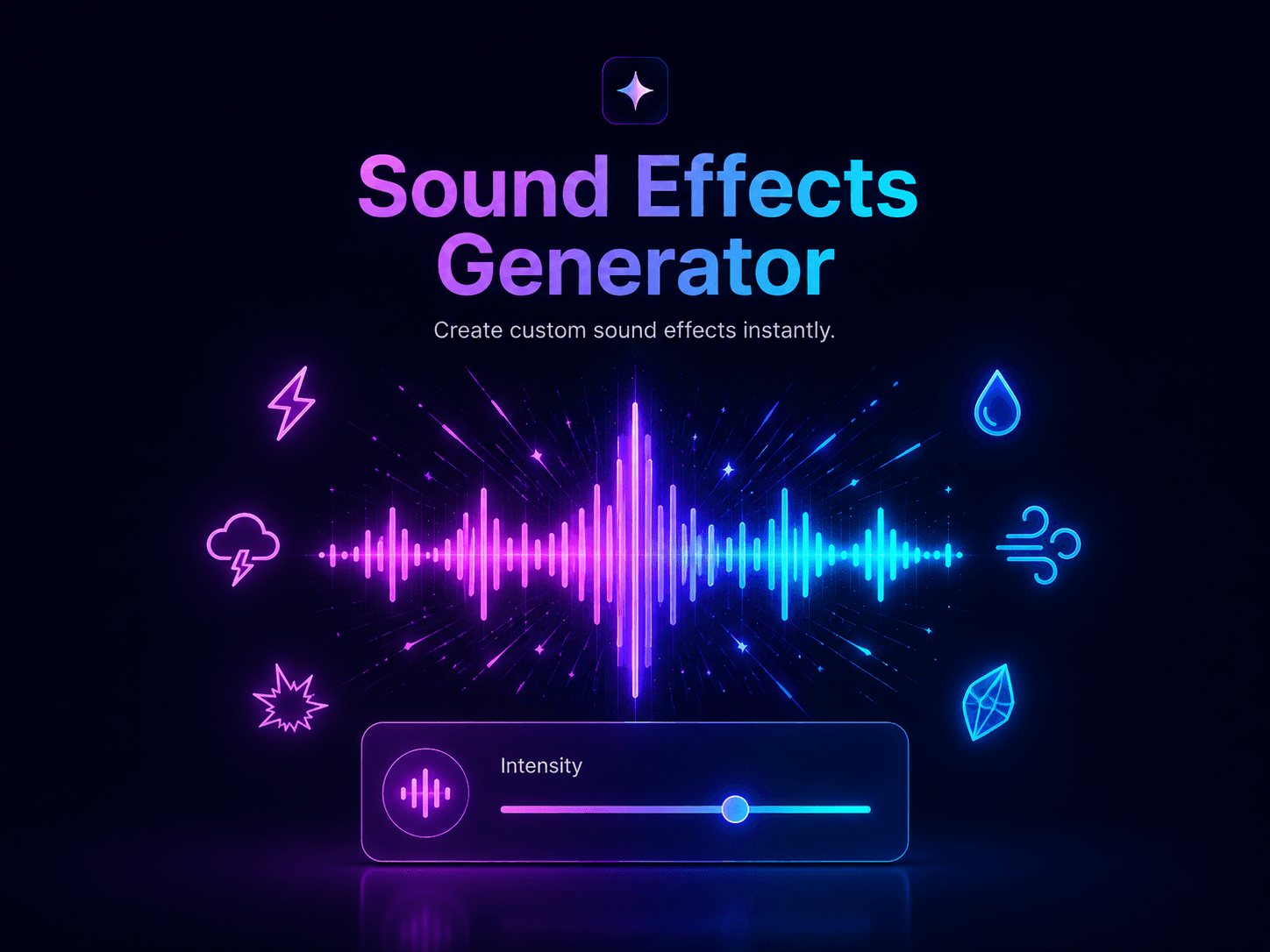
Sound Effects Creator tool by AI Song Maker
Tool Features

Sound Effects Creator

Generate original audio effects from short text prompts. Create impacts, transitions, whooshes, interface sounds, ambience, or playful noises for videos, games, podcasts, and social clips.

Summary

  • Create custom sound effects from written prompts.
  • Useful for editors, game makers, podcasters, and creators.
  • Produce audio assets for multimedia projects without libraries.
Generate Custom Sounds
RIGHTS-AWARE AI MUSIC

Creator-friendly songs with safer rights boundaries

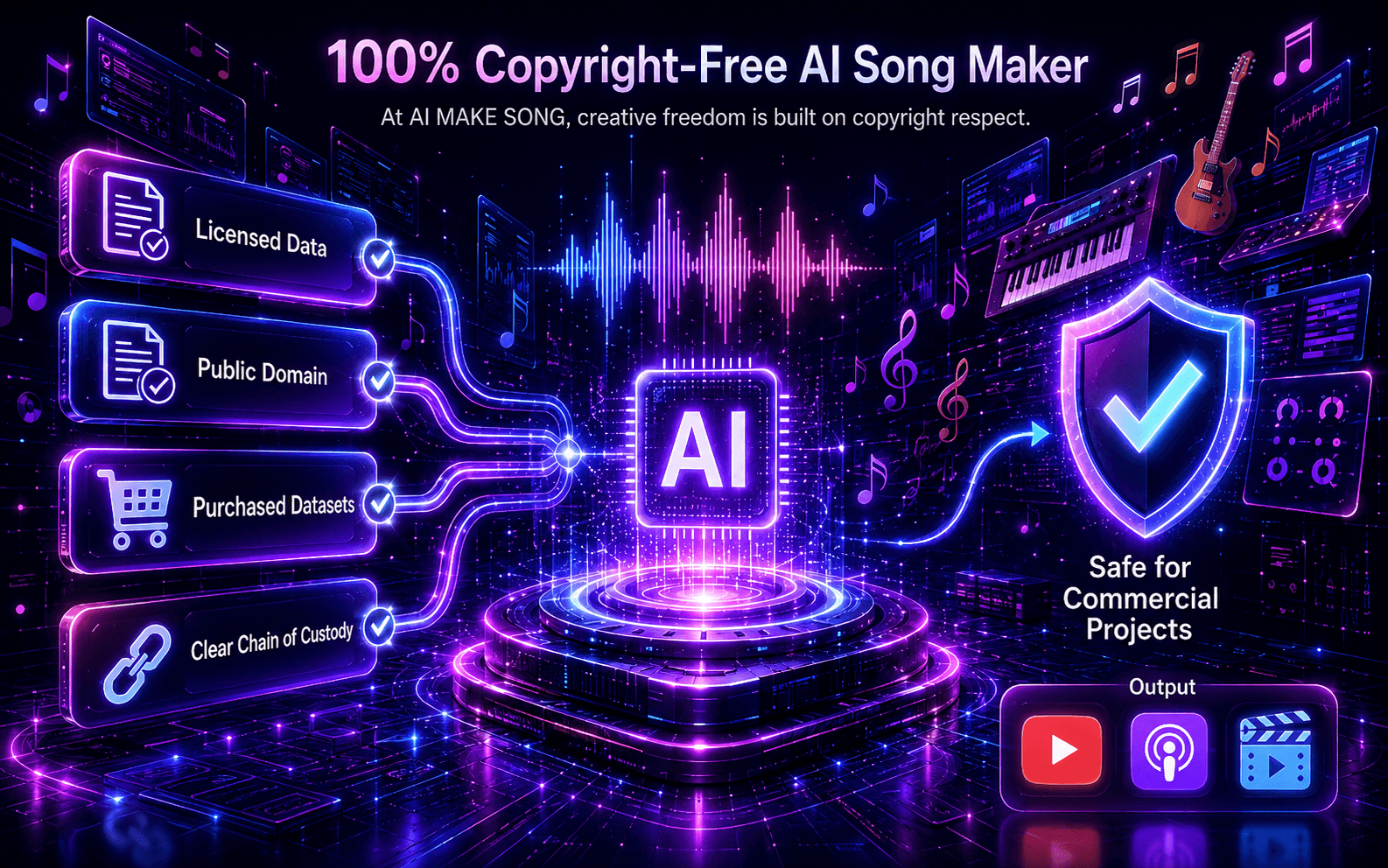
Make A Song AI is designed for original prompts, original lyrics, and creator projects. Generated songs can be used in personal or commercial work when your inputs do not include restricted names, copied lyrics, protected recordings, or third-party material you do not control.

Create with original inputs

SAFE USE CHECKS

Start from original material

Use your own lyrics, brand-safe prompts, or general style descriptions instead of copying existing songs.

Keep the source trail clear

Task history, prompts, tags, and generated assets help you understand how each result was created.

Download rights depend on your inputs

Commercial use is strongest when the prompt, lyrics, uploads, and references are original or properly licensed.
How creators use Make A Song AI in real projects

Examples from creators who need quick drafts, music references, intros, gifts, and production-ready ideas.

Maya Voss

Maya Voss

YouTube editor

Review

I use it to test music directions before editing a video. The first draft gives me tempo, mood, and structure fast enough to keep the project moving.

#video-workflow
Noah Kline

Noah Kline

Indie game designer

Review

For menus and character scenes, I can generate several atmosphere sketches and choose the one that best matches the level design.

#game-audio
Elena Park

Elena Park

Podcast producer

Review

The prompt workflow helps me make intro music that matches each episode series without searching stock libraries for hours.

#podcast-intro
Jon Bellamy

Jon Bellamy

Wedding filmmaker

Review

Personal songs help me pitch emotional edits to clients. I can quickly test a warm acoustic version, a cinematic version, and a pop version.

#event-films
Clara Mendes

Clara Mendes

Marketing lead

Review

When we need a jingle direction, I can generate references for the team before we book studio time or brief a composer.

#brand-audio
Ravi Stone

Ravi Stone

Songwriting coach

Review

Students hear how lyric choices change melody and arrangement. It turns abstract songwriting advice into something they can actually listen to.

#songwriting-class
Create your first AI song

Start with daily credits and upgrade when you need more output.

Unlock Your Full Creative Potential

Choose the perfect plan and limits for you, and turn every idea into a masterpiece.

Limited-time offer - Ends soon!

Advanced

$36.5/mo-67%
$11.93/mo

Billed $143.1/year

7200 songs/year
  • 10800 credits/year
  • 2 running jobs at once
  • High-Quality Lossless Download
  • Dedicated Support Representative
  • Sing with Your Voice
  • Access to the Latest Model
  • AI Music Videos
  • AI Song Covers
  • Audio Upload & AI Vocal Removal
  • AI Voice Changer
  • Recover Music
  • Original Lyrics
  • Unlimited Albums
  • AI Video: Best Value
  • AI Image: Best Value
  • More Features Coming Soon
  • Album Share Links
  • Private Generations
  • Forever Cloud Storage

One-Time Credit Packs

Need more credits? Get extra credits instantly, no subscription required.

One-Time Purchase

1,200credits

$29

  • 1,200 credits
  • Never Expire
1,200 credit coin pack

Secure Payment

Your payment information is always safe.

Instant Delivery

Credits are added to your account right away.

No Expiration

Credits never expire, use them anytime.

24/7 Support

We are here to help you anytime.

AI song generator questions

Clear answers about AI song generation, credits, downloads, commercial rights, and better prompts.

What can I create with Make A Song AI?

You can create full AI songs from lyrics or text prompts, draft background music, generate personalized songs, test production ideas, and build audio references for videos, podcasts, games, ads, or gifts.

How do credits work?

Different actions use different credits. Lyrics generation uses 1 credit, V2.0 song generation uses 3 credits, V2.5 Pro uses 6 credits, and V3 uses 12 credits. The pricing page shows subscription credits and one-time credit packs.

Which workflow should I use first?

Use Lyrics to Song when you already have words. Use Text to Song when you only have a mood, scene, story, product idea, or audience in mind. Both workflows create complete song drafts.

Can I use generated music commercially?

Commercial use depends on your plan and your inputs. Original prompts and original lyrics are the safest path. Do not include copied lyrics, famous names, protected recordings, or third-party material unless you have the rights.

Can I download my songs?

Download access depends on your account and plan. You can preview results after generation, keep them in your history while storage is available, and unlock higher-quality exports with paid plans.

How do I write a better AI music prompt?

Mention purpose, audience, mood, genre, instruments, tempo, vocal direction, and structure. A prompt like “energetic podcast intro with clean drums, warm synth bass, short hook, no long verse” works better than a vague phrase.

Is my generated music private?

Private generation and storage behavior depend on your plan settings. For sensitive projects, avoid putting confidential names, unreleased lyrics, or private business information into prompts.

Does Make A Song AI support multiple languages?

Yes. You can write prompts or lyrics in different languages and guide the AI with style tags, mood, and vocal direction. Clear language instructions usually produce better results.