How to Make an AI Song Cover With a Clear Voice and Style Plan
Learn how to make an AI song cover with a safer source plan, voice style direction, pitch checks, arrangement notes, and export review before sharing.
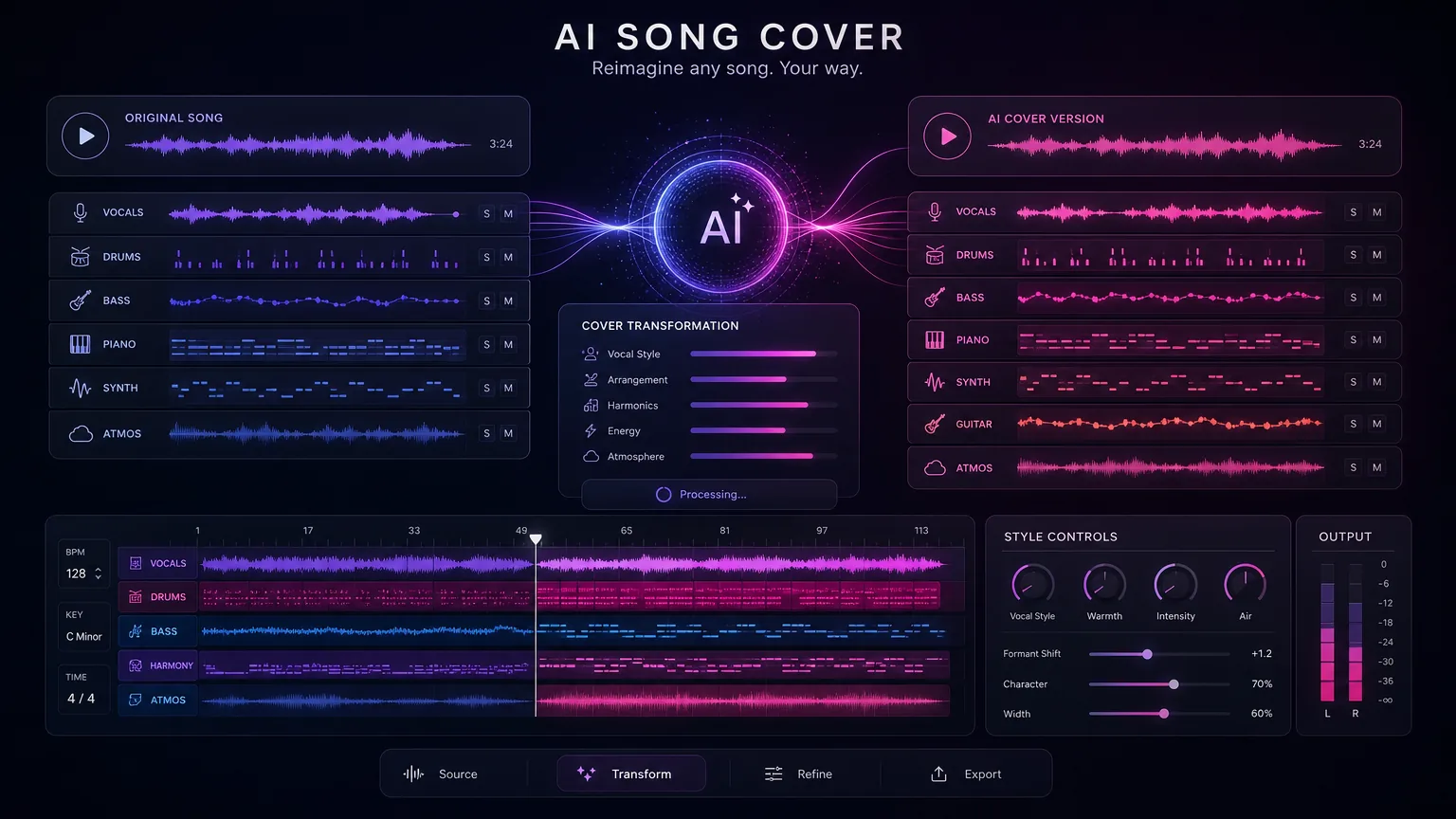
What this guide helps with
Turn a cover idea into a controlled vocal draft
An AI cover works better when you plan the source, the vocal style, and the arrangement before generating. This workflow focuses on creative boundaries, voice direction, upload quality, pitch review, and platform-safe wording so the result feels intentional instead of random.
Voice style
Describe vocal texture, range, and energy without relying on unsafe imitation prompts.
Cover vocals
Prepare the uploaded song or link so the generator has a cleaner source.
Pitch review
Check whether the chosen voice style fits the melody before export.
Release notes
Document source status, permissions, and intended platform before sharing.
A repeatable workflow before you open the tool
Clarify the source and rights situation
Start by identifying whether the source is your own song, a licensed track, public-domain material, or a copyrighted recording. AI cover generation does not automatically clear the underlying composition or recording.
If the cover is only a private experiment, the risk profile is different from a public upload, client deliverable, or monetized video. Decide the use case before you generate.
Choose a voice style, not a risky clone brief
A stronger prompt describes vocal qualities: warm baritone, airy pop lead, bright female vocal, relaxed spoken verse, or energetic chorus stack. Avoid claiming that the result is an official version or asking for unauthorized imitation of a real performer.
This keeps the cover direction useful while giving the model creative space to create a distinct vocal result.
Prepare clean source audio or a stable link
Use the best source you have permission to use. Avoid noisy recordings, clipped uploads, and files with long silence. If the source vocal is messy, first consider whether vocal removal or stem preparation would improve the cover workflow.
A clean source makes pitch, timing, and phrase detection easier, which usually improves the AI song cover draft.
Generate and review the first cover draft
After generation, listen for timing drift, pitch strain, unnatural consonants, and places where the voice style fights the melody. A good cover draft should preserve the song idea while sounding coherent in the chosen voice direction.
Review verse and chorus separately. Many issues only appear when the vocal gets louder, faster, or more layered.
Export with platform context in mind
Save the result with notes about source, voice style, date, and intended use. If you plan to post publicly, check platform rules and rights requirements before publishing.
For safer creative work, keep the cover as a reinterpretation with distinct arrangement, vocal tone, and documentation.
Better results
Tips that improve the first draft
Use descriptive vocal traits instead of named imitation.
Check pitch comfort before judging the full mix.
Keep the original source and final export together.
Use vocal removal only when it helps source preparation.
Avoid “official” wording for fan-made or experimental covers.
Common use cases
Where this workflow fits
Cover demos
Hear how a song idea might feel with a different vocal tone or arrangement.
Creator shorts
Create short cover-style drafts for social clips when you have the necessary rights.
Songwriting review
Test whether melody and lyrics still work when the vocal color changes.
Mistakes to avoid
What usually weakens the output
Starting with unclear source rights.
Using a voice prompt that asks for unauthorized imitation.
Ignoring pitch strain because the chorus sounds exciting.
Posting before checking platform and licensing requirements.
Create with Make A Song AI
Create the cover after the voice direction is clear
Use the AI song cover generator when you have a clean source, a specific voice style, and a review plan for timing, pitch, and rights.
Frequently asked questions
What do I need to make an AI song cover?
You need a source song or link, a clear voice style direction, and a plan for reviewing pitch, timing, and rights before sharing.
Can I imitate a famous singer?
Do not use unauthorized voice imitation. Describe vocal qualities and create a distinct style unless you have the needed permission.
Why does an AI cover sound off pitch?
The chosen voice range may not fit the melody, or the source audio may be noisy, compressed, or hard to analyze.
Can I publish AI cover songs?
Only when you have the required rights for the source and the destination platform allows the use case.