AI Rap Song Maker Guide: Write Flow, Hooks, and Beats Faster
Use an AI rap song maker workflow for original hooks, verses, rhyme patterns, beat direction, flow notes, and safe rap prompt boundaries.
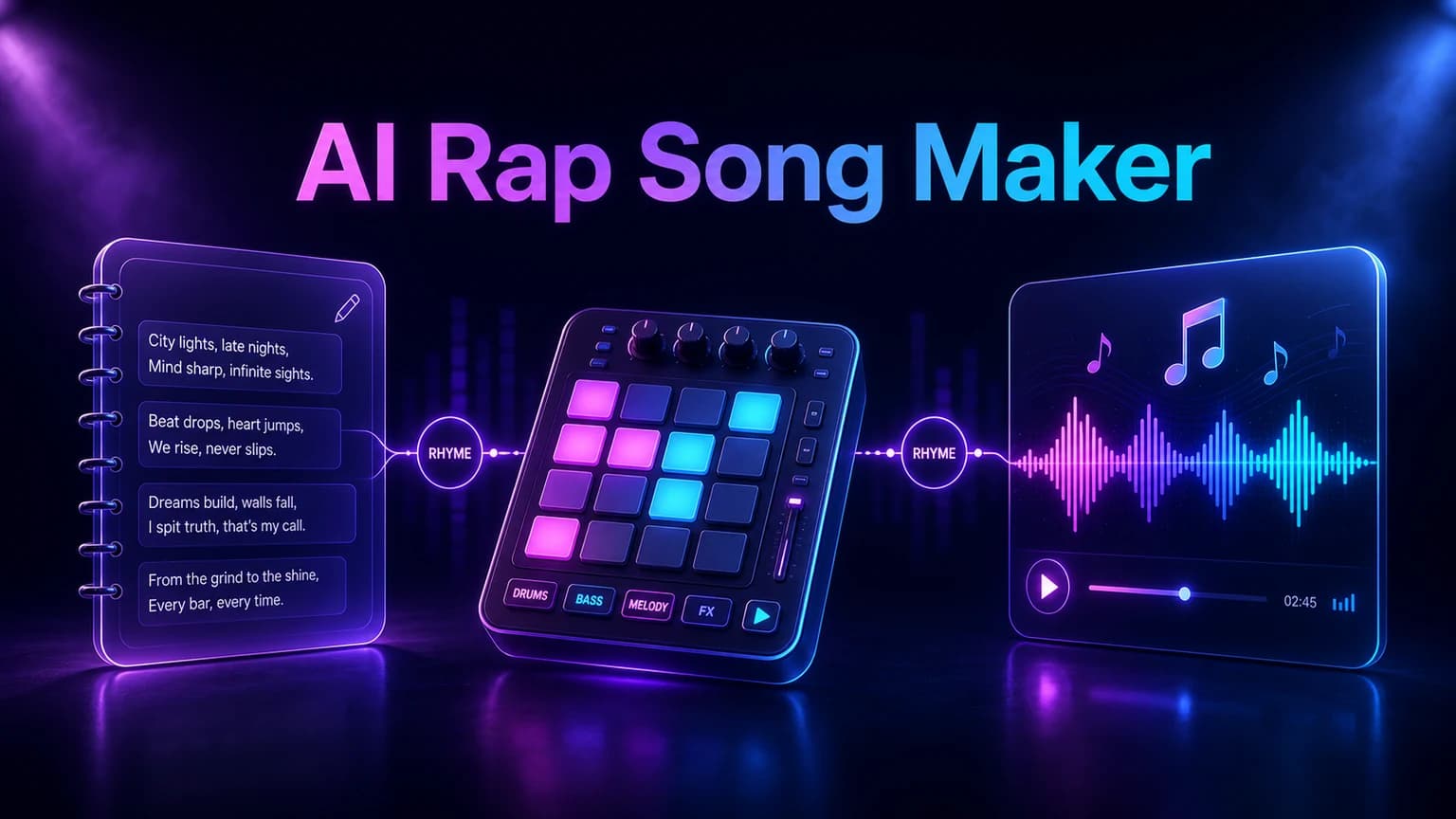
AI rap works better when the prompt controls topic, hook, flow, rhyme density, beat style, and vocal energy. This guide keeps the workflow original and avoids risky artist imitation.
Before you start
Start with the rap topic and point of view before choosing a beat style.
Write or generate the hook separately from the verse.
Control flow with tempo, line length, rhyme density, and delivery notes.
Describe musical traits instead of asking to copy a rapper or voice.
Practical workflow
Use the guide as a repeatable production pass
This guide is organized around the same steps a creator needs before opening the matching tool: define the input, control the model, review the result, then change one variable at a time.
Start with the topic and speaker
Build the hook before the verse
Control flow with practical prompt details
Choose beat direction without overloading the prompt
Field-tested prompt patterns
Original rap brief
Full rap draft
Create an original [mood] rap song about [topic] from the point of view of [speaker]. Beat: [beat style]. Flow: [delivery]. Hook under 10 words, two verses, clean language, no artist imitation.
Hook options
Before verse writing
Generate 10 short rap hook options about [topic]. Keep each under 8 words, use strong vowels, avoid clichés, and make the hook easy to repeat over a [tempo] beat.
Flow revision
Draft feels flat
Keep the topic and hook, but revise the verses with tighter line lengths, more internal rhyme, clearer punchlines, and a [laid-back / aggressive / melodic] delivery.
Quality bar
Do not approve the draft until it passes these checks
Original speaker
The rap has its own point of view rather than copying a known artist.
Hook focus
The main phrase is short enough to carry the track.
Flow control
Tempo, line length, rhyme density, and delivery are defined.
Beat direction
The prompt names groove and energy without overloading genre tags.
Rights boundary
The prompt avoids direct voice imitation, famous names, and copied lyrics.
Start with the topic and speaker
A rap prompt needs a clear speaker. The voice could be confident, reflective, funny, motivated, frustrated, or celebratory. Without point of view, the lyrics often become generic flex lines that do not fit the track.
Write one sentence that explains what the rapper is saying and why. Then add the audience and setting: gym intro, short video, personal story, brand reel, game trailer, or full demo. The setting changes the hook and beat choices.
Next step: AI lyrics generator — Draft hooks, verses, rhymes, and rewrites before making the track.
Build the hook before the verse
The hook decides whether the rap song is memorable. Create a short phrase that repeats naturally, then write verses that lead back to it. If the hook is weak, a technically dense verse will not save the song.
Use the AI lyrics generator for hook options first. Ask for five short hooks with different attitudes, then choose one and generate verses around it. This keeps the track focused.
Hook: short, repeatable, emotionally clear.
Verse: specific images, movement, and punchlines.
Bridge or breakdown: contrast before the final hook.
Next step: lyrics to song — Turn finished rap lyrics into a complete song arrangement.
Control flow with practical prompt details
Flow is easier to guide when you describe tempo, line length, rhyme density, and delivery. Try terms like mid-tempo bounce, fast double-time section, laid-back conversational flow, clean radio hook, or punchy four-bar phrases.
Avoid asking for a famous artist copy. Translate references into traits instead: crisp drums, sparse bass, melodic chorus, aggressive delivery, smooth internal rhymes, or cinematic trap atmosphere.
Next step: AI music generator — Generate the full rap song with beat, vocal, and arrangement direction.
Choose beat direction without overloading the prompt
A beat direction should name the groove and energy, not a giant list of genres. Useful directions include boom bap drums, trap hi-hats, drill bounce, lo-fi sample feel, club-ready 808s, or cinematic orchestral hits.
Add only the details that matter to the final track. Too many beat instructions can make the generator split the difference and produce a weaker result.
Next step: song lyrics ideas — Find a stronger topic, image, and hook angle before writing.
Keep rap prompts original and safe
Do not ask the model to imitate a living rapper's voice or rewrite a known song. For a safer workflow, describe mood, delivery, rhythm, instrumentation, and structure. Original constraints also make the result easier to revise and release.
After generation, review the lyrics for accidental names, copied phrases, explicit language, and claims you do not want in the final song. Then regenerate with tighter boundaries if needed.
Frequently asked questions
Can AI make rap songs?
Yes. AI can draft rap lyrics, hooks, beat direction, and vocal arrangement when the prompt includes topic, flow, mood, structure, and style boundaries.
How do I make AI rap sound less generic?
Use a specific speaker, setting, hook phrase, rhyme density, and beat direction. Avoid vague prompts like make a cool rap song.
Can I ask AI to rap like a famous artist?
Avoid asking for direct artist or voice imitation. Describe musical traits such as tempo, drum feel, mood, vocal energy, and rhyme style instead.